



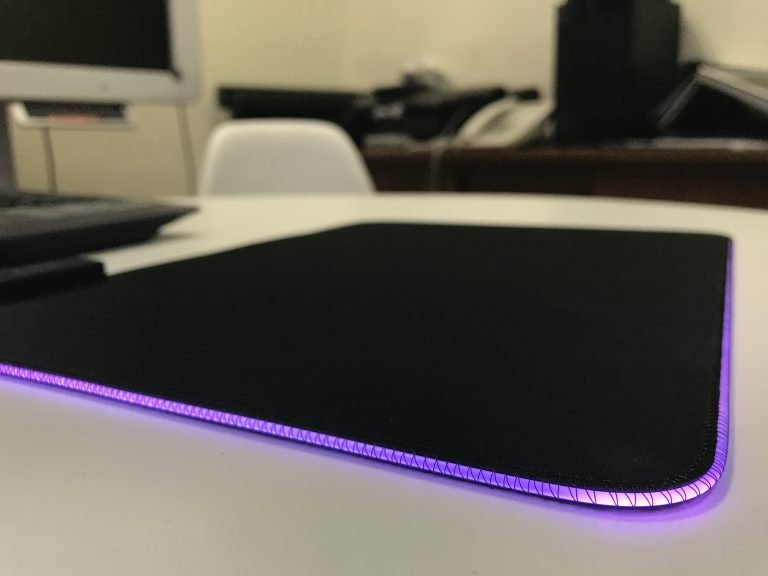
 Light Up the Night
When the Razer Goliathus Chroma came in, I was amused to try out the brand’s RGB lighting on a mousepad. Plugging it in, light tubes stitched around the edges of the pad begin to glow and transform. As such, the lights are cool to look at, and I enjoyed customising the lighting within Razer’s Synapse 3 software. I personally set it to react to mouse clicks, but appreciate options for static colours, colour fading, and more.

Quality Feel
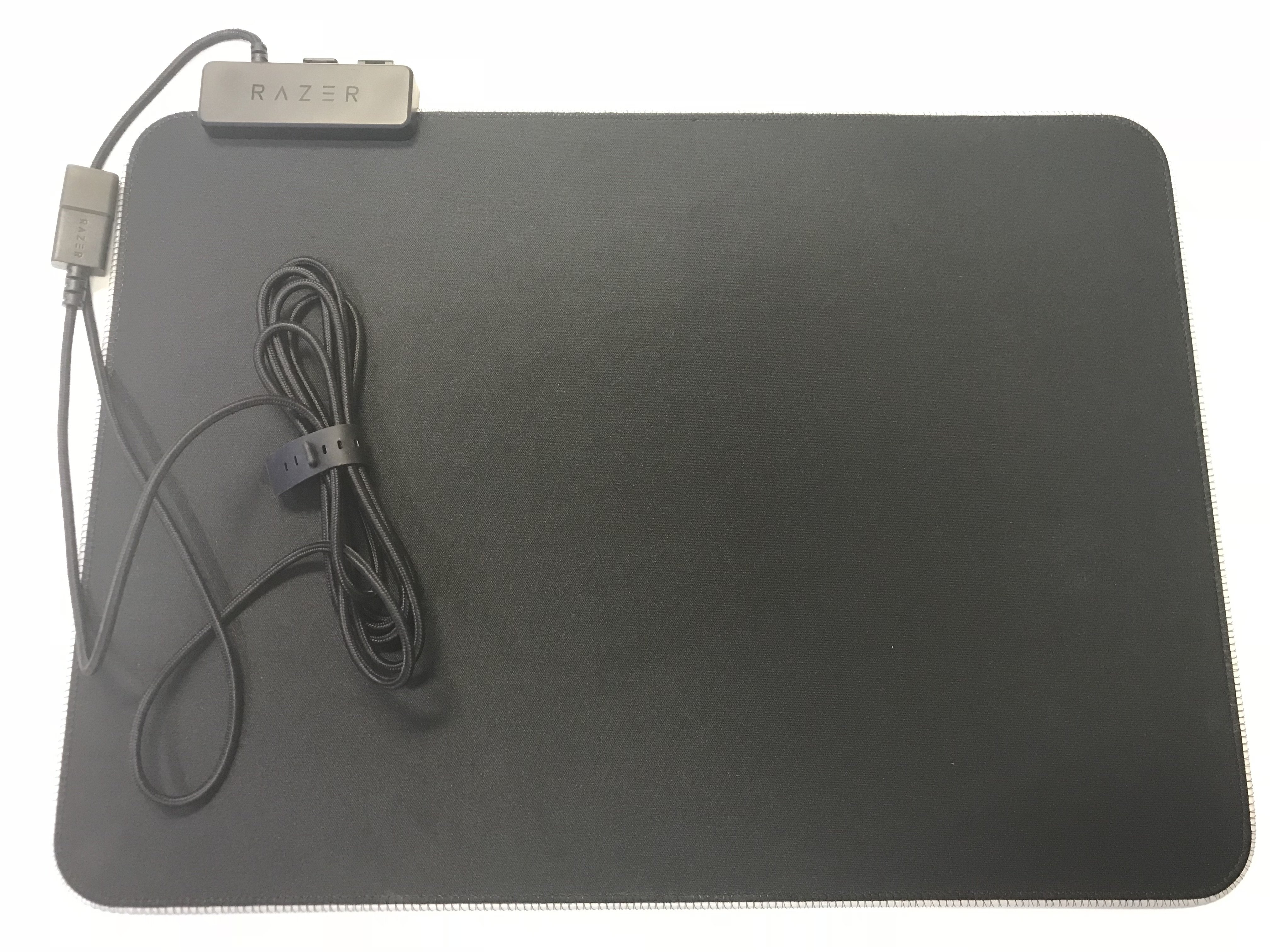
The Razer Goliathus Chroma’s soft mat uses a micro-texture cloth for balance and control. Underneath, the rubber base keeps the pad from slipping, even with vigorous movements. With a big surface area of 255x355mm, I see little issue in moving my mouse around. That being said, the USB connector/cable in the top left does get in the way occasionally, bumping into my mouse at times. Being a wired mouse mat, wire clutter is to be expected, which is a little detracting.
Intuitive Setup
I’m a fan of how simple the Razer Goliathus Chroma mouse mat is to use. I can plug it into a USB 3.0 port on my computer, install the Razer Synapse 3 software, and get straight to customising. Even without the software, the mouse mat works, defaulting to randomly cycled colours. One disappointing aspect, however, is that the mouse mat’s Reactive effect only works with a Razer mouse. This is in spite of the mat’s steep price.
Verdict: A great mouse mat with vibrant and flexible RGB, but make sure you’re buying it for the lights.




