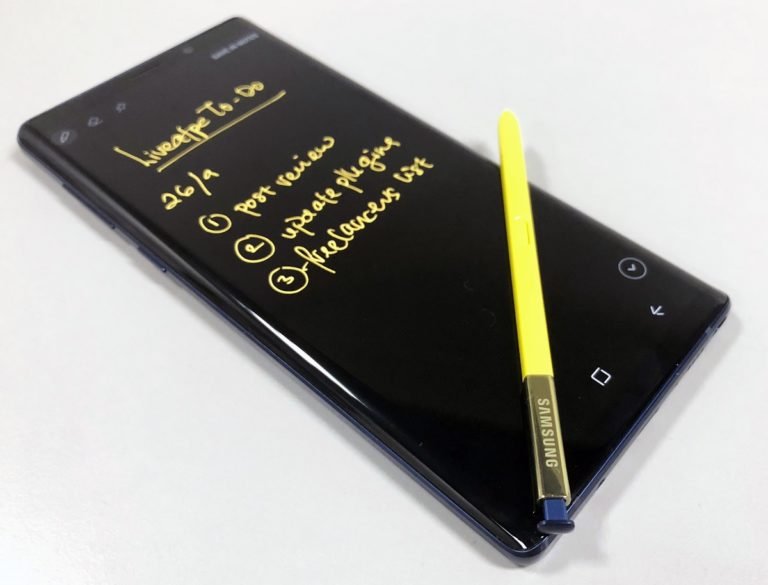
In this age of being on-the-go, consumers are no longer limited to just using personal computers when it comes to productivity. On this end, The Samsung Galaxy Note9 is more than just a mobile phone. It is a feature-packed phablet that can cater to a wide range of productivity needs.
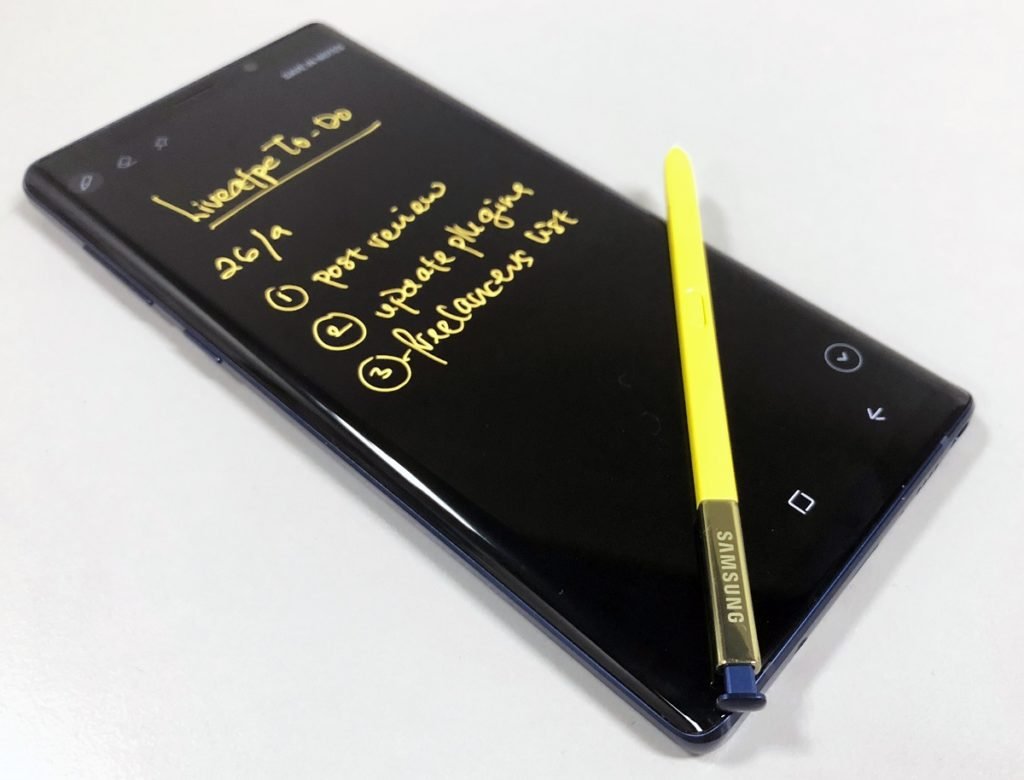
Note Taking with S Pen
Inspiration can come at any time. Or if you have mommy brains like I do, you have to jot down your tasks lest you forget. With the Galaxy Note9’s Screen Off Memo function, you can write down notes or ideas without unlocking your device. Just simply pop the S Pen out and begin writing. Once you’re done, slot the S Pen back in and your note will automatically be saved in Samsung Notes.
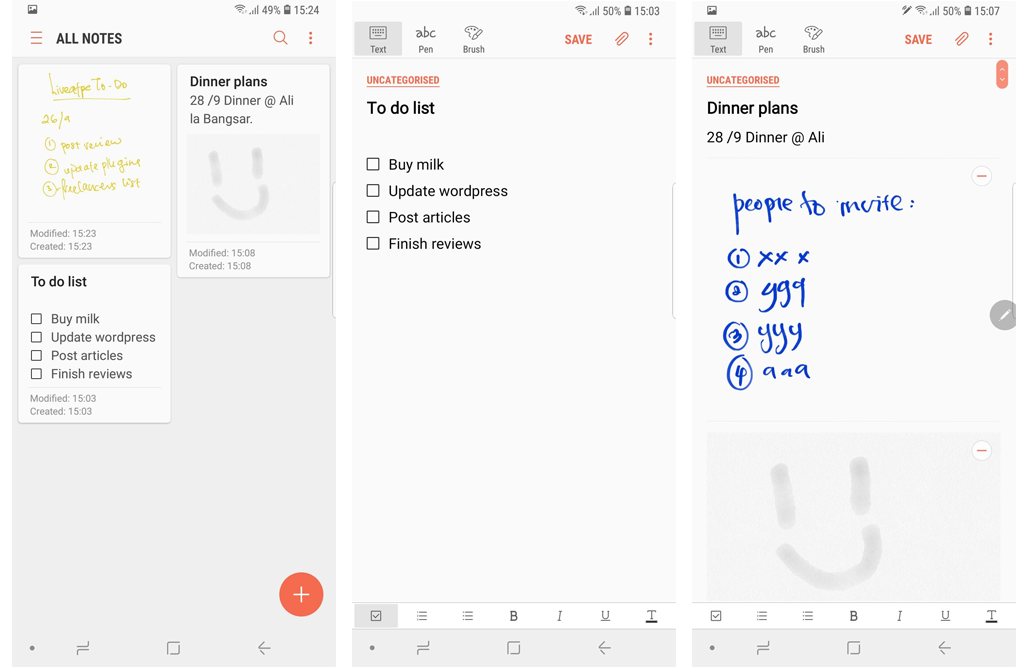
Storing Your Notes
If you’re an avid list-maker, note-taker and doodler, Samsung Notes will fast become your go-to app. Not only does it store your Screen Off Memos, users can create notes that contain text, hand-written notes and even draw a picture.

Seeing Double
There are going to be moments where multi-tasking would be required of you. And sometimes, using a PC would make things way easier. With the Samsung DeX ecosystem, you don’t need to choose between using your phone and PC. All you need is an external monitor and a DeX Cable. Connect a wireless keyboard and mouse, and voila, you can now use apps, review documents and watch videos on a PC-like interface. You can still use your Galaxy Note9 simultaneously.