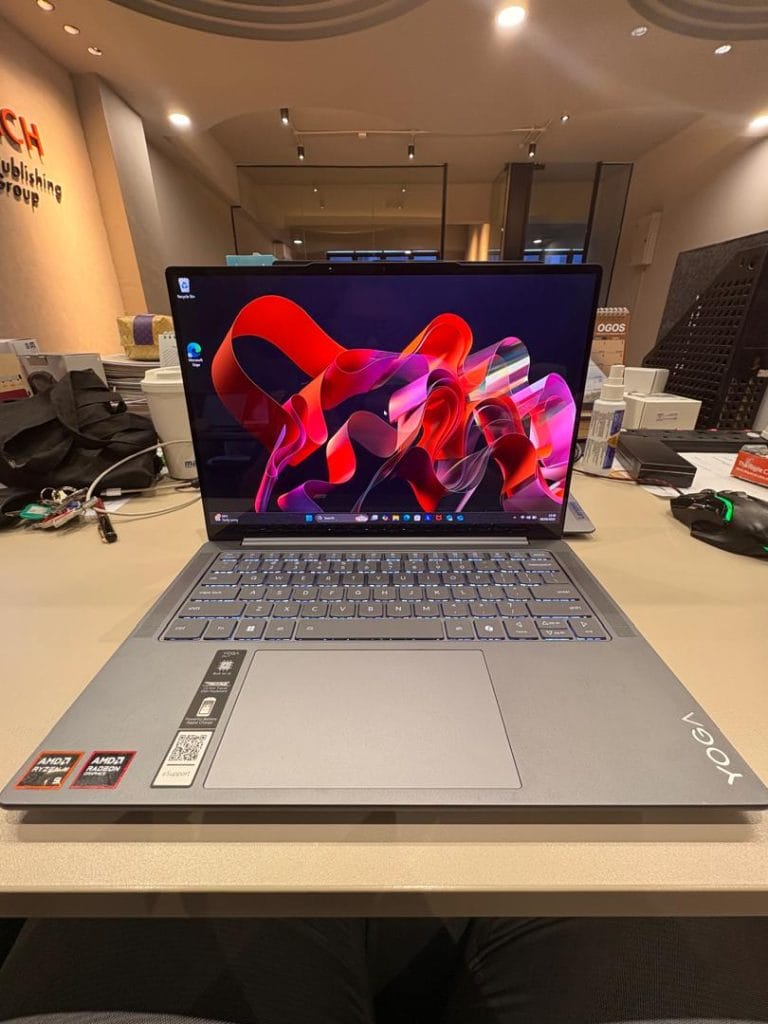
I have been using the Lenovo Yoga Pro 7 Gen 9 with the AMD Ryzen AI 9 processor and Radeon 780M graphics for about a month. It was sent as a review copy and during this time I have relied on it for my daily work, which mostly involves writing, editing documents and browsing. I also tried it with heavier tasks to see how it behaves when pushed and after weeks of use I have a good sense of what it does well and what could be better.
Built for the Grind
For my kind of work the Yoga Pro 7 feels almost too powerful. Opening apps is instant, switching between documents and dozens of tabs is smooth and I have never experienced lag. It breezes through the sort of productivity work I do every day and in truth the hardware feels like overkill. That is not a complaint though. It means I can rely on it without worrying about slowdowns and it gives me confidence that it will remain fast for years, even if my workload changes. The keyboard also deserves praise here. It is responsive with just the right amount of travel and I could type for hours without fatigue. For long writing sessions, it is one of the best I have used in this class.
A Screen That Punches Above Its Weight
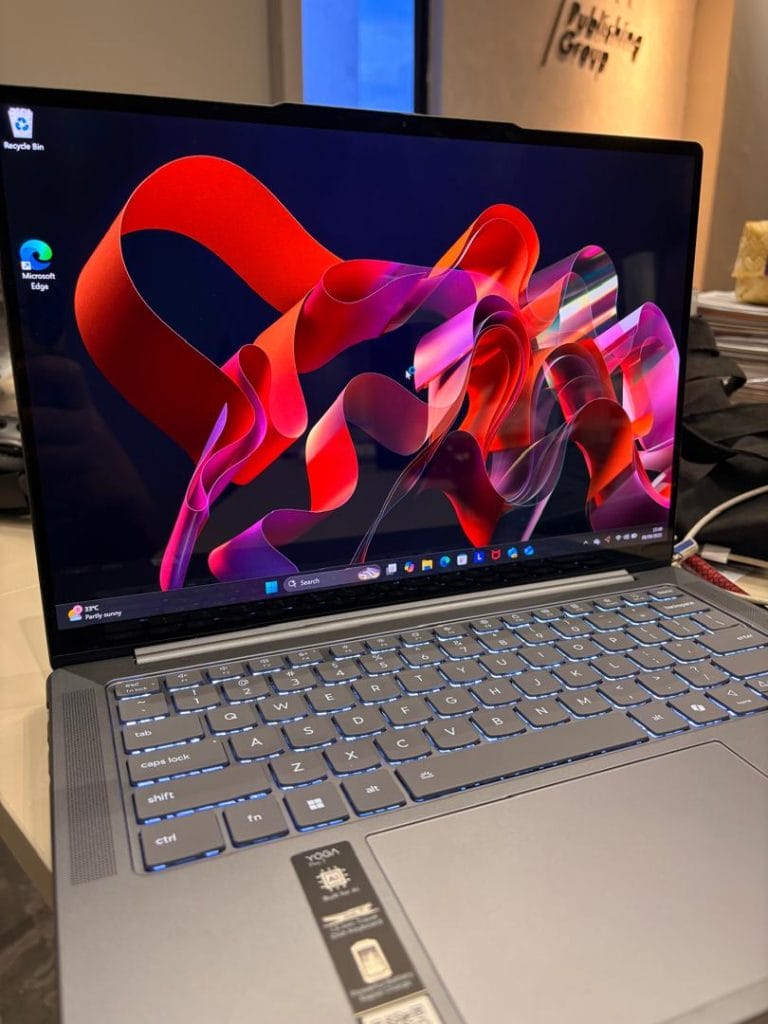
The 14.5-inch display is one of the highlights. It is sharp, bright and very color accurate, which makes it enjoyable not only for writing but also for watching content and doing some creative work. I tested photo editing and light video tasks and the laptop handled them without trouble. The Radeon 780M graphics are not meant for heavy creative projects or gaming, but for light work they are fine. What makes the experience better is the accuracy of the screen itself, which makes colors look right and motion feel smooth. Indoors it looks great, though outdoors in strong sunlight reflections can be distracting, so it is not the best machine for regular outdoor work.
Lasts the Workday, Tops Up in a Coffee Break
Battery life has been solid. On normal workdays with writing, browsing, video calls and light editing, I consistently got between eight and ten hours on a full charge. That is enough to leave the charger behind most of the time. Heavier tasks drain it faster, but it still holds up better than I expected. Charging speed is another plus. Fifteen minutes on the charger gives me a few hours back, which has saved me more than once when I forgot to charge overnight. A full charge takes longer, but the rapid top-up feature covers most situations.
Power Meets Heat
When the laptop is pushed hard, the system starts strong and then settles into a stable performance level. This is standard throttling to manage heat and while you can measure it under heavy loads, you do not feel it in daily use. For normal multitasking, it stays quick and responsive.
Where you do notice limits is with heat and noise. The keyboard warms up in the center during long, demanding sessions and the underside gets hot enough to feel through your lap. It never became unusable, but it is noticeable. The fans also get loud in performance mode. In a quiet room you will hear them clearly. On balanced mode they are much quieter and often silent for lighter work, which is why I kept it there most of the time.
Built Like It Means Business
The chassis feels solid and premium, the hinge is smooth and sturdy and the port selection covers most daily needs. Small touches like the webcam privacy shutter and the use of recycled materials give it some extra character. The speakers are surprisingly clear, with enough fullness for music or video and the microphones pick up voice cleanly for calls. Together with the screen and keyboard, these details make it a comfortable laptop to live with day to day.
Verdict – Reliable, With a Few Quirks
Looking back after a month, what I liked most was the reliability. The performance, the strong battery life and the comfortable keyboard combine into a laptop I can trust every day. The things I liked less were the fan noise when it ramps up, the warmth around the keyboard under heavy loads and the glossy display outdoors. None of these are dealbreakers, but they are worth noting.
Overall I am impressed with the Lenovo Yoga Pro 7 Gen 9 in its AMD configuration. For productivity it is as good as it gets. It is faster than I strictly need, but that also makes it feel future-proof. For creative use it works fine for light editing, but it is not built for heavy projects. As a daily work laptop it strikes the right balance with performance, portability and battery life. After a month of using it I would rate it 4 out of 5and I can recommend it to anyone who needs a reliable laptop for productivity with some room for light creative work on the side.
Score Breakdown
| Category | Score (1–5) | Notes |
| Productivity | 5/5 | Instant app launches, no lag, excellent keyboard for long typing |
| Graphics | 3.5/5 | Fine for light editing, not suited for heavy creative or gaming |
| Battery | 4/5 | 8–10 hours of mixed use, fast top-up charging is very useful |
| Heat & Noise | 3.5/5 | Noticeable warmth and fan noise under load, fine in balanced mode |
| Build Quality | 4.5/5 | Premium feel, sturdy hinge, good speakers, practical port selection |
| Overall | 4/5 | Reliable, future-proof work laptop with a few minor drawbacks |
Spec Summary
| Component | Details |
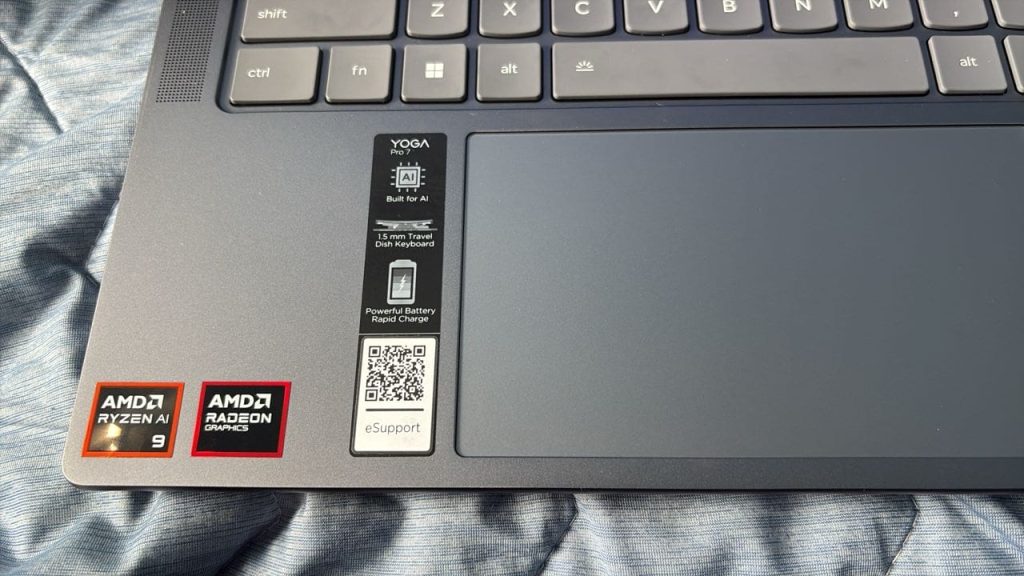
| Processor | AMD Ryzen AI 9 (8845HS, 8 cores, 16 threads) |
| Graphics | Integrated AMD Radeon 780M |
| Memory | 16GB Dual Channel |
| Storage | 1TB PCIe Gen 4 SSD |
| Display | 14.5-inch 3K (3072 × 1920) 120Hz, 16:10, 400 nits, 100% sRGB + P3 |
| Battery | 73Wh, 8–10 hours mixed use |
| Charging | Rapid Charge Express (≈ 15 min for ~3 hrs use) |
| Ports | 2x USB-C (PD + DP), 1x USB-A, 1x HDMI 2.1, Headphone/Mic combo |
| Wireless | Wi-Fi 6E, Bluetooth 5.3 |
| Weight | ~1.49 kg (3.28 lbs) |
| Colors | Luna Grey, Tidal Teal |
| OS | Windows 11 Pro (review unit) |