


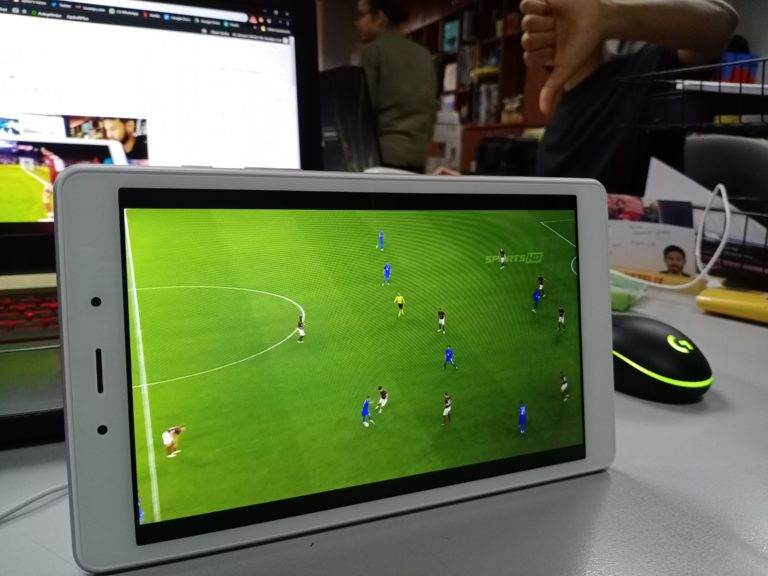

We got our hands on the Samsung Tab A 2019 edition, and safe to say, there really isn’t much to talk about. The tablet while cheap, seriously lacks anything that would make me want to go and buy this. Even with the RM 599 price point, I’m having a hard time justifying it. With that being said, let’s get straight into the review of the Samsung Tab A 2019.
Design and Sound – Subpar At It’s Very Best


The design of the Tab A is pretty much straight forward, and in all honesty, pretty boring. It comes with an 8″ 1280 x 800 resolution display, with really huge bezels, making it seem like something out of 2012. It’s a pretty old design, and definitely not something I would find appealing. It is light and slim enough to fit in some pockets, so there’s that. It weighs 347 grams, and 8.0 mm thin. Other than that, the Silver colour is good appealing enough, but like I’ve said, it just feels outdated.
“Dual speakers fitted in on the bottom stay out of sight and complement the slim feel. The rear side with metal backing and Samsung logo provides a sleek touch”
The tab comes with dual speakers in the bottom of the device, and well, the sound is actually pretty decent. Considering you can turn on ‘Dolby Atmos’ in the device quick settings, it does have pretty good sound when you put earphones on. Their speakers itself, is a bit lacking, tinny, and sometimes shrill, but I would say it’s good enough to binge watch a TV show on Netflix, or watch YouTube videos before bed. The form factor I feel, is the most appealing thing about this tablet, but at this point, that’s pretty much it. Oh, and there’s a headphone jack, so that’s a plus point for the Tab A.
Performance & Battery-
The performance of the tablet was of course, horrendous. For a power user like me, the tablet couldn’t keep up with quite a lot. Multitasking, playing games, or even loading a YouTube video/Netflix show sometimes proved too much for the Tab A. Often times, I would notice the tablet lagging, taking a pretty long time to load up, and just small nuances that in 2019, I don’t think we should face. The Tab A comes with 2GB of RAM and 32GB of internal storage, but there’s an option to add in a microSD up to 512GB.
The 2GB of RAM was very apparent, because it really wasn’t a great thing for a power user. The other thing about the tablet, it also has a 5100 mAh battery in built. So fair to say it’s a pretty decent size, and considering it isn’t using a a super intensive screen, with only a 1280 x 800 resolution, you can get your battery’s worth with this one.
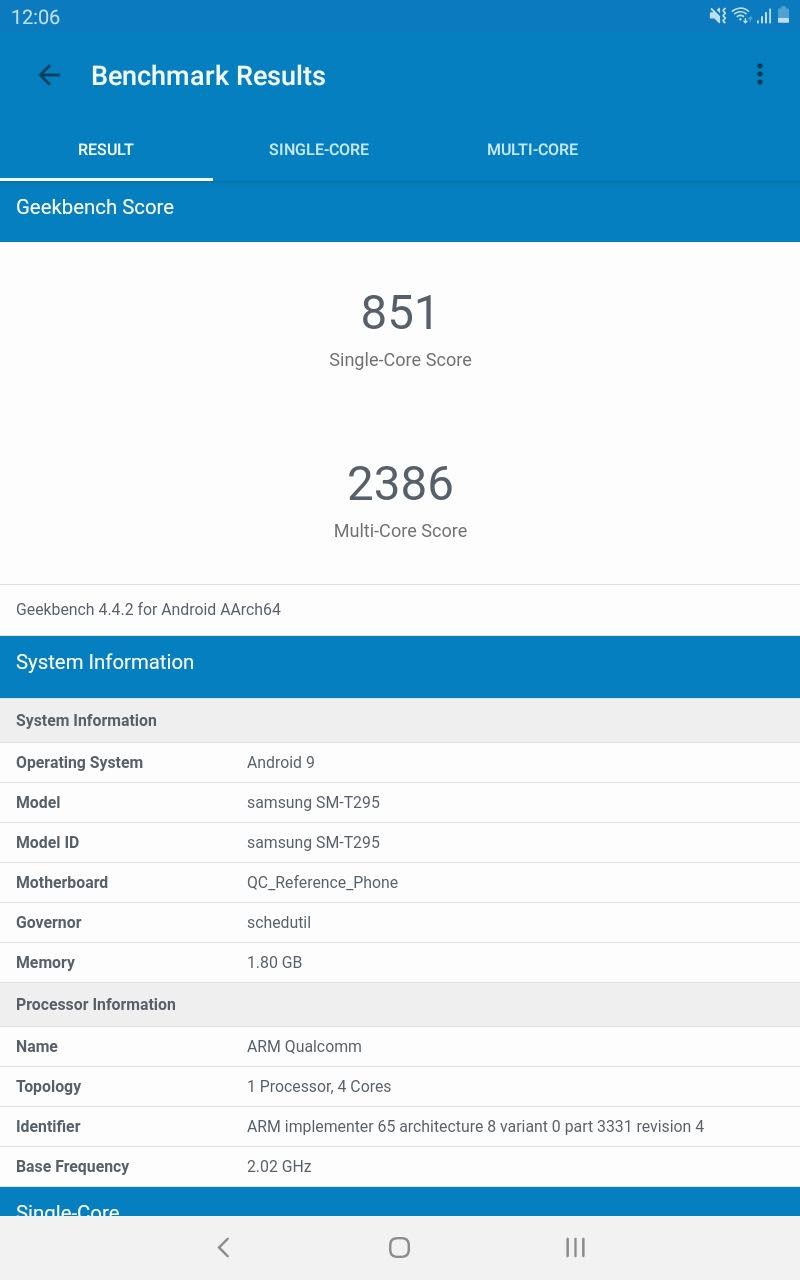
But as I mentioned before, this really isn’t for the power user. This is evident by options like Kids Home, where parents can set this, which lets children explore things in a safe environment. This transports your kids to native apps, with characters that live inside a virtual world. Parental Controls are also ingrained in the Tab, which basically lets you monitor usage, and playtime of your kids.
I wasn’t satisfied by that answer, so that’s why I loaded all the apps I needed and wanted, to see exactly how the device would run. And well, looks like it really is for kids.
Camera – Why Bother?

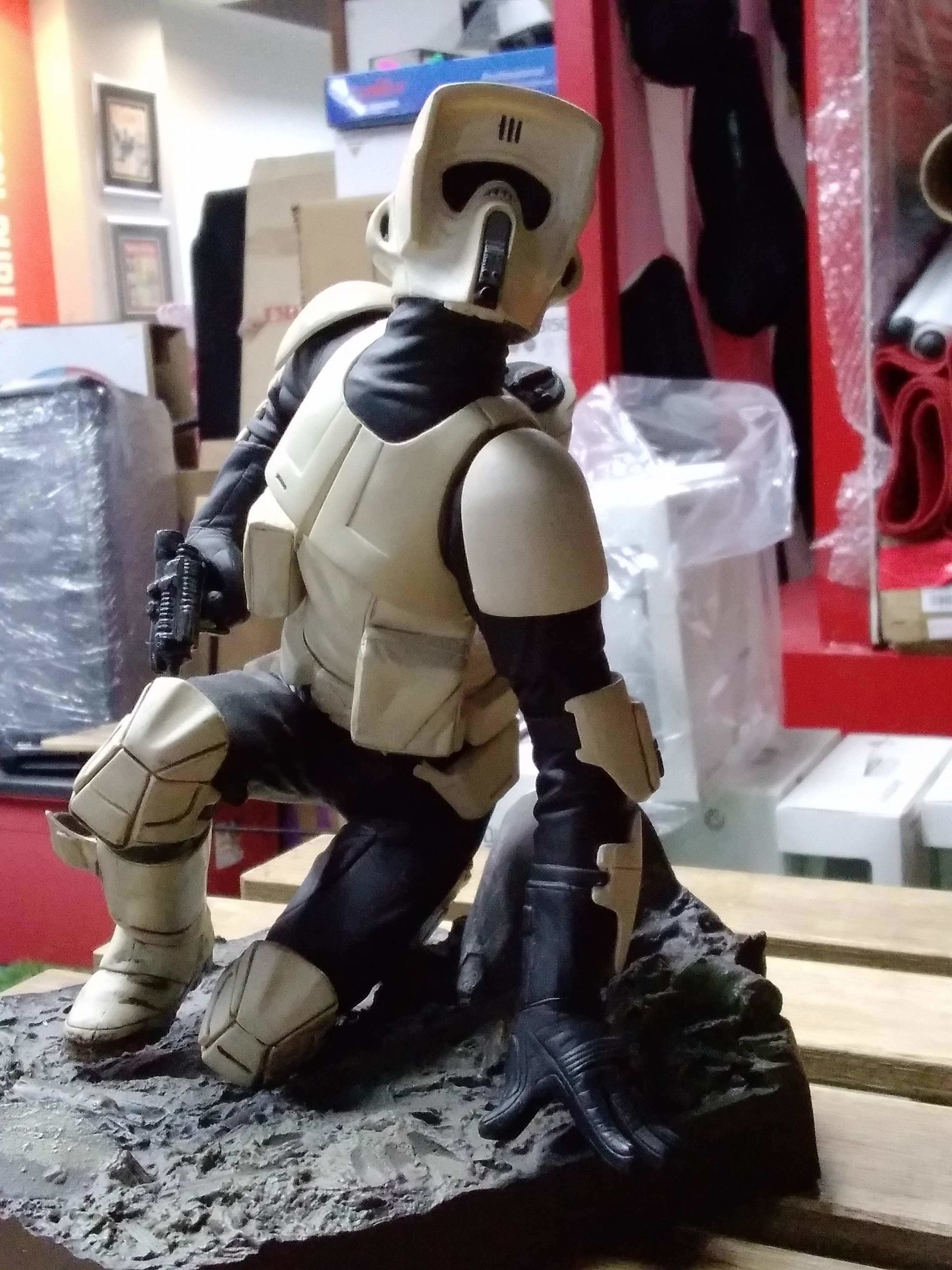
The Tab A comes with a rear 8.0 MP camera, which I mean, is pretty bad. But I didn’t really expect much out of a ‘tablet’s’ camera. I mean, the camera is there, and there’s really not much else I can say about it. The front facing camera is a 2 MP camera, and honestly, don’t even bother with that either. The pictures are grainy as hell, the focus is barely there, and don’t even talk about low light photos. But then again, that’s not really what tablets are for, are they?
That’s why I can’t really compare the Tab A’s cameras to things you would see on a phone of the same price of RM 599. The camera while disappointing, I’m sure would do the job, if you just wanted to let your kids take random pictures, or if you wanted to take a quick shot of something. Try not to move too much though, because there’s definitely going to be a blurry picture if you do.
Final Verdict
Sigh, at the end of the day, it really depends on what kind of tablet you’re looking for. If you wanted something for your kids/nephew/cousin or basically any child you know, to be able to distract themselves for a bit, this is for you. Load up some videos, download a game that isn’t too graphically intense, and you’re set. But for the power user like myself, this isn’t the Tab for you.





