



 Keep Connected
As with Chromebooks – you have to be connected to the internet. Setup is as easy as turning on the computer and signing in to your account and you’re good to go. Everything you need is accessible via apps and the Chrome browser. For a writer like me who relies heavily on Chrome for most of my work, including my postings on this website, Chromebooks serves me very well, with all the resource I need at my fingertips. Offline Chromebooks aren’t very useful, though. While you can edit documents and make notes when you are offline, your document, or any resources you want to work with offline, will need to have a copy made offline first.
Twist and Turn
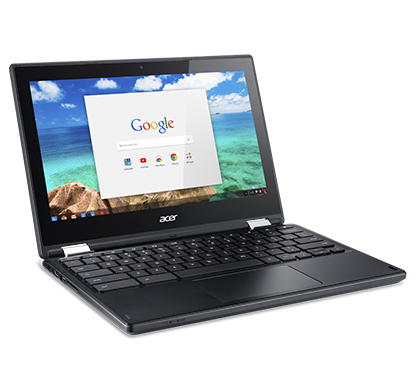
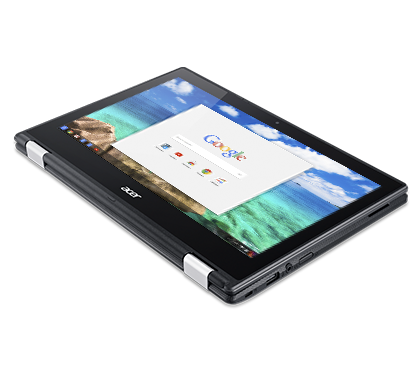
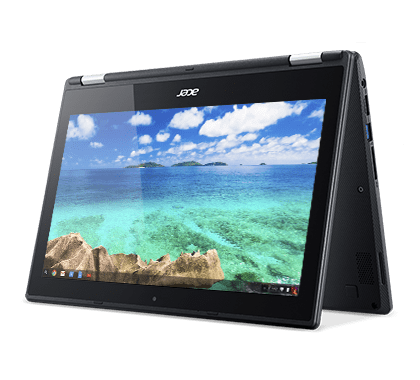
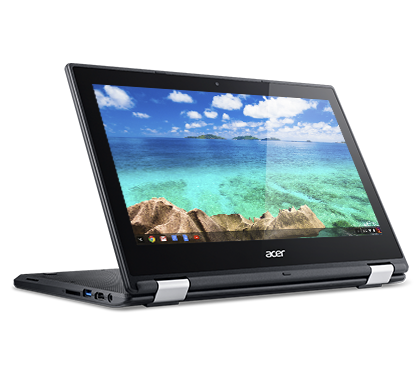
Flip it however you want – the Acer Chromebook allows you to use it in any configuration. Designed to be slim, lightweight and extremely portable – you can use it like a regular laptop or like a tablet. It is touchscreen enabled, so you can easily make annotations, or easily gesture the screen to perform some function. The device is smart enough to configure the screen according to your usage. If you choose to flip the keyboard down for watching movies, or inverting it to use it as a tablet during presentation, the screen will change accordingly. The interface is also very intuitive, with not much difference from a connected smart device.
Work all day
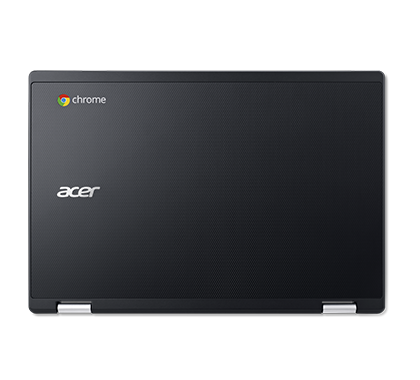
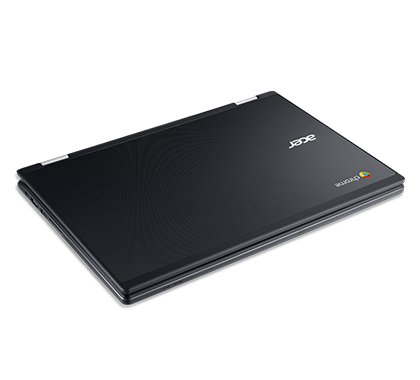
This is one fast machine, that lasts all day. Loading up apps take nearly no time at all. The Acer Chromebook R11 runs Android apps too, making it really convenient to work seamlessly across different devices and platforms. Although certain apps will have compatibility issues, and might crash or not function properly, most that we use for work runs like a dream. It does take some getting used to, since I am more used to Windows OS. After a few hours of fiddling around though, I definitely prefer working on this compared to my chunky laptop – as long as I’m connected, that is.
Verdict
Perfect for workers who are always on their feet and needs to constantly stay connected.





