


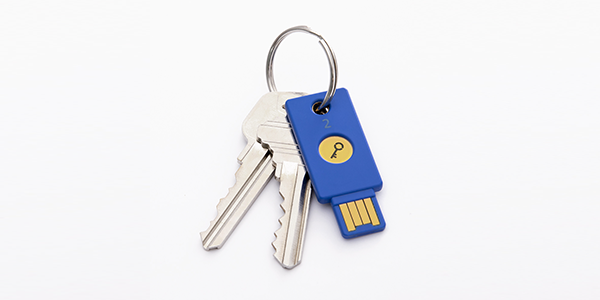
Microsoft is making the world a little more convenient as we can now use hardware authentication keys without the use and hassle of using passwords to log on to Microsoft accounts for Outlook, Office 365, OneDrive, Skype and Xbox Live.
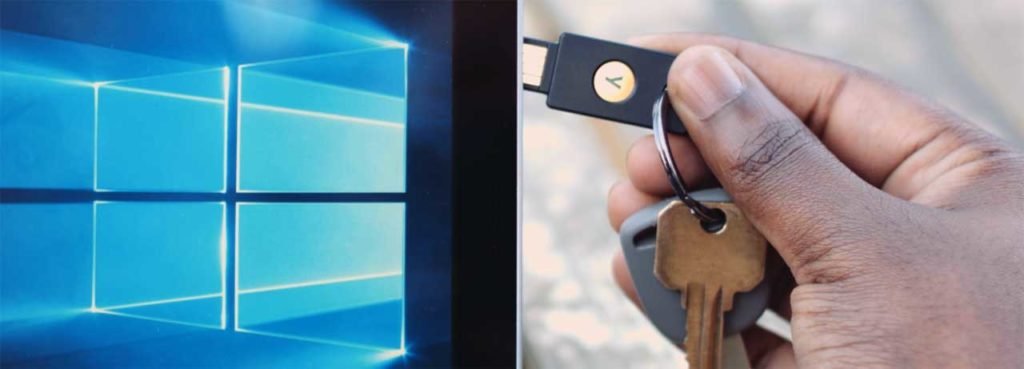
Using a technology called FIDO2, Microsoft uses hardware keys for the password-less log on. The technology is supported by new versions of Microsoft’s Window 10 operating system and Edge web browser
The hardware authentication keys were initially designed to work in combination to a password for dual factor authentication. However FIDO2 and WebAuhn, a related browser technology went further to let Microsoft leave passwords altogether. The hardware authentication keys work by plugging them into USB ports on your laptop or through Bluetooth or NFC wireless communications for phones.

There are three options with Microsoft’s no-password logon. First option, the hardware key combined with Windows Hello face recognition technology or fingerprint ID, second option with a PIN code and thirdly with a Microsoft Authenticator app.
This may seem questionable, not having passwords as we are so used to the idea that passwords aid in the security of our data. Change however seems eminent so it is wise to get used to this idea.
Though passwords have long been used by countless companies all over, it still doesn’t change the fact that security breaches still happen where sensitive, classified data is being stored. We can see that in recent years, authentication technology is trying to break the mould by introducing password free methods of security like fingerprint and face authentication.





