




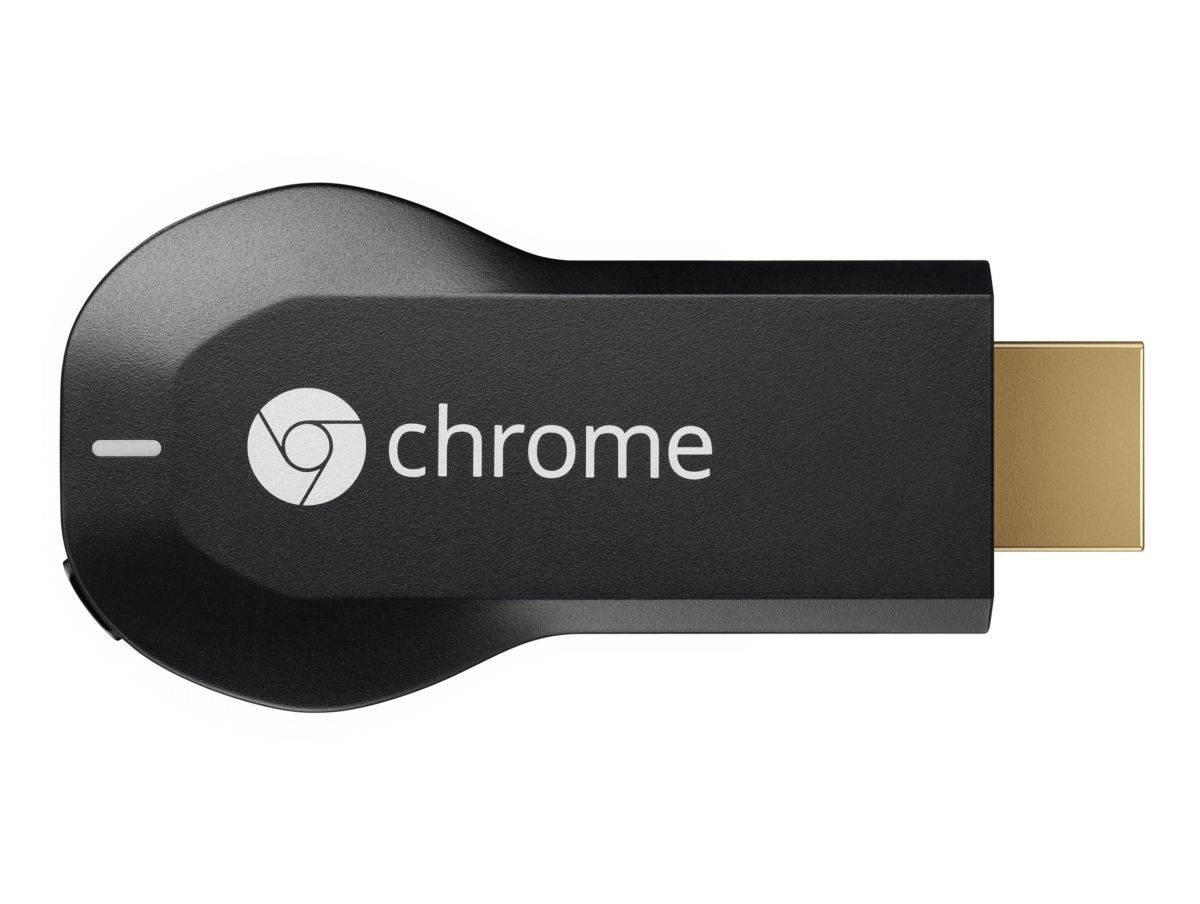
Yes, we know that the Chromecast has been out for a very long time, but the thing has just “officially” landed on our shores. Therefore, if you’re looking to get one, you no longer need to import it from somewhere else. That said, should you actually get one of these things? Courtesy of Maxis we have this unit sent to us for an official review.
Set Up For Dummies
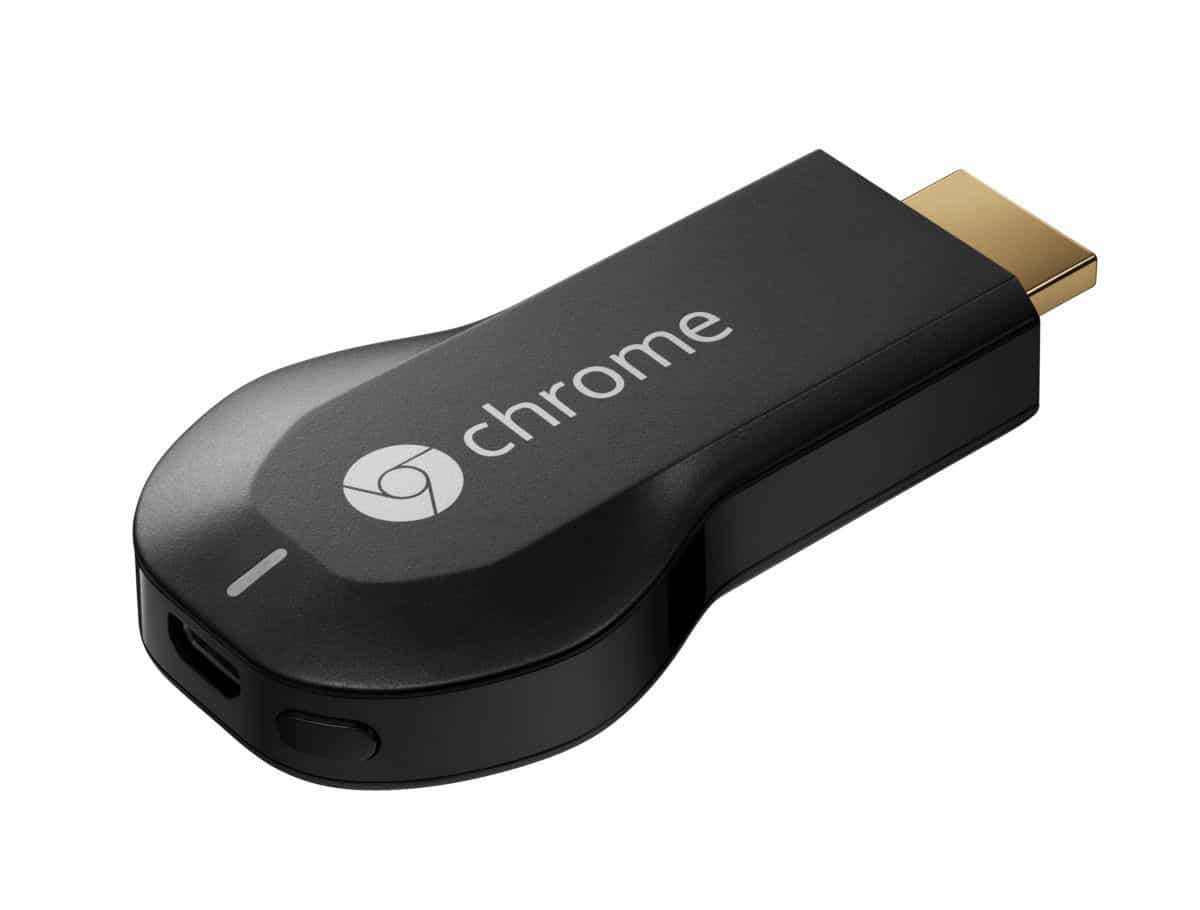
Setting up the Chromecast is easy. All you really need to do with the Chromecast is to shove the thing into an open HDMI slot on your TV. If you have an open USB port on your TV, you can connect the device solely to the TV via USB cable. If it doesn’t have one, you’ll need to plug the device into a power socket. What comes next is just a matter of following instructions of the screen and setting up your Android or iOS smartphone to control the Chromecast.
From Mobile To Big Screen
Chromecast’s main purpose is to stream content from your smartphones and tablets onto the TV. This is easily achieved on all Google-owned apps or services like Youtube as there will be a button that, once pressed, will begin streaming onto the Chromecast itself. You can even mirror the Chrome Browser on your smartphones onto the TV as well. Another app that can stream directly to the Chromecast is VLC, which is great for those of you who store movies and other things on their mobile devices.
The Middleman
The way Chromecast works is that the device connects to your wireless network of choice. From there, any device connected to the same network can control the Chromecast. You can control Chromecast even if you’re on the second floor of the house while the device itself is in the living room on the first floor. That said however, it comes with the downside of taking up quite a significant amount of bandwidth if you’re stream high definition content onto it. If you’re going to stream 1080P movies from your smartphone to the TV, we hope you’ve invested in a decent internet connection.
Geographical Incompatibility
Bandwidth hogging aside, the biggest problem with the Chromecast is the lack of things to do with it. Now this really isn’t a problem with the device itself; it’s more of a geographical issue. To put it bluntly, Malaysia does not have the amount of apps that some place like America has. Streaming services like Netflix or Hulu isn’t available here “officially”, so the usability of the Chromecast is severely reduced. However, since Maxis is now the official distributor of Chromecast, hopefully we can see more local content that will make it worthwhile.
A Question Of Priorities
Is the Chromecast a good streaming device? Yes it is. Is it affordable? No doubt about that. Is it worth getting? Personally, I can only stream Youtube videos so many times until the novelty is worn off. If you’re one of the few that has access to content streaming services through “alternative” means, I would say go for it. For the rest of us, I suggest we wait a bit more until there is more support for the device
Price : RM 170
Dimensions : 72 x 35 x 12 mm
Weight : 34 g
CPU : Marvell DE3005-A1
Memory : 512MB RAM DDR3L
Storage : 2 GB
Connectivity : HDMI, Wi-Fi 802.11b/g/n
Value : 8
Performance : 9
Features : 6
Design : 8
Usability : 8
Verdict : A great streaming device let down by lack of support in the region.
Total : 7.8




