If you have an iPhone XS Max, you would know it has one big screen. At 6.5-inch diagonal screen size, this phone is clearly in the phablet range.
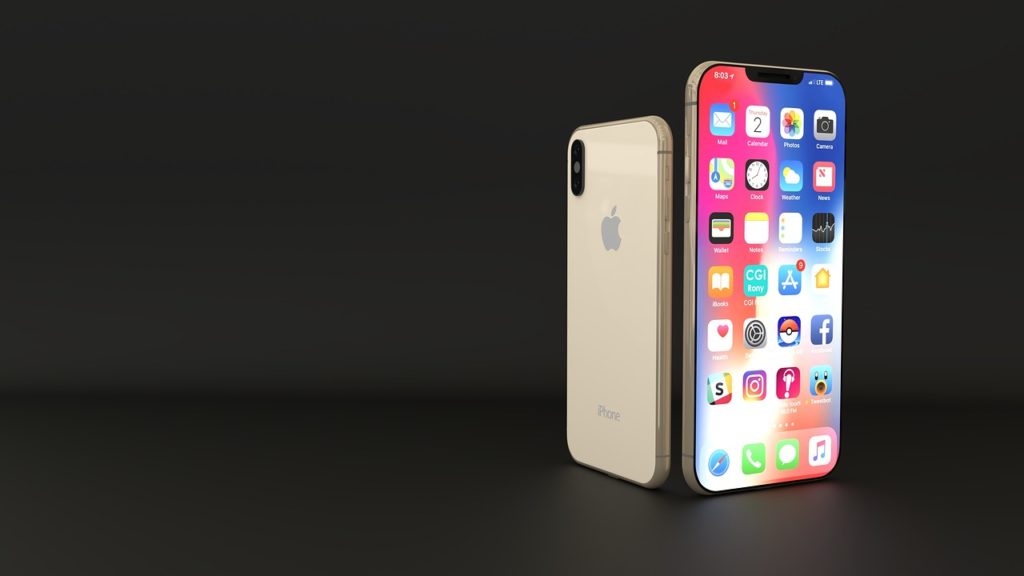
Which presents users with a unique situation. In the past if you wanted to access “Control Centre” you would swipe up from the home button. But that action has been replaced since the iPhone X, with swipe up to go home or to access the Recents menu.
So how do users of the iPhone XS Max access their Control Centre? You would need to reach up to the top right corner and pull down. Being a phablet sized phone, this presents a bit of a gymnastic act.
Here’s where you can make it easier in the iPhone XS Max.
To find the Reachability setting, open Settings, tap General and then tap Accessibility. There, you’ll find Reachability, under Interaction.
Once enabled, to engage Reachability mode, just swipe down in the lower part of the screen and the entire screen will shift down. From there, you can now reach the top right, to access Control Centre.
What do you think of this feature? Let us know in the comments below.