


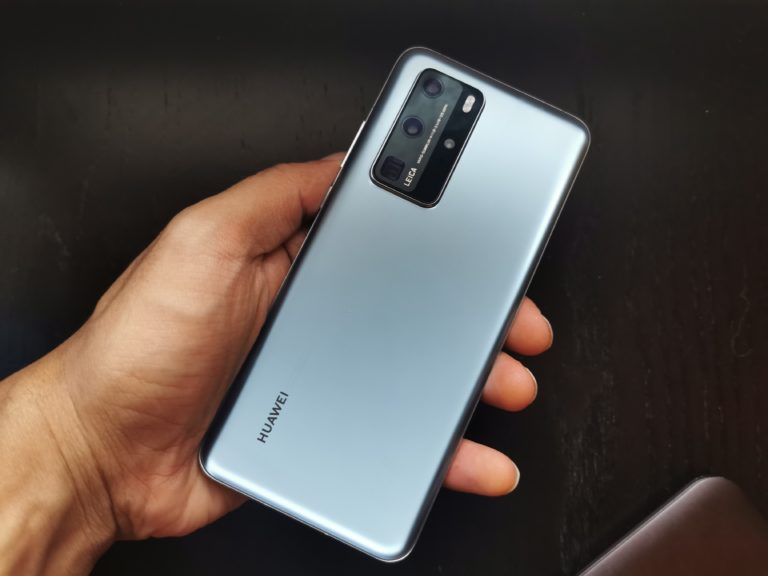

Huawei’s long awaited successor to the P30 Pro is finally here! The Chinese company has positioned its P series of smartphones to be the absolute best when it comes to photography, and the P30 series did not disappoint in that department.
That being said, Huawei’s google ban essentially meant that the P40 series will have to ship without Google Mobile Services. So, here we have a flagship smartphone with what is touted to be the most powerful camera of any mobile device.. but without GMS. How much of a big deal is this? Let’s find out!
The first thing to take note of here is that unlike the P30 series, the P40 series is comprised of 3 smartphones — The P40, the P40 Pro and The P40 Pro +. So if you do decide to purchase the P40 Pro, you won’t be getting the best device in the series. This is similar to what Samsung did with it’s S series.
Design
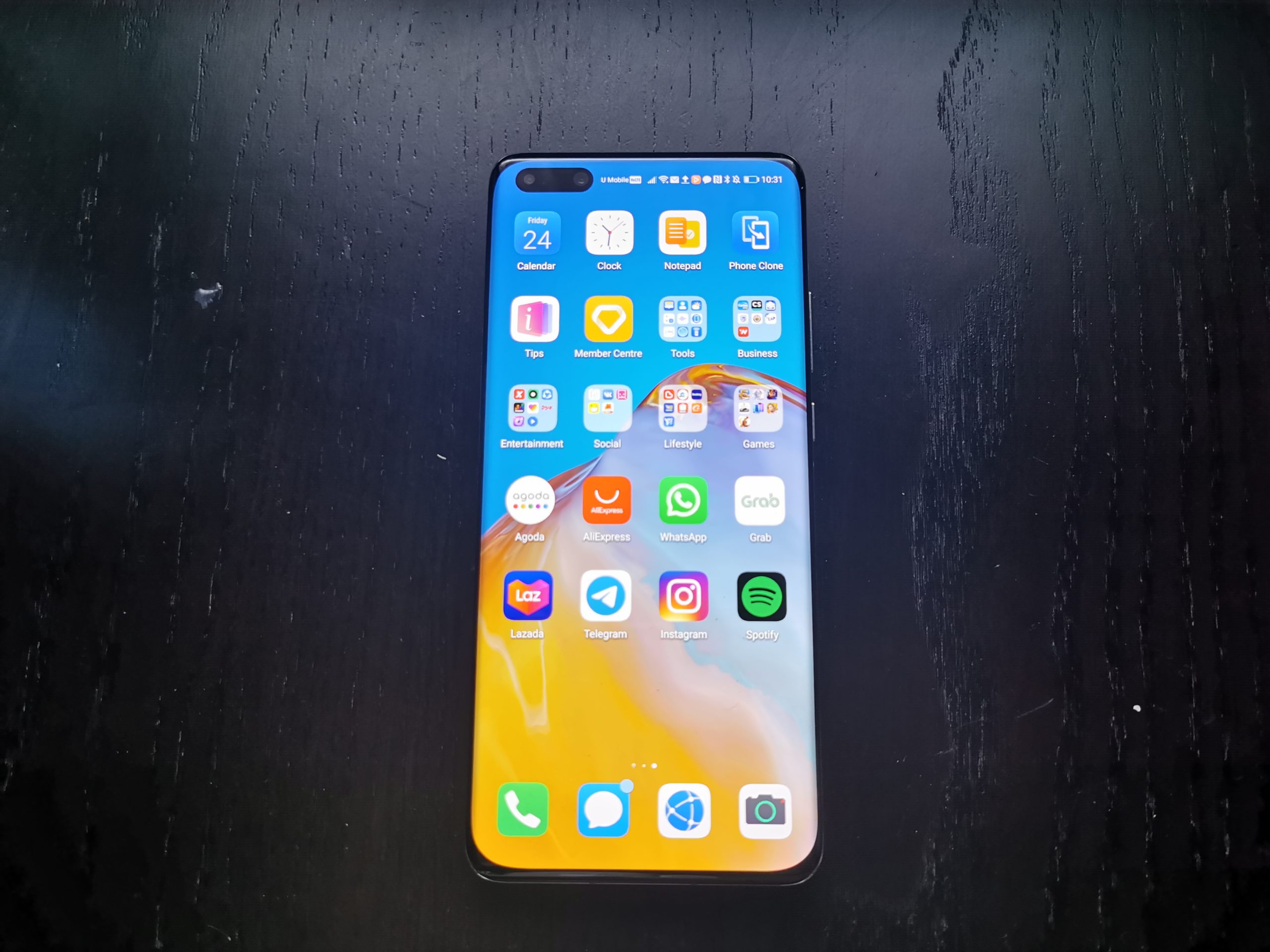
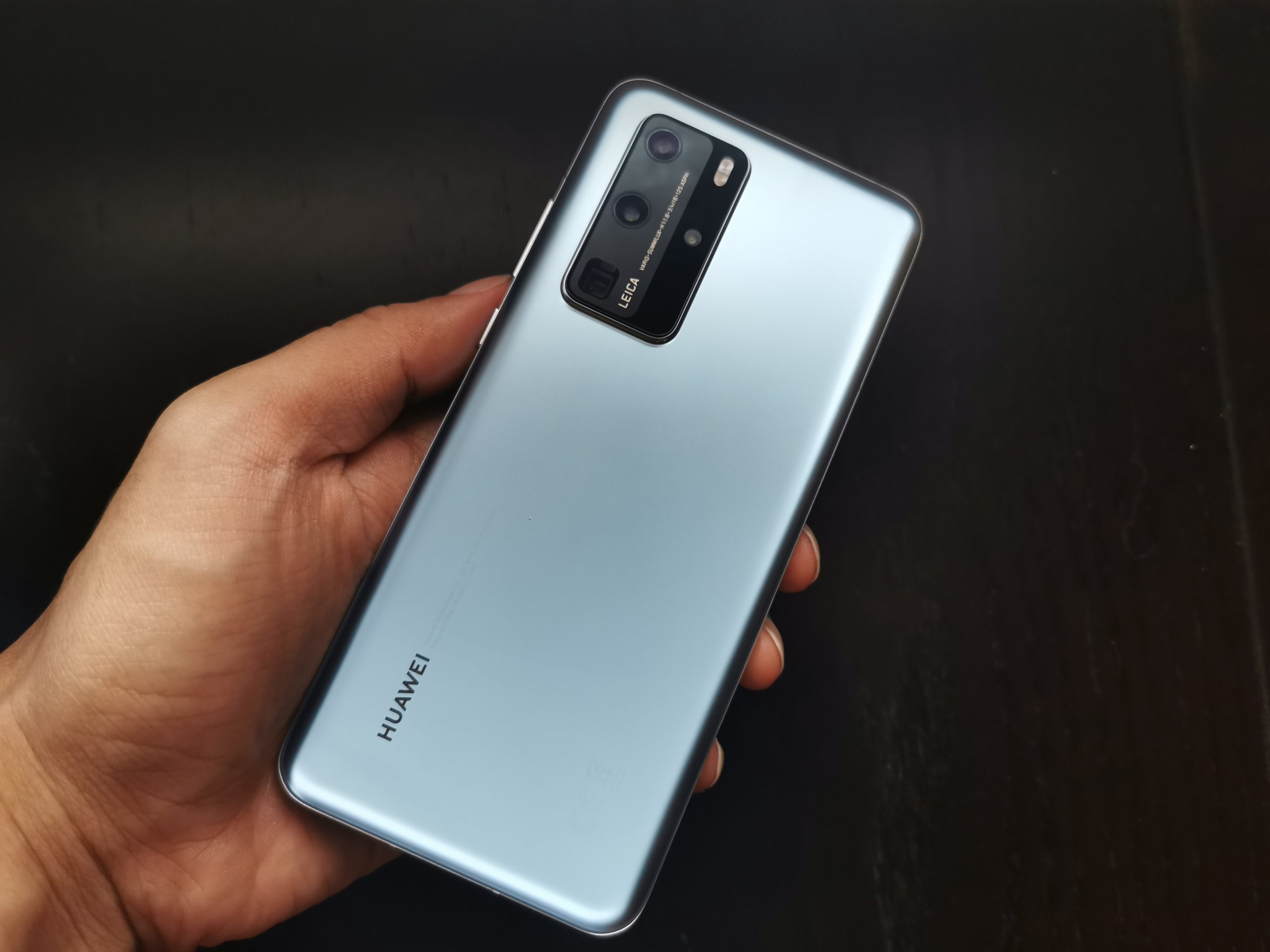
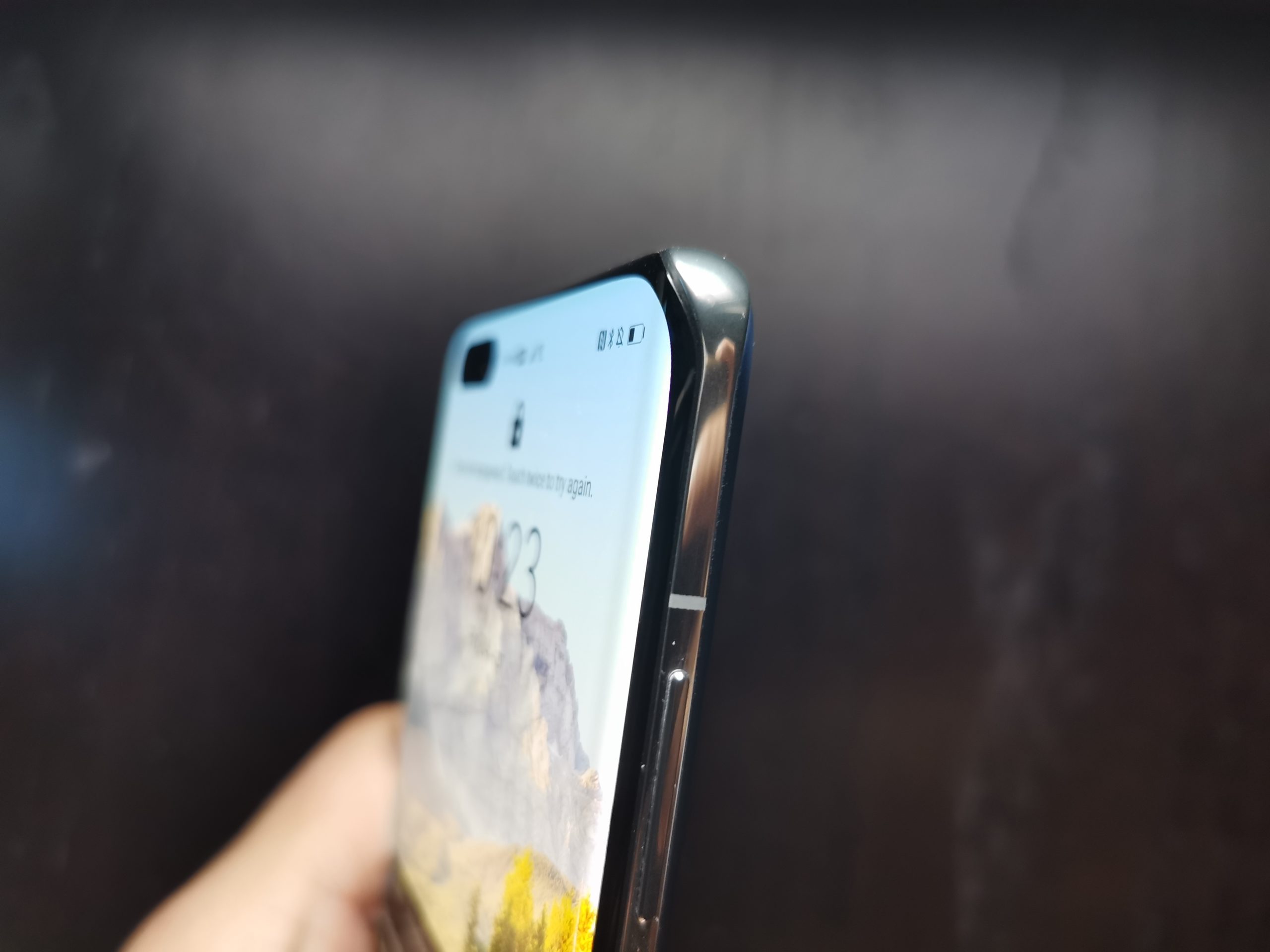

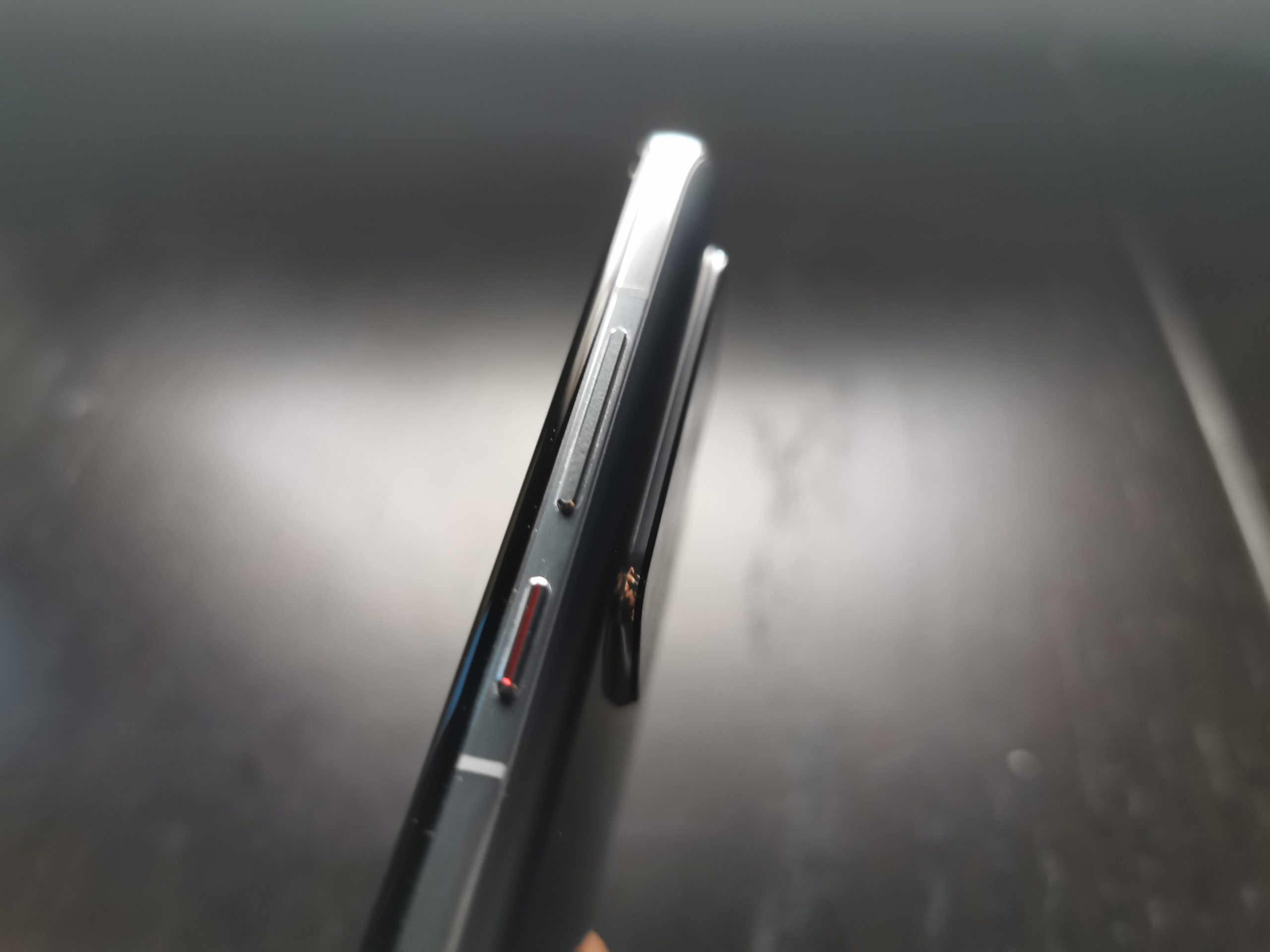

In terms of the design, the first thing I noticed is how much thicker and heavier it is compared to its predecessor. The P40 Pro is NOT a sleek looking phone. In fact, it feels rather thick compared to the P30 Pro.
While the difference in thickness between the devices is less than a millimetre, that slight variance coupled with the fact that the P30 Pro is 17 grams lighter makes the P40 Pro seem rather bulky. That being said, while its predecessor may feel sleeker, the P40 Pro exudes a more premium feel and is a lot more comfortable to hold too. The P30 Pro always felt almost too sleek.
All in all, this thicker build may not look as good, but it feels a hell of a lot better, trust me.
One thing I never really liked about Huawei’s P series is that it never really had any colours that I really liked. The company’s colour palette always seems to range between too safe and too gaudy, and while some may love that about Huawei, I’ve personally never warmed up to it. The P40 Pro is an exception to that.
Huawei has assigned all the glossy fingerprint magnet colours on the P40 and went with a more classy, luxurious looking matte finish to its glass back on the Pro. I got the Silver Frost colour and it’s quite literally my favourite thing about the phone. It not only looks great, but it also barely leaves behind any fingerprints.
Display
One department that Huawei has never really excelled at is phone displays. The P30 Pro display was probably the worst display in a flagship among the big three smartphone brands at the time. The P40 Pro’s 6.58-inch full HD+ display however, is by and large the best screen to ever be fitted on a Huawei device.
It’s bright, sharp and bold but this is largely thanks to the high refresh rate display that Huawei has finally put on one of its flagships. In spite of it being the best display on a Huawei device to date, it still lags behind the competition. 120Hz refresh rates are slowly becoming the norm these days and Huawei’s OLED 90Hz screen simply doesn’t cut it.
Don’t get me wrong, the jump to 90Hz makes everything look better. But for someone who’s gotten used to 120Hz panels, making the jump back to 90Hz is a step backwards I just can’t overlook. If you’ve never used a 120Hz screen however, odds are it won’t bother you one bit.
Another thing that I don’t quite like is the dual punch hole display. I didn’t like it on the Samsung S10+ and I still don’t like it on the P40 Pro. It just takes up too much screen real estate for me.
Performance

Under the hood, the P40 Pro sports Huawei’s most powerful system-on-a-chip (SoC) yet, the Kirin 990 5G, with 8GB of RAM, and 128GB or 256GB of internal storage that can be upgraded with a Nano Memory card — which is basically a proprietary microSD card.
Huawei’s in-house processor is a decent chipset but if you were to compare it with the Snapdragon 865, it’s still playing catch up. While numbers and spec’s matter, odds are you won’t be able to feel the Kirin 990’s inferiority though.
It was all smooth sailing for me in terms of performance, even when I used the device to play graphic heavy 3D games such as Call of Duty Mobile & PUBG . Switching between apps was a breeze and in spite of me downloading a bunch of random apps (I was testing what apps would and wouldn’t work given the Google ban), the device still worked like a charm.
Camera

Now, to the star of the show; The quad camera on this bad boy! Huawei’s P series is notorious for its insane camera capabilities, and the P40 Pro carries on this tradition. Picking up where the P30 series left off, you have a much bigger camera module on the back, consisting of the usual suspects; a 50MP f/1,9 23mm main sensor, a 12MP, f/3.4 125mm telephoto, 40MP f/1.8 ultra-wide and a ToF 3D depth sensor.
This unique setup of cameras, especially the HUGE 1/1.28-inch sensor, makes every shot you take with the device look almost too damn good. It’s crazy! I’ve never been able to take good photographs but I took some random shots of flowers and holy sh*t maybe I can be a photographer after all!
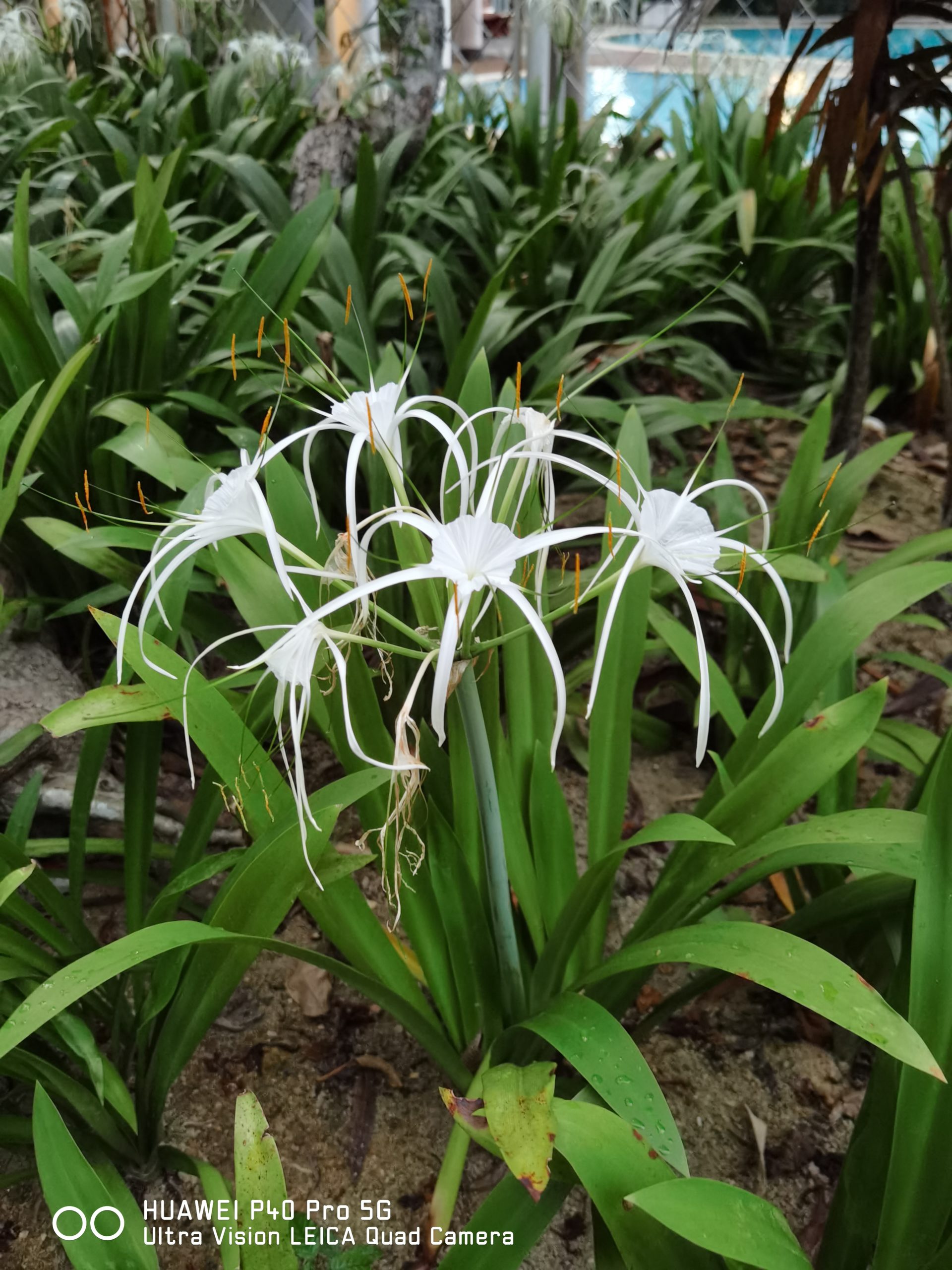
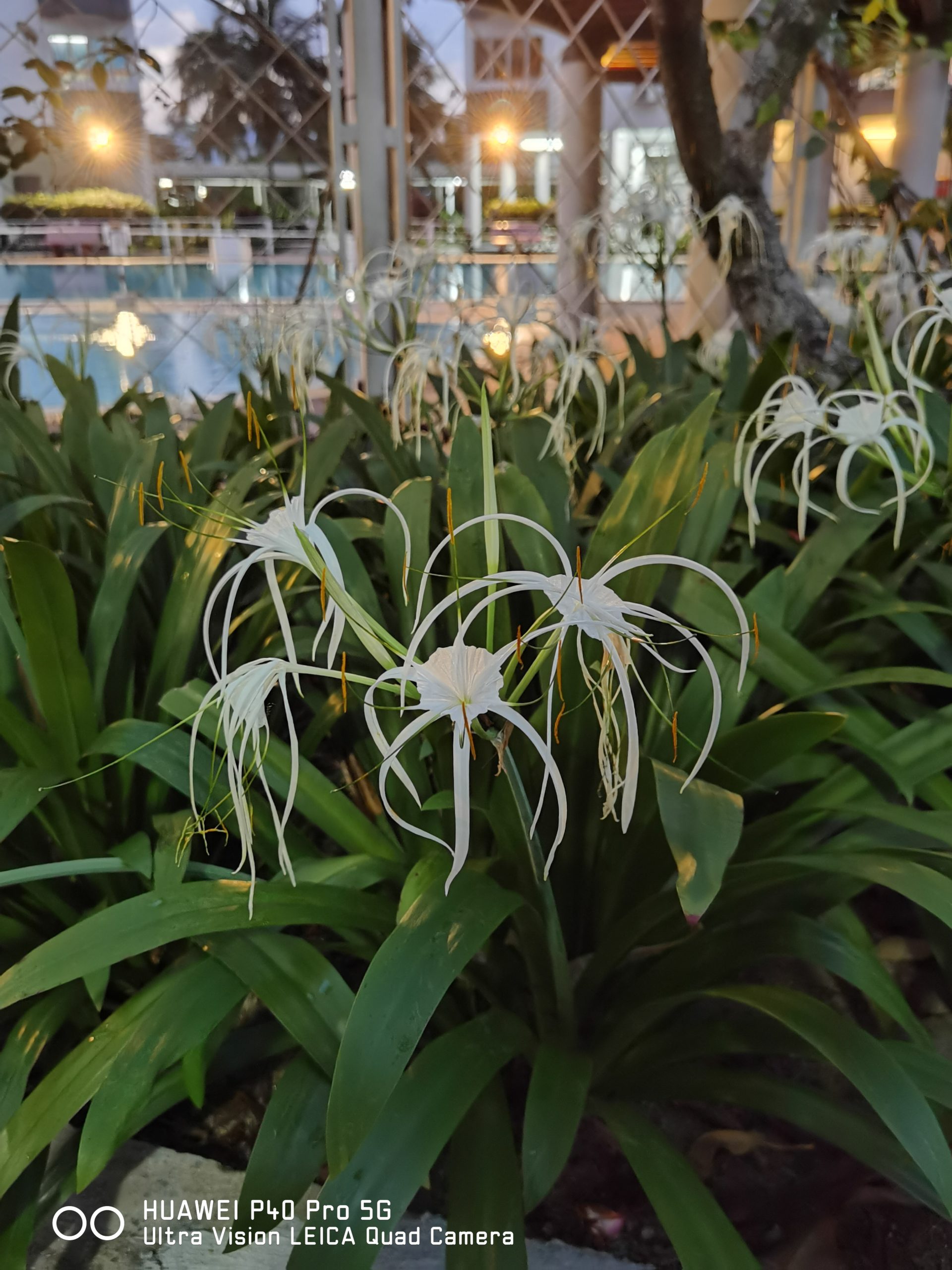


That being said, it does have its pros and cons. The P40 Pro excels at low light photography. In fact, it does almost too well in this department. Every picture I took, regardless of whether it was taken in the day or at night looked like it was taken with the sun out.
The device still utilises the RYYB technology found in last year’s P30 series, which explains the low light brilliance. But even so, this camera setup takes low light photography to a whole other level, man. It’s madness! My only explanation for this is that the telephoto lens is now also RYYB and with a higher 12MP resolution to boot.



On top of that, the stabilisation system on the P40 Pro is exceptional. Huawei really improved in this department and even at high levels of zoom, the camera is a whole lot more steady now, which is great because it helps immensely in situations where you’ll have to really zoom in (not that there will be many).





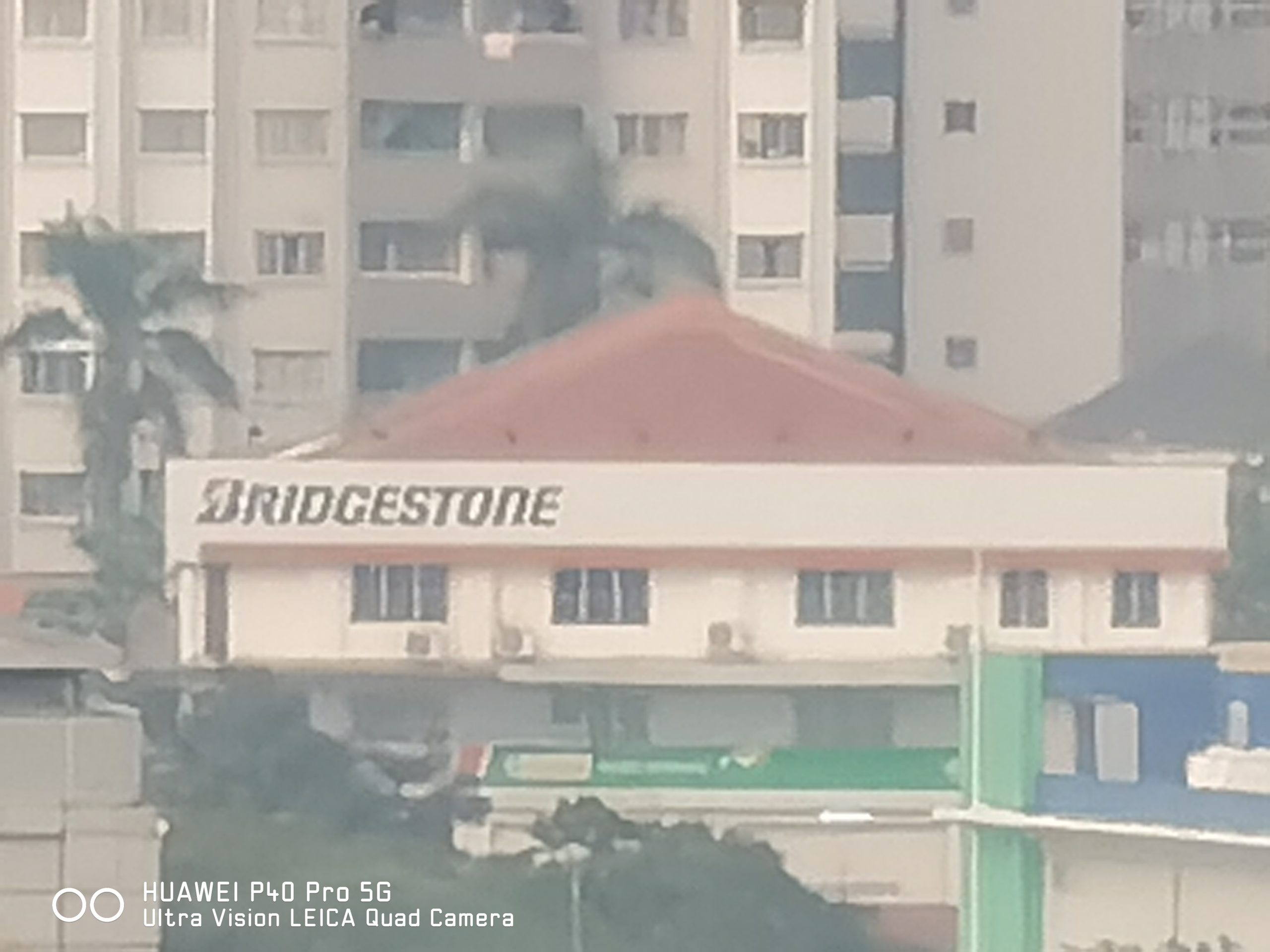
The camera’s AI is smart (almost too smart). The P40 Pro has some pretty nifty features that Huawei has just introduced, like Golden Snap, Reflection Removal and Passer-by Removal. Seeing as I was stuck at home, I couldn’t really test out the latter. Check out the photos below to get a sense of how the other two features work:

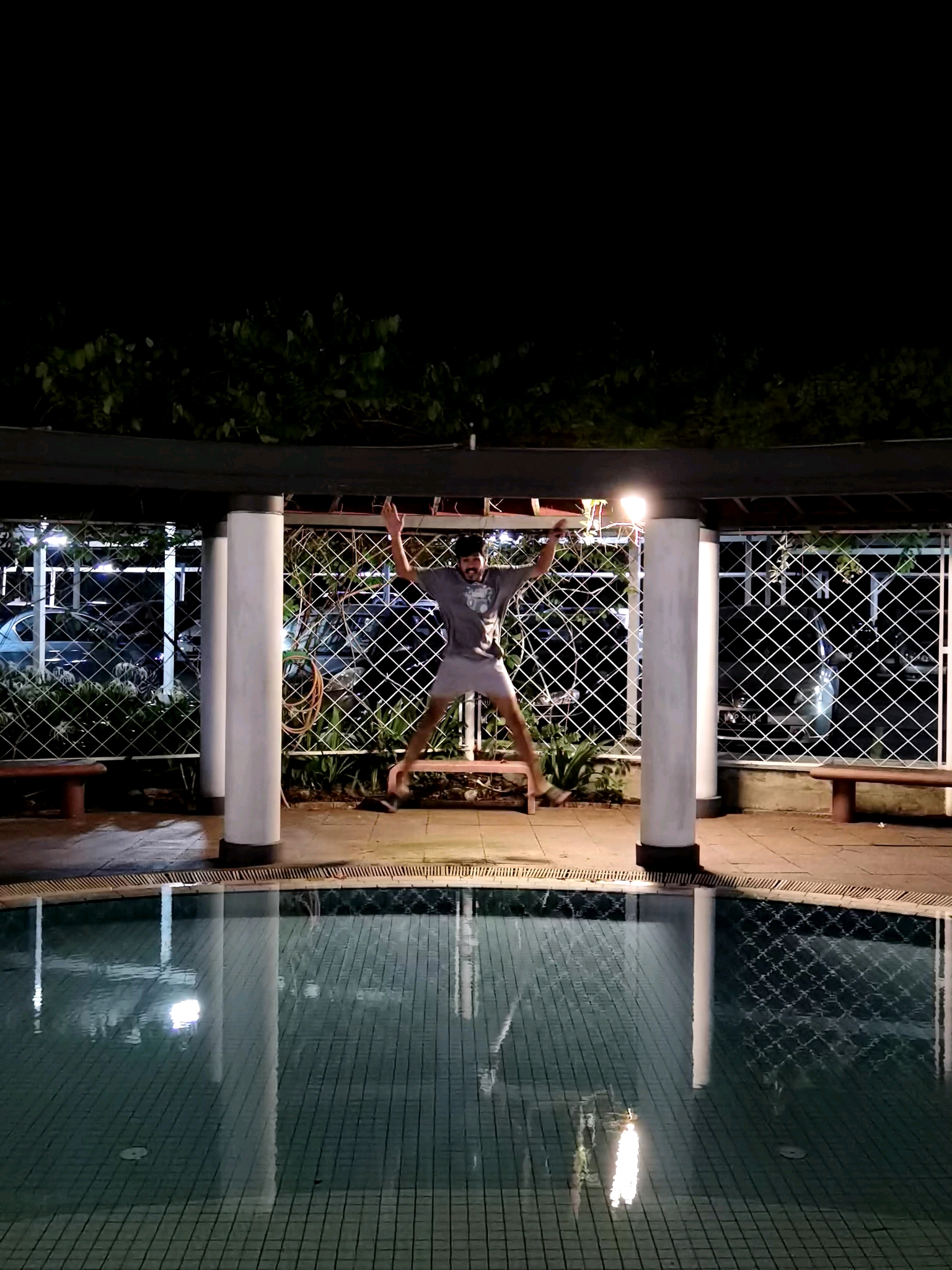


One of the perks of the Kirin 990 chipset is that it allows you to record 4k videos at 60fps, on each sensor.. at all levels of zoom! This essentially means that you can record 4K videos using your main, ultra-wide and front-facing camera! Just the way it should be. It’s rare to find a device that excels at both photography and videography.


And don’t even get me started on how crisp and clear it’s dual front facing camera module is. Yes, it’s an eyesore in my opinion but God damn does it take exceptional photos and videos.
Of course, it’s not all smooth sailing. I have to say that the P40 Pro has a knack for making pictures look a little more yellow than they should be. Strangely, in some environments, I preferred the shots taken with my P30 Pro, which still has a solid camera one year on.
There’s no doubt that the P40 Pro is a step up from its predecessor but one thing that still bugs me about Huawei camera’s is how unnatural everything looks. It’s almost like as if the AI is an insecure 12 year old child who feels the need to make every picture look better, to the point where it just looks over-edited.
The camera’s AI is great, don’t get me wrong. I’m just not a fan of how everything always looks brighter in the final product. In low light situations, it’s great. But when it’s nice and bright out, it’s almost always overkill for me. Again, this is just personal preference and you’ll probably love how “good” it makes every picture look.
Software
Finally, to the elephant in the room. The glaring lack of Google apps or services. Lets face it, this is probably the biggest hurdle anyone is going to have when it comes to figuring out if they want to buy the phone or not.
Let’s be real here, Huawei were dealt a lousy hand when they lost Google. It’s hard to imagine any Android device being a viable option without Google pre-installed, but I have to say Huawei has done an admirable job at rapidly getting the Huawei App Gallery off to a running start.
That doesn’t mean that its App Gallery makes up for the Google Play Store. It doesn’t. Not even close. But given the limited time they had and the insurmountability of the task, the Chinese company has done an excellent job.
Boasting apps such as Maybank2u, TikTok, Lazada and Boost, it’s actually a lot more crowded than I expected it to be. Huawei has been working tirelessly to get developers behind their app gallery and they’re doing a pretty good job. It is however, not enough to make the lack of Google apps and services unnoticeable.
It’s a shame to say, but the fact of the matter is that the lack of Google makes the software feel almost bootleg. It’s as if you bought a great phone only to find out that its software was installed at some random pasar malam. Imagine spending RM3800 on a smartphone like that? I can’t help but to feel bothered by it, no matter how hard I try to convince myself that it’s not that bad.
And it really isn’t. Huawei’s Phone clone is a nifty way to transfer all the apps from your old phone into your new one, whether they’re Google apps or not. The problem is, not all apps are going to be working properly. You can also download apps such as WhatsApp straight from its website, which is pretty convenient.
For everything else, there’s APK. Now it’s important to note that APK files are pretty much red flags in the sense that there is no security screening and you could soon find your phone severely compromised. Personally, I feel that it’s probably safe to download these files from well known official APK apps. If you’re not willing to take this risk however, then the Huawei P40 Pro is absolutely not for you.
The way I see it is simple. If you’re a tech geek and know your way around Android, then you’re really not going to have a problem with the P40 Pro. If you have problems installing apps on the app store however, then good luck. Really.
It’s a real shame that something completely out of Huawei’s control would influence the overall experience of the device. The company really did exceptionally well in navigating this Google ban and even its EMUI 10.1 interface is one of the better Android skins out there. It’s intuitive and doesn’t really feel like it’s trying to copy iOS, which is a big problem in Chinese smartphones.
Verdict
All in all, the lack of Google apps isn’t as bad as I thought it would be (I expected the worst). Near normalcy can very much be achieved if you know your way around Android. It’s the price point and the fact that you won’t have to go through all this hassle if you opt to go with one of Huawei’s competitors that makes the difference here.
If you’re someone who uses your phone camera a lot to take pictures or post on Instagram, which ironically isn’t even on Huawei’s App Gallery, then you’re going to absolutely love this phone. For everyone else however, it’s sad to say (because this is actually a good phone) but you’re better off without it.





