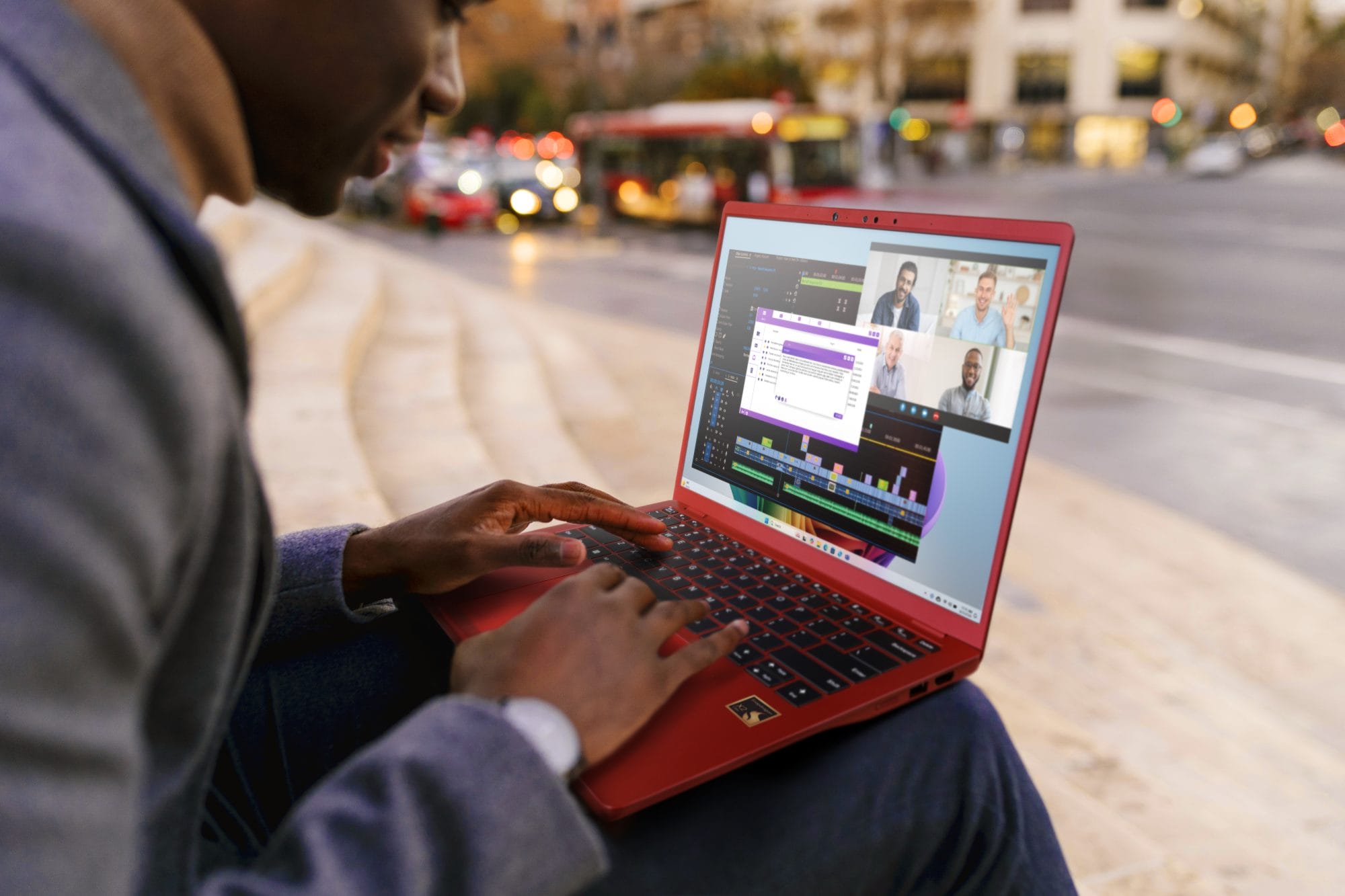
HP joins other major PC manufacturers in the Ultrabook rat race and we see how the Folio 13 fares as the business ultrabook that HP is skewing it to be. Although slightly heavier than other ultrabooks, the HP Folio 13 is still a really slim and light machine and it looks stunning with its brushed metal chassis and overall minimalistic look. HP has decided to go for the even surface for theultrabook instead of the tapered design like the ASUS ZenBook or the Apple MacBook Air.
Look and Feel
 The HP Folio 13 is arguably one of the more professional-looking and simply sleek ultrabooks. Opening up the lid, you will find the 13.3-inch screen with a bezel within a bezel which is unique to HP compared to other ultrabooks. The screen displays graphics well in any angle but there are reflections at times due to the glossiness. HP employed the same brushed metal feel across the palm rest and despite many hours of use, it feels cool to the touch. The multitouch keypad is responsive but there is a slight drag when it comes to scrolling if you are comparing it to the Apple MacBook’s keypad. The Folio 13’s keyboard is chiclet-styled and very comfortable to use with a uniform tactile keyboard. Within an hour of use, it becomes natural to use thanks to the spacing between the keys and the ideal size of each key.
Audio and Video
The HP Folio 13 comes equipped with Dolby Advanced Audio and the speaker grill is located above the keyboard. For such a thin ultrabook, the volume on the Folio 13 is surprisingly very loud and clear. It is fortunately not overly loud to the point where it sounds unpleasant. Watching movies and listening to music on the Folio 13 is great thanks to the Dolby Advanced Audio. As for graphics, the TN display does well at displaying colours although there are reflections in certain angle and lighting conditions.
I/O Ports
For the mobile user, the HP Folio 13 is godsend in a sense that it has many ports for connection such as a headphone port, SD card reader, a USB 3.0 port, a USB 2.0 port, HDMI port and Ethernet port. This is more than adequate for an ultrabook.
Battery Life and Performance
While HP claims that the battery life is nine hours, with heavy usage such as playing a video with WiFi on and with multiple tabs opened in the browser – the Folio 13 ran out of juice after five hours. Performance-wise, the ultrabook is fast and powerful enough to run many programs at the same time, we love the keyboard and the myriad of features it has. Just wish the battery would hold longer.