



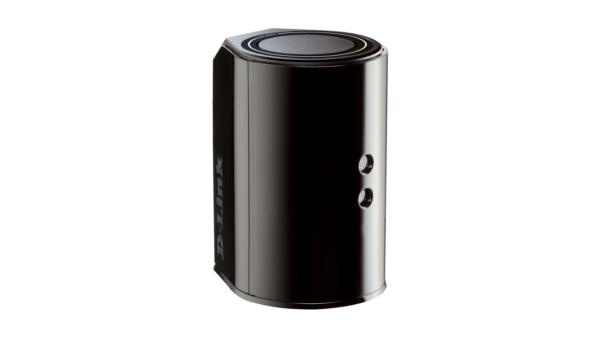
With regards to the D-Link router security vulnerability issue which had concerned Unifi and Time high speed broadband users, TM has issued a statement that only 200 of its Unifi users are affected.
One of the affected model the D-Link DIR-850L has a problem with its security feature which the company is currently working on a firmware update, to be released soon.
In the meantime, TM has released a step-by-step guide on how to make the router more secure:
Step one:
Connect the router to a computer via LAN cable or wifi
Step two:
Launch a web browser and key in the url https://dlinkrouter or https://dlinkrouter.local or https://192.168.0.1 in the address column and press enter
Step three:
The DLink screen will appear where you will require to key in your login password, ensure that the router is not using the black Admin password
Step four:
Click on the Management tab and navigate down to the System Admin section
Step five:
Clink on advance setting to display Remote Management
Step six:
Uncheck the Disable Remote Management box and you’re done!
Do take these precautionary steps if you’re still using this model router and secure your connectivity.





