



No more need to constantly check your phone, WhatsApp Web is here!
Some of you may already know and are trying it, but in case you haven’t then here’s a big news today: Whatsapp now has a web version!
Perhaps the greatest wish for many, WhatsApp now allows you to chat via online browser. It’s currently limited to Google Chrome browser so we won’t know when it’ll be widely available, but this WhatsApp even more useful for those frequently on their PCs. Good job, WhatsApp!
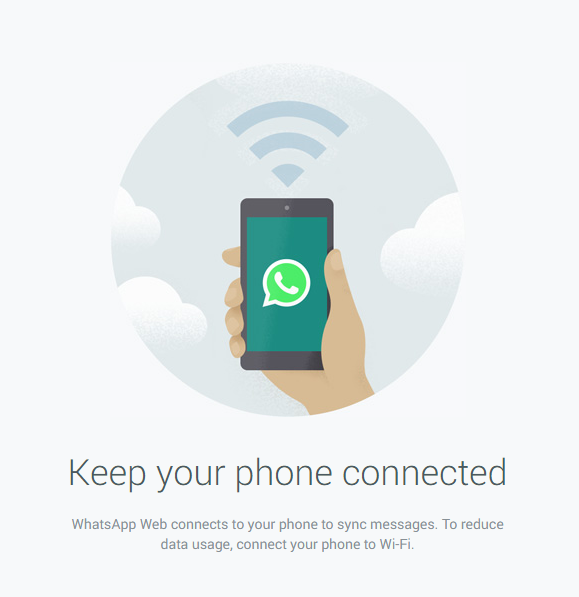
The web client works as an extension to your phone and basically mirrors conversations and messages from your device. What’s great is you can now read and reply to those messages without unlocking your phone all the time. As you type, the chat will reflect live on your phone as well.
To make use of WhatsApp Web, first you have to update your WhatsApp client to the latest version on your device, then go to https://web.whatsapp.com using Google Chrome browser. You’ll see a QR code on the page, which can be scanned via a new feature on the WhatsApp client. Scan it and voila, your device is now ‘paired’ with the web client. Do take note that your device needs to stay on the Internet, either by WiFi or data plan. Another thing to note is that the web client currently won’t work for iOS users, due to some limitation with Apple’s platform.





