



Dark modes are often a standard of many apps these days. Who wants to be blinded by the light when you’re checking your phone at 5 am? Those precious hours of sleep could be interuppted due to the blinding lights of a white screen. Thankfully, most apps adapted the colour scheme. And here’s the next one. Google Chrome’s latest 74.0.3729.112 update brought about the long awaited feature. But you might ask, how do you enable it? Well that’s the soightly tricky part. Well not really tricky. But here’s how to do it.
First, copy paste this link into your Chrome web browser; chrome://flags/#enable-android-night-mode

You’ll be led to this page. For you guys, it’ll show disabled, so just enable it and restart Chrome.
Next, all you have to do is go to your settings in Chrome, and there’ll be a new Dark modes setting available. Click on it, and switch it on. 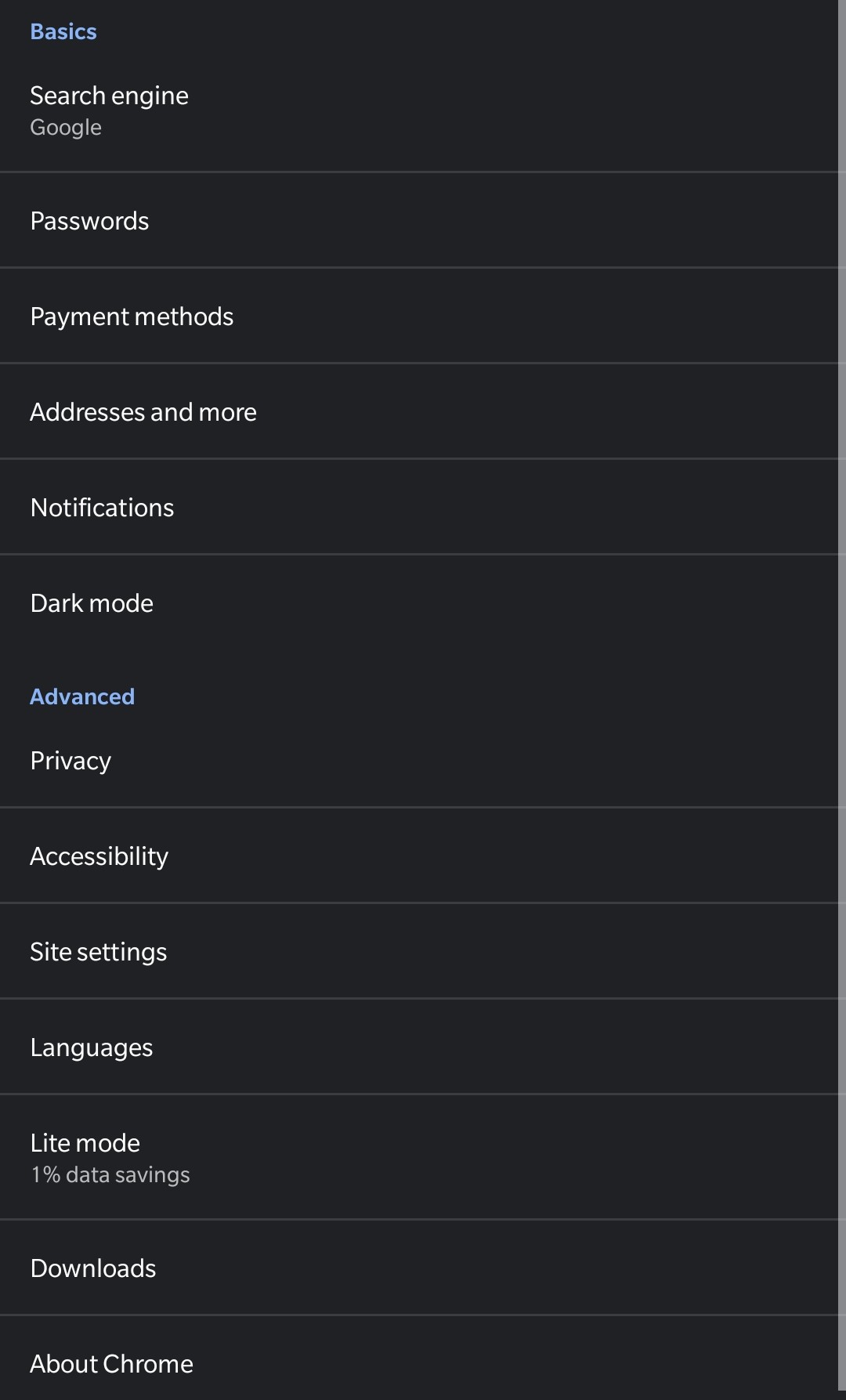
And that’s about it guys, make sure to update to the latest Chrome, and you’ll be able to use the feature. Finally. It’s not huge news, but tiny features like this are what truly make your device, your own.





