


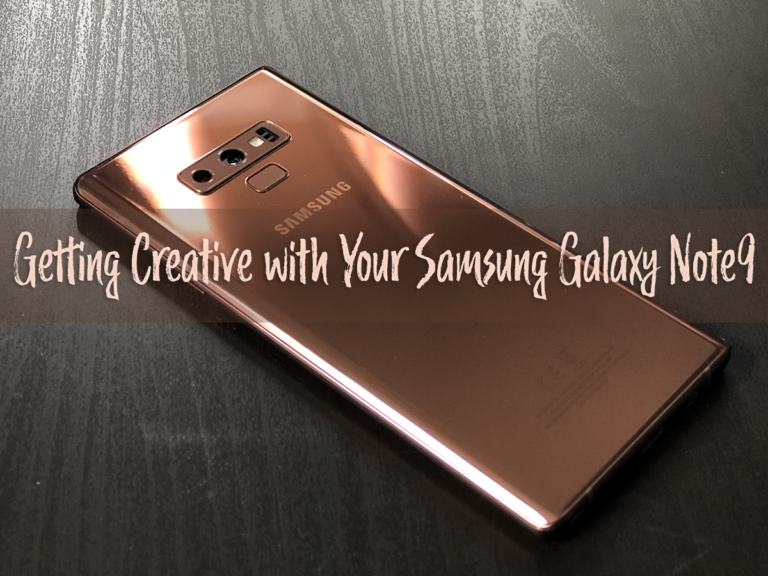

The Samsung Galaxy Note9 is certainly feature-packed – allowing users to express their creativity. We know that the new S Pen can do things beyond just being a stylus. I, myself, have doodled my way to Instagram countless of times with the S Pen. I am also a fan of its new Bluetooth capability, which allows me to use it as wireless trigger.
But what about the camera itself? The Galaxy Note9 comes equipped with 12-megapixel dual cameras with dual aperture. Hardware aside, the device’s camera software lends a hand in helping users achieve great photos with minimal effort.
1. Camera Modes
If you go into the Camera Settings, you can find the whole list of camera modes available. You can even customise what modes you want add or subtract.

2. Scene Optimiser
The Scene Optimiser mode makes its easy to take pro-looking images with just a click of a button. The camera automatically and intelligently identifies the scene. Each scene will be optimised accordingly.

3. Live Focus
There’s also a range of creative things you could do with your images on the Galaxy Note9. On this photo, I used Live Focus on the subject. I adjusted the background blur after and added Bokeh effect. I also applied a filter and added stickers. If you’d like to see how I did it, head here to view the video.

4. Create GIFs
If you have a tendency to snap away multiple pictures of a particular scene, you can also create GIFs from those photos. It helps when you have a baby that can’t seem to sit still for pics. The result? A really animated (pun intended) image!
Want to create GIFs automatically? You can go to your Camera Settings and change what happens when you hold down the camera button. By default, it will take burst shots. You can change that to the Create GIF mode for quicker access to the function.






