Tablets have been on a steady decline and the reason can be attributed to two main things – larger smartphones and smaller laptops appearing. The former made many users realise they didn’t need a screen too big, just slightly bigger than the 4-inch region. In the latter’s case, the emergence of ultra-portables and convertibles have effectively negated any advantages that tablets could have, which are screen size, portability and versatility. Enter the Aspire R13, a two-in-one from Acer using a new hinge design.
Smudgy Cover
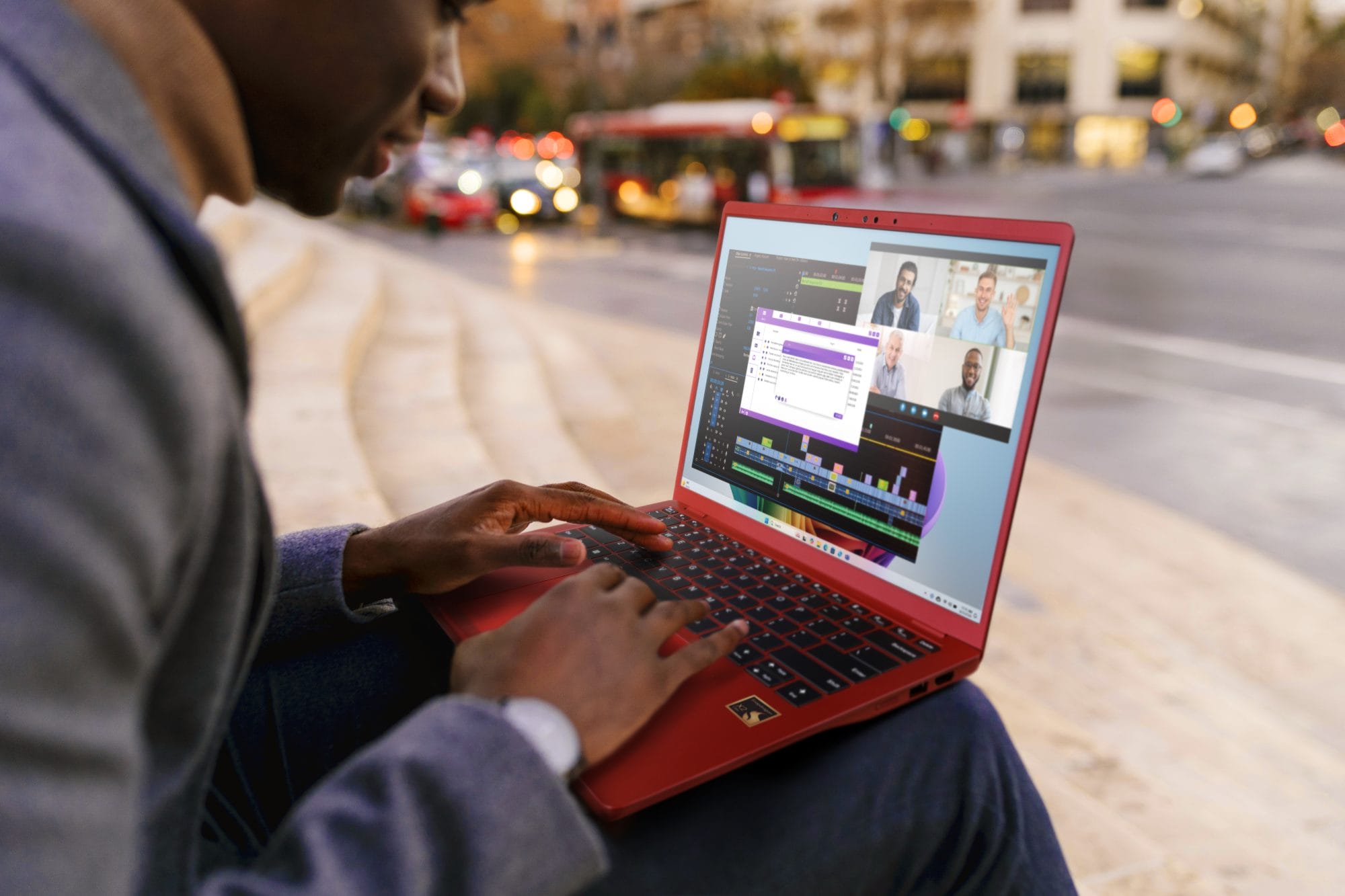
The Acer Aspire R13’s design is, as a whole, excellent. Sleek black metal is used consistently throughout the construction of the machine, except the bottom which is a matte polycarbonate material. Air vents and parts that could heat up were kept away from where our palms would rest, so I was pleased with using it on a daily basis. My biggest peeve with the notebook is the Gorilla Glass 3. It does give the Aspire R13 an elegant, premium look, but on the other hand it’s also a fingerprint magnet. Some may also find the laptop a bit unusual, due to the way the hinge and screen was designed.

Ultra-portability
Another plus point was the size and weight of the Aspire R13. Weighing a mere 1.5kg and measuring at 17.95mm, I could hardly feel this laptop when it’s in my bag. In fact, it’s small enough that a medium size messenger back should easily house it, the charger, and whatever peripherals that may be needed.
Flexible Hinge
I found Aspire R13’s key selling point – the Ezel Aero Hinge – to be an interesting idea. I say hinge, but it was more like two hinges. One was the usual hinge any laptop would have, another allows the display to turn into a variety of position. For the Aspire R13, I could switch it to six different modes: Tent, Tablet, Ezel, Notebook/Laptop, and Stand. The new mode Ezel, was just the screen brought forward, kind of like a semi-tablet mode. It wasn’t useful in most cases, though I did find myself using it when testing out the stylus. In fact, it somehow felt easier to do sketching in this mode than in tablet. However, I’m sure most would only stick to the standard modes, which are tablet and notebook forms.

Decent Display
It may be 13.3-inch only, but the R13 sports a Full HD screen. Maximum brightness was good and so was the contrast ratio, though colours didn’t look all that vibrant; shouldn’t be a problem though, except for professional photographers.
Average Sound
The volume on the machine was loud enough, though it often felt slightly muted since the speakers were facing the bottom. Unfortunately, it lacked bass and sounded hollow overall. Outputting the audio through a headphone was better, though still nothing ground breaking.
Fit for casual use
Looking at the benchmark shows a telling stat – the Aspire R13 isn’t a computing powerhouse. The good thing is that it doesn’t have to be. The Aspire R13 is targeted at working professionals who need a portable machine that they can carry easily; in that regard, the Aspire R13 fits the bill. Thanks to 8GB of RAM, it has no problems keeping multiple windows open along with word processors (I used Open Office in this case) and over a dozen browser tabs. Obviously, you shouldn’t use this for games or graphics rendering.
Not so Mighty Pen
Owners who buy the Aspire R13 will find that it comes with the Acer Active pen, a pen shaped stylus. Initially, I was dubious about the effectiveness of the stylus. Yes, it does work as it should, allowing near full range of actions like double-clicking, highlighting, or as a drawing stylus. However, there were moments when it didn’t feel sensitive enough. Clicking didn’t register at times and using it with the virtual keyboard could be an exercise in frustration; it occasionally wouldn’t register my clicks on the virtual keys. I got used to it soon enough, but this is definitely an area that Acer can look to improve.
Wallet-friendlier Alternative
With an asking price of RM3,599, the Acer Aspire is an affordable option for those on the lookout for an ultraportable or convertible. If you are looking for a notebook PC mainly for work and to view some multimedia content, this isn’t a bad choice at all.
Price RM3,599
Specs
Dimensions 343.8 x 230.4 x 18 mm
Weight 1.5 kg
Chipset 5th Gen Intel Core i5 (Broadwell)
CPU Intel Core i5-5200U 2.20 GHz
GPU Intel HD Graphics 5500
RAM 8GB
Display 13.3in, 1920 x 1080 Multi-touchscreen IPS Display
Storage 128GB Kingston SSD
Connectivity Intel Dual Band Wireless-AC, Bluetooth 4.0
I/O HDMI, SD card reader, USB 2.0 x 1, USB 3.0 x 2, mini-DisplayPort, mic-in, audio out
Benchmarks
PCMark 8 Home 2370
PCMark 8 Creative 2273
PCMark 8 Work 2729
3DMark Cloud Gate 5229
Value
Performance 7
Feature 8
Design 9
Usability 6
Verdict Solid performer that is also stylish.
Total 8.6