



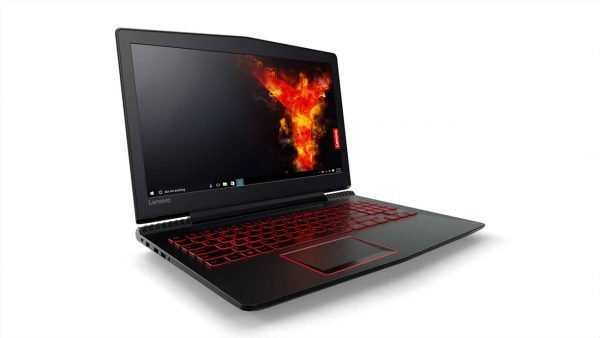
Have you encountered moments while gaming on your favourite laptop or PC only to notice lags and unreliability issues? Before you think it is your machine that needs an upgrade, check out these 5 steps that involves around your networking and connections which could improve your gaming experience:
- Get a wired connection and maintain your speed and reliability when you need it most. Find switches that makes it easier to create wired connections and one that can offer to connect more devices directly to your network. Use a 5- or 8-port switches with Gigabit or Fast Ethernet connections or try the click switch. Click switches offer up to 16 Gigabit ports and an innovative 1-2-3-4 click mounting solution, the click switch allows to place your switch where you need it and control exactly how your ports and cables are deployed. It’s easy-install bracket mounting system, slim design and internal power supplies makes it the perfect addition for your next LAN party.
- Speed it up – When you’re not wired make sure you’re connected to the fastest WiFi available. If you haven’t already upgraded your router to AC WiFi, now is the time. AC is the next-generation of WiFi, delivering 3X the speed of current N-routers, and doubles the capacity of traffic that can be processed.
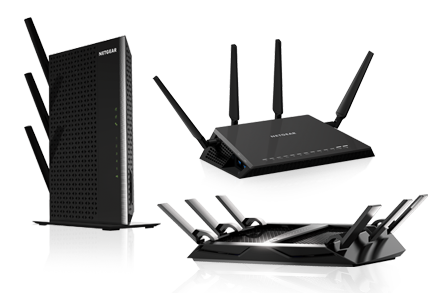
- Router – Choose a router that has your gaming interest in mind. Ensure that it comes with Gigabit Ethernet LAN ports to ensure you can connect all your peripherals directly into the network. It should also offer speeds up to 3.2Gbps, has a powerful processor, capable of Beamforming+, comes with open source support and custom QoS settings to prioritize gaming activity on the network.
- Range Extenders – Upgrade your XBox or PlayStation’s slower 802.11n WiFi with range extenders, and reap the benefits of the advanced 11ac router speeds available today. You can create a WiFi bridge and upgrade your game console’s WiFi speed by adding a dual band 802.11ac range extender to your network and connecting your console directly into the range extender, creating a WiFi bridge. If you decide to select a range extender, you can use any of the built-in Ethernet ports to connect your TV, Blu-Ray or streaming player directly into the WiFi network as well.
- Powerline solutions – Enjoy the freedom to game anywhere in your home while keeping your wired connection by using existing electrical wiring to extend your network. Powerline networking solutions can give you the speed boost in every room or boost the power and range of your WiFi network by just setting up a WiFi access point. There are variety of solutions that offers a wide selection of Powerline adapters delivering speeds up to 1.2Gbps.




