



Google’s Photos gets an update which comes with a video stabiliser.
Android Police posted that the feature is now live and they have already taken it out for a run. You can use it by clicking on the pen icon while viewing a video within the app and tap the new feature’s button right next to “Rotate.”
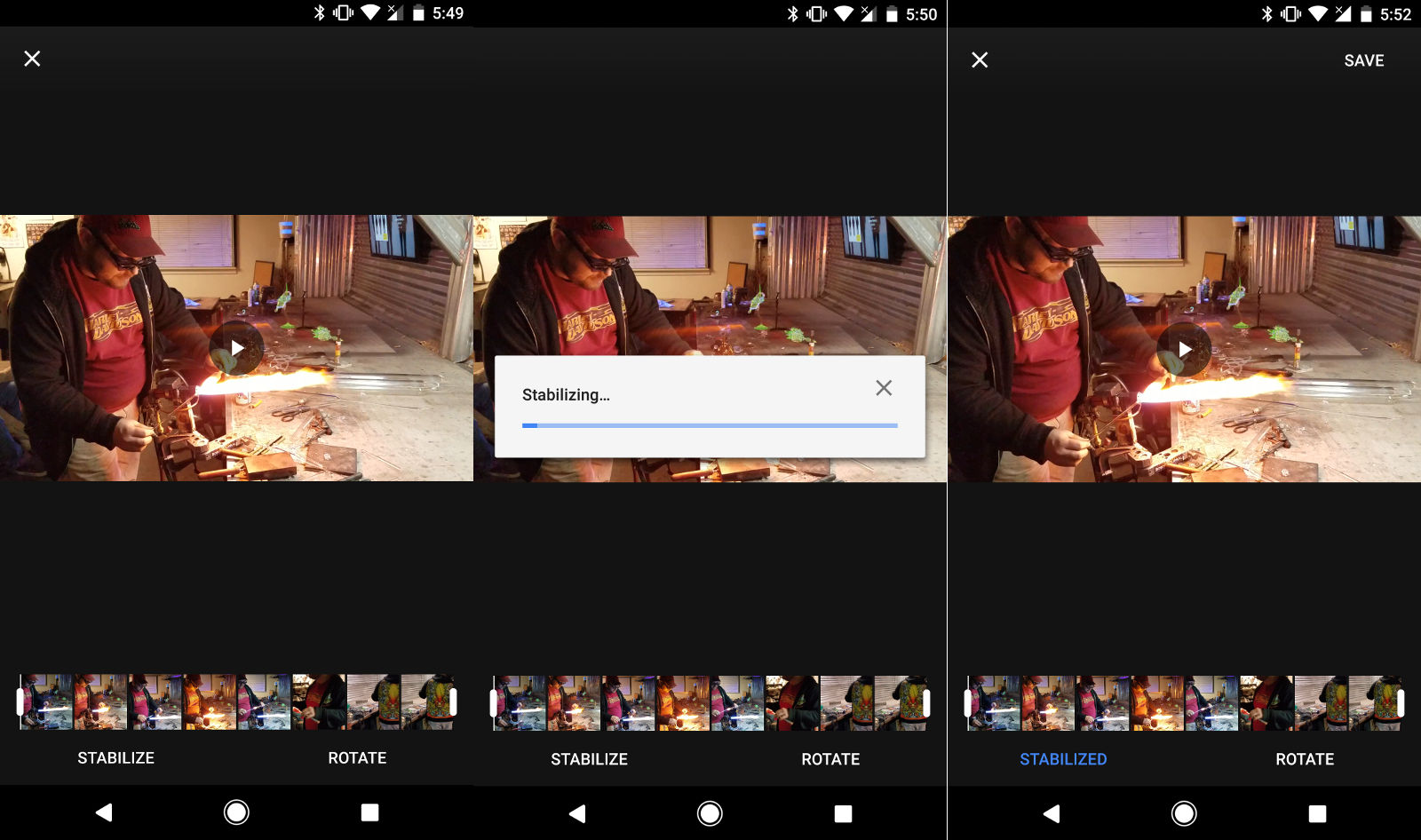
Image: Android Police
Your videos will be processed locally, but wait times vary depends on file size. A progress bar will show you wait times. Android Police took 16 seconds to process a 19 second 1,920 x 1,080 video clip on a Pixel.
The “Stabilize” option will change from white to blue once you’re done, and you can switch it on or off to compare the before and after. Expect some cropping to make up for a shaky video’s edges.
PC.com took it for a spin as well and the processing is pretty fast with results looking quite good. Readers, go try it out – it does seem to be good fun and gives you some better looking, less nausea inducing videos.





