



Starting today, Rift owners can now stream their Xbox One library to Rift with the new Xbox One Streaming to Oculus Rift app.
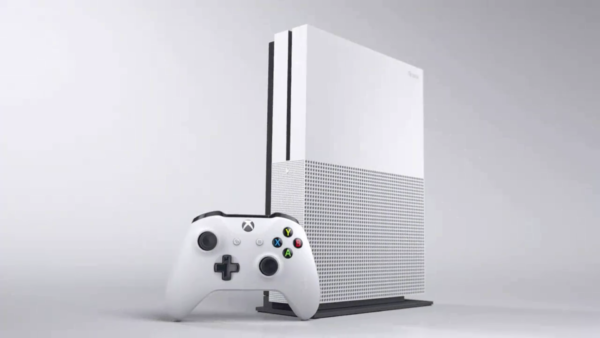
Thanks to game streaming technology between Xbox One and Windows 10, the greatest Xbox console exclusive games can now be played on Windows 10 PCs, and now on Oculus Rift. What’s more, Rift works natively with Windows 10, which makes it easy to set up, jump in and have an incredible VR gaming experience with the fastest framerates and top performance.
The app is available to download for free from the Oculus Store.
Here’s how to get started with streaming your Xbox One games to your Windows 10 PC with Oculus Rift
What you’ll need:
- Oculus Rift running on a Windows 10 PC
- Xbox One
- Xbox One controller
- Free Xbox Live account
- Free Xbox One Streaming to Oculus Rift app
- Network connection
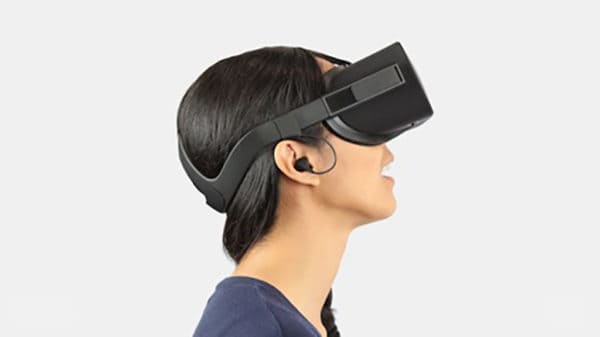
To get started, you need an Oculus Rift running on a Windows 10 PC as well as an Xbox One on the same network. Simply download the Xbox One Streaming to Oculus Rift app in the Oculus Store and fire it up. Once you load the app, you can select your Xbox One on the list. As soon as you’ve connected to your Xbox One, you’ll see a streaming image straight from your console.





