



The biggest story of the computing world was the reveal of AMD’s latest flagship product, the Radeon Fury X. The Fury X broke many grounds, including the awesome new innovation of the High Bandwidth Memory, aka the HBM. No longer is the memory scattered around the GPU, the memory is now part of the GPU chip itself! This means that the memory can be clocked lower to use less power but yet is as fast, or FASTER than the old way.
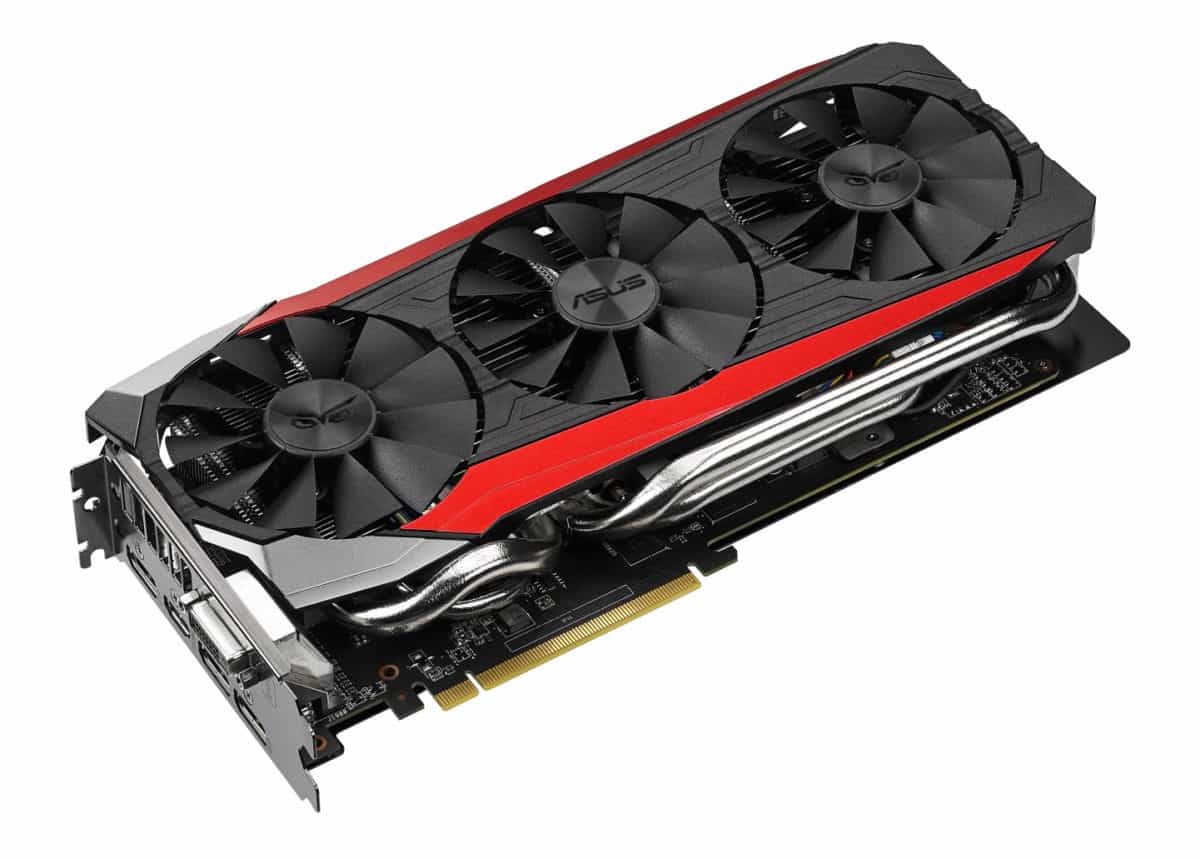
The R9 Fury X features a water cooled build, with a rather small footprint. But this new technology comes with a rather high price, especially with the HBM. This means that only the most hardcore of users would likely to be purchasing the R9 Fury X. But all is not lost, as AMD has also introduced the Radeon R9 Fury, which is a step down. This also means that third party manufacturers can go crazy on designing their own cooler for the SKU. One of the R9 Fury that can be found in the market right now is the ASUS STRIX Radeon R9 Fury card. How does the Radeon R9 Fiji fare when it’s paired with one of the best GPU coolers out there? Let’s find out.
Steampunk Beast
The Asus Radeon R9 Fury card comes in a somewhat large and really heavy box. A steampunk looking owl adorns the front of the box, which gives it a menacing look. If you’re used to Asus’s product, you can guess what you will find inside. A driver DVD, a quick setup guide, a 6-pin to 8-pin GPU connector and an Asus Strix sticker. Nothing much out of the ordinary, but since this is one of the more powerful Radeon cards currently, I do wish Asus would include more freebies.
Triple Threat
Being slim means that Asus has to change some other dimensions, as they need to make the heatsink’s footprint as large as they can. This means from above, the card looks absolutely massive. Indeed, it even comes with a triple fan setup, the first time I saw this setup on a Strix card that usually only uses two fans.
Instead of fully black, the card’s shroud actually looks a tad metallic, and two lines of red with a spattering of gold dust completes the awesome look of the card. On the back, a large aluminium backplate covers the whole length of the card, except for a rectangular cutout at the centre. A large Strix logo is etched on the card. The plate helps with the rather large and heavy card as it prevents it from bending, as well as helps with heat dissipation.
Large copper piping and radiator fins can be seen everywhere from under the shroud and backplate, which does explain the rather heavy weight. At the side of the card, you will also find a red LED strip that blinks while the card is in use.
“Honestly this is one of the best, powerful, and awesome card that we have ever tested”
Powered Beast
The Asus Strix Radeon R9 Fury card is powered by two 8-pin GPU power connector. Rated at 375W, the HBM does help in keeping the power usage, and more importantly heat down. The HBM itself is locked, and you can’t overclock it, but with this technology, the bandwidth is really high that overclocking would not really yield any advantages.
The card also supports multi GPU setup. One thing that we love with AMD Radeon cards is that now they can fully utilise the bandwidth on the motherboard itself without using any Crossfire ribbon. This means your build would look much nicer and cleaner.
Multy Eye
The Asus Strix Radeon R9 Fury has multiple graphic outputs, a DVI, a HDMI and three full sized Display Ports. You can hook the card with multiple monitors using DisplayPort daisy chain options, as well as any 4K gaming monitor that you may wish to own. Feeling rather underpowered? Buy another card and make it a crossfire setup. Heck, it even supports three way crossfire.
Cool Under Pressure
So.. the moment that you have been waiting for. How does it perform? Really good. The R9 Fury, while has a lower shader units compared to the Fury X (3584 vs 4096) and only 50Hz lower clock speed, it does not feel like a gimped version of its higher rated brother. If anything, I do prefer this card more than the more powerful Fury X due to its lower price, and it can run on only air cooling while the Fury X needs a water cooling loop. The card has one of the highest 3D Mark score that we have. It even outperforms the Nvidia GTX980, which gives it a better price to performance ratio in some cases.
One thing that surprises us is how cool the card ran. The Strix system means that the fans won’t spin unless the card reaches a certain temperature threshold, and yet, in most of our tests, the card rarely reached that threshold, meaning the card was silent throughout.
Unleash The Fury
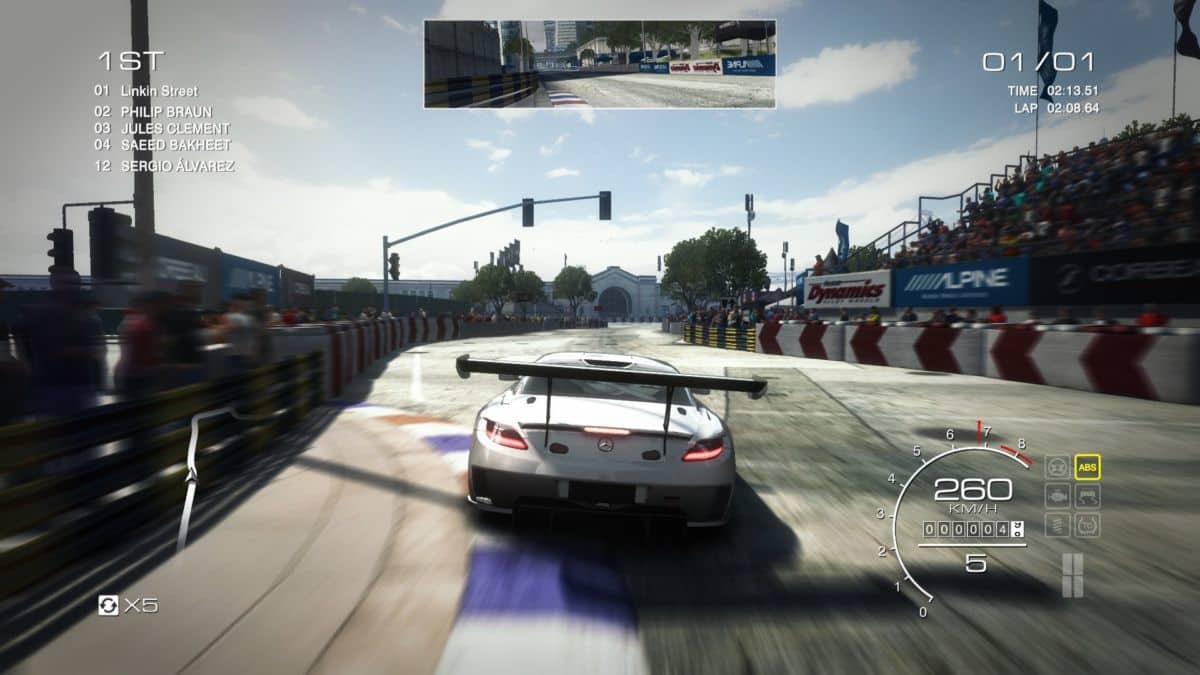
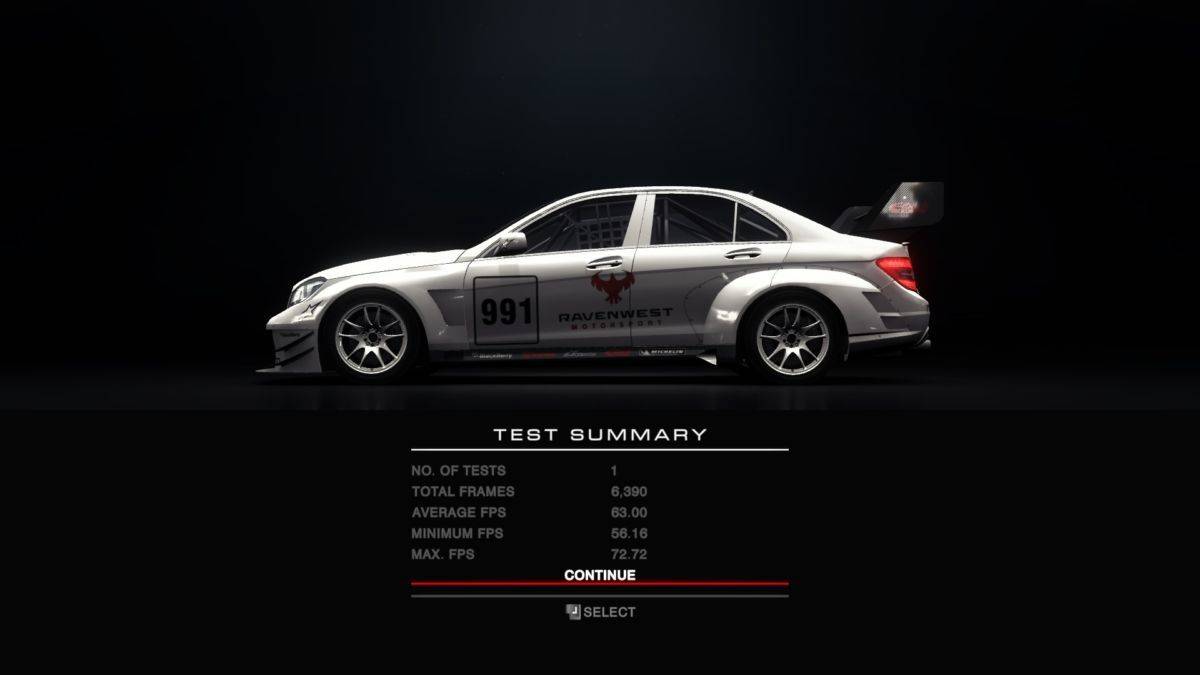
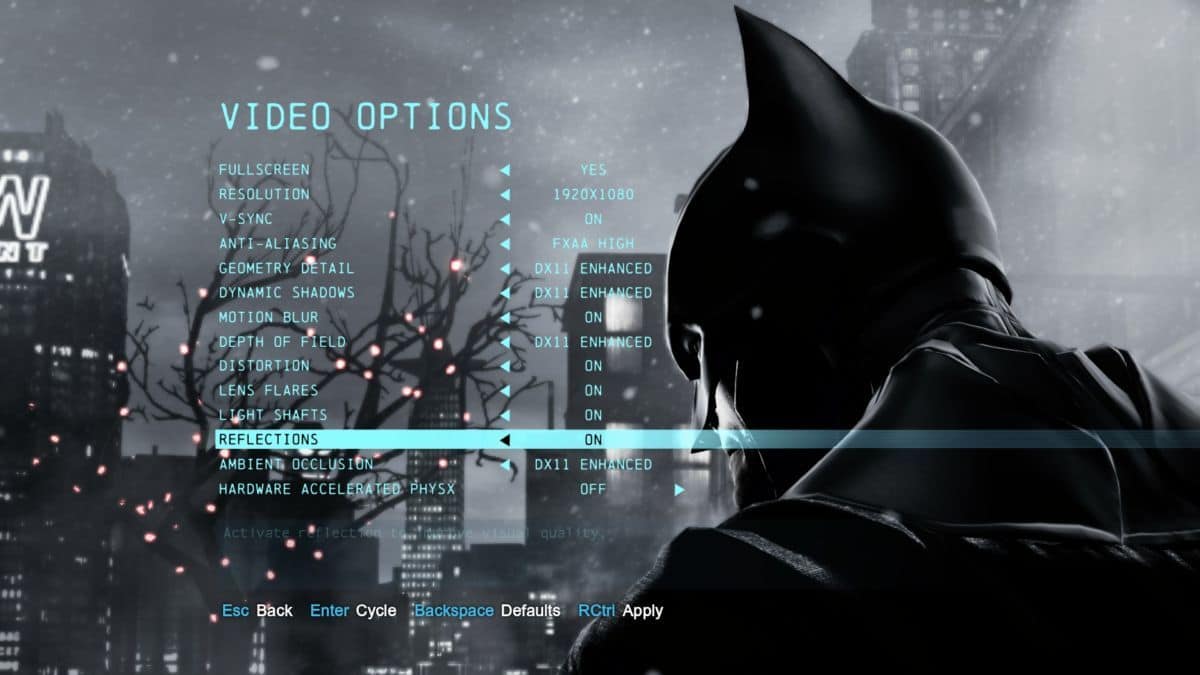
We tested the card in multiple AAA games, such as Batman Arkham Origins, Project Cars, and even Battlefield 4. And at full settings set at Full HD, the card performs reasonably well. With Battlefield 4 and Mantle option, the card renders the game without any problem, reaching 100++ FPS most of the time. The only game that gave the card trouble was only Project Cars, with at full setting chugged along at 40-50 FPS, but we think that’s due to the game itself, which is rather unoptimised for a Radeon-based card
Honestly this is one of the best, powerful, and awesome card that we have ever tested. If you want to buy a flagship Radeon but feel that the Fury X is an overkill, then the R9 Fury is for you.
Scores:
Value: 8/10
Features: 10/10
Performance: 10/10
Design: 10/10
Usability: 9/10
Total: 9.4
Verdict: Fast and Furious







One Response