



The One Experience allows for smooth integration.
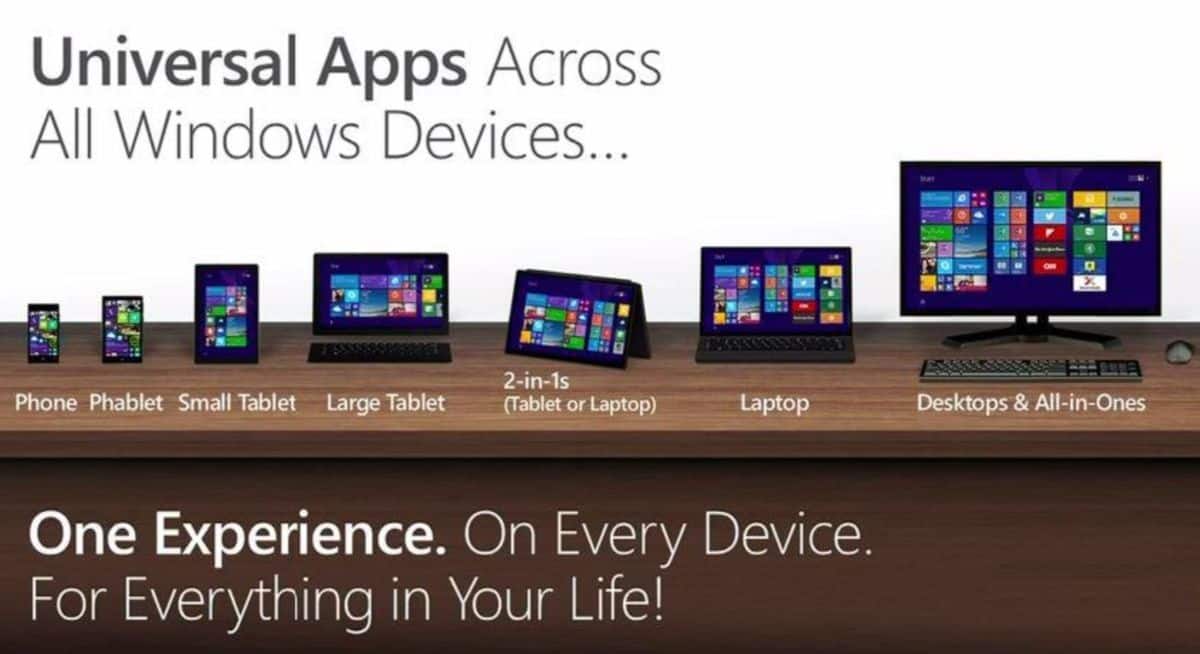
Microsoft’s ‘One Experience’ is clearly something that can be of great use for users of their products and services. In a showcase, Microsoft Devices Group showed how users can enjoy a seamless integration experience across multiple screens of Microsoft’s devices, as well as services like OneNote and Skydrive, or mobile apps. With One Experience, users get to interact with Microsoft products in a fun way, be it work or play.
Of course, to get the One Experience there is a need to own a Microsoft device, whether it’s a Lumia smartphone, a Surface Pro tablet, Xbox One console, or a PC. One Experience connects us to the expanding base of consumer apps and services. Examples are such as Bing, Skype, the Internet Explorer browser, OneDrive, Xbox One and so on. All of these have been integrated across the Microsoft devices platform and the way they perform seamlessly creates that ‘One Experience’. Now obviously this means you can carry out different tasks and activities on the platform, regardless of what device you started it on.
An example is you can create a to-do list in OneNote on your PC, then access and edit it later your Surface Pro tablet. You could also do things like playing a game on your smartphone then continue it later on another device, and not have to worry about your game progression. Additionally, you can also use OneDrive to share your content across different devices, allowing you to edit or work on your documents whenever you want. Use Skype often? Well, now with just a click you can access Sype on either your tablet or Xbox One console. Just make sure to pause your game if you aren’t supposed to be gaming at the time of call!





