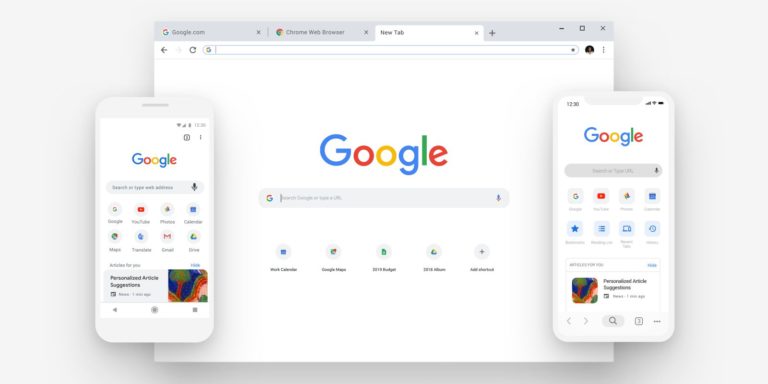
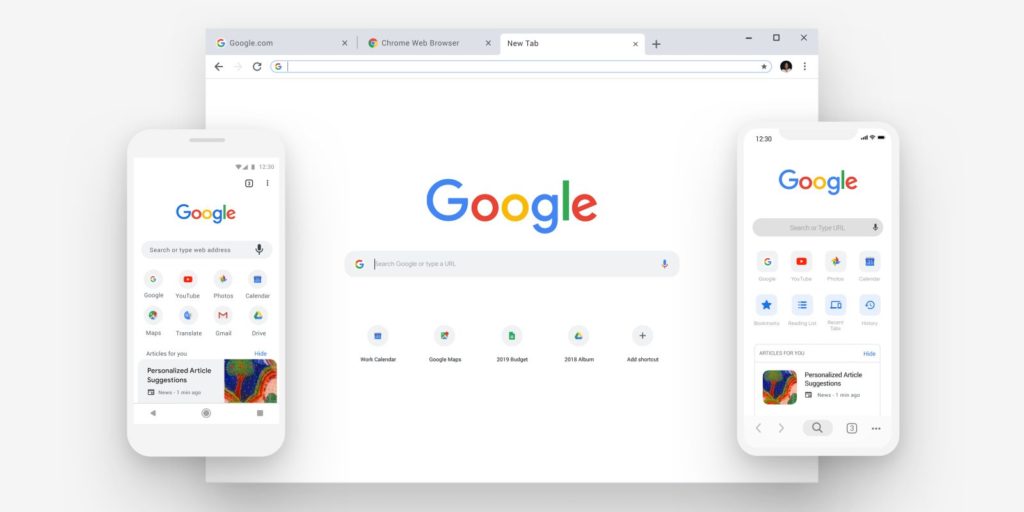
The latest version of Google’s Chrome browser is now available for Mac, Windows and Linux, with fixes to the controversial login system that was introduced in the previous release.
In Chrome 69, Google added a new feature that logged users into the browser when they signed into a website owned by the search giant, in an attempt to “simplify” the login process.
Needless to say, the move received furious backlash from users who were worried that their browser history was being synced every time they logged into Google-owned sites.
Users will be pleased to know that Google has now included an option to turn off the linking web-based logins with browser-based, sign-ins to Chrome 70.
The new setting, known as “Allow Chrome sign-in”, is left on by default. This means that users are signed into the browser if they log into a Google-owned site like YouTube or Gmail.
While Google denied it was syncing user’s browser history, anyone not comfortable with the feature’s potential privacy implications now has the option to turn it off completely.
Google has also revamped the user interface for Chrome Sync accounts. The new UI displays whether their Google accounts are “Syncing to” or “Not syncing” above their account name, allowing users to see if their browsing data is being sent to and stored on Google’s servers.
To further improve security, users have the ability to grant Chrome plugins per-site permissions. This will limit the extensions to just a few sites, thereby denying access to a user’s complete range of activities and data.
The extensions will also be restricted to executing on a page until users click the plugin icon and selects one of three options: “When you click the extension”, “On this site”, and “On all sites”.