



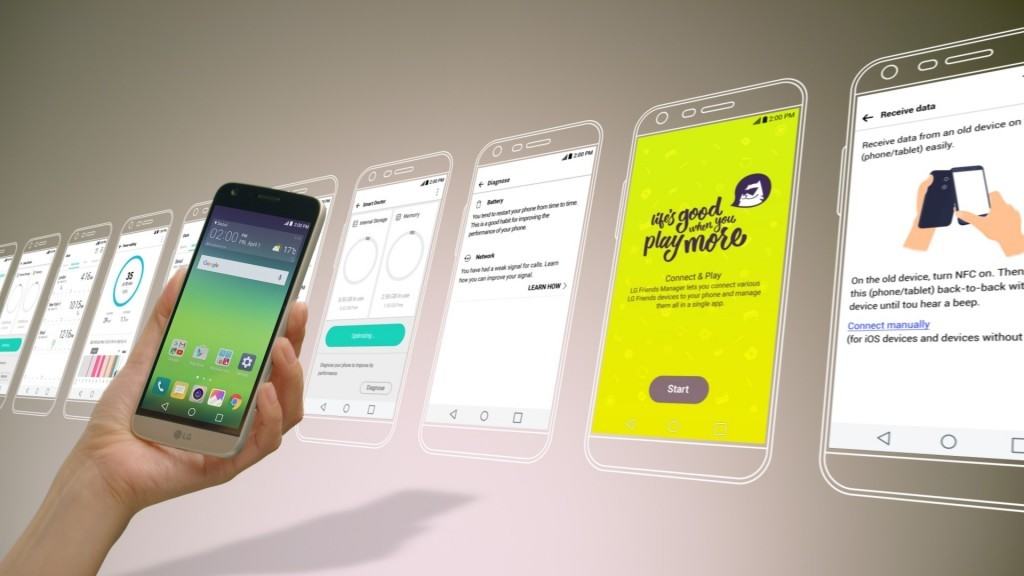
LG Electronics (LG) announces its new version of mobile interface. With the imminent rollout of its G5, the interface is designed for a more playful and innovative mobile experience, LG UX 5.0 will offer advanced features and greater convenience not only for LG G5 users but owners of upcoming smartphone models as well.
The interface, is based on Android’s latest Marshmallow OS, LG UX 5.0 conveys LG’s philosophy on the future of mobiles. LG UX 5.0 is an enjoyable, enhanced and user-centric UX that supports easy connection for optimal control of LG Friends and delivers a more convenient and powerful experience by adding new functions that allow users to enjoy the G5 to its maximum potential.
Juno Cho, president and CEO of LG Electronics Mobile Communications Company, in a press release said: “We analyzed the lifestyle of smartphone users to provide a superior mobile experience and greatly expanded the usability with LG UX 5.0. LG UX 5.0 and G5 were designed to provide an innovative user experience that reflects the needs of our most demanding customers.”
Image and video capturing just got more exciting with these features:
- Zoom In & Out – Seamlessly switch between the standard 78-degree lens to the 135-degree wide angle lens by simply pinching the screen.
- Auto Shot – An enhanced version of Gesture Shot, take the perfect selfies with this smart feature which triggers the shutter as soon as the users’ face is recognized.
- Multi View – Captures different angles of images at the same exact moment using the front and rear cameras of the G5 and the LG 360 CAM.
- 360 Wallpaper – Images taken with the LG 360 CAM can be displayed as a 360 panorama, shifting in sync with movements of the G5.
- Pop-out Picture – Combine two images taken simultaneously with the standard and wide angle lens to create a picture-in-a-frame effect.
- Film Effect – Raise the level of effects with this set of filters that deliver an “analog” feel to photos. Use Camera Preview to preview and change a filter on the fly before taking the shot.





