



Microsoft Malaysia organsied a small media preview of the soon-to-be-available Surface Pro 3 as part of its announcement of the retail partners it has signed on for its pre-order exercise for the new Surface. PC.com had been one of the few to get this exclusive touch and feel experience and it can be said that we’re left wanting for more.
Pre-Order Hype
Before moving to the first looks proper, this must be shared first – you can now pre-order the Surface Pro 3 from the following: Aone Plus, Harvey Norman, Viewnet, Thunder Match, Senheng Electric & senQ Digital, and SNS. For those based in Sabah and Sarawak, head over to Machanics and PC Image. Prices start from RM2,729 (Core i3/64GB SSD/4GB RAM) and caps at RM6,779 (Core i7/512GB/8GB RAM). This campaign has already started and is set to end on 15 August 2014.
Step Up
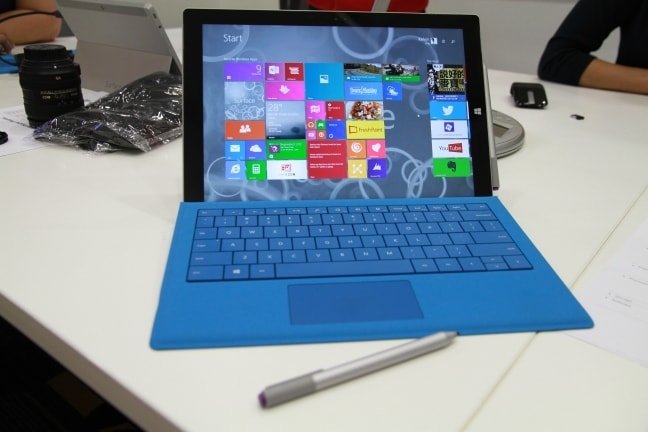
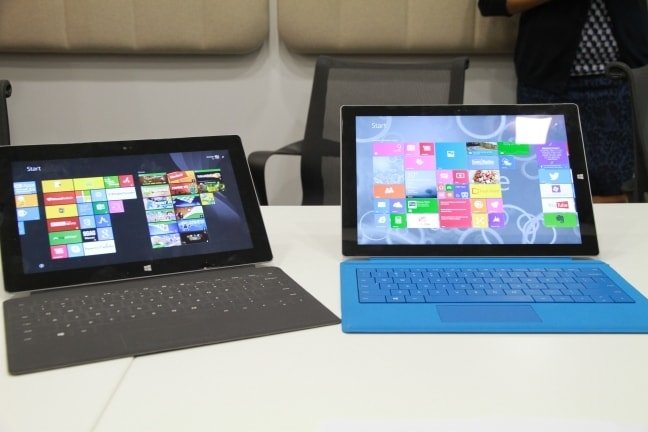
The Surface Pro 3 is definitely a step up from its predecessors. Not only is it larger in terms of screen space, it is also thinner and, surprisingly, lighter. While the chassis carries forward the same cool, professional look the original Surface had, what it offers within are layers upon layers of innovation. From the smaller bezel size to the ultra-sharp display panel, which is said to offer a visual performance that is beyond Full HD, with the re-located physical Windows-logo hard-button, and overall improved usability, this new Surface does look and play the part of being a true upgrade from the Surface 2.
Bright Performance
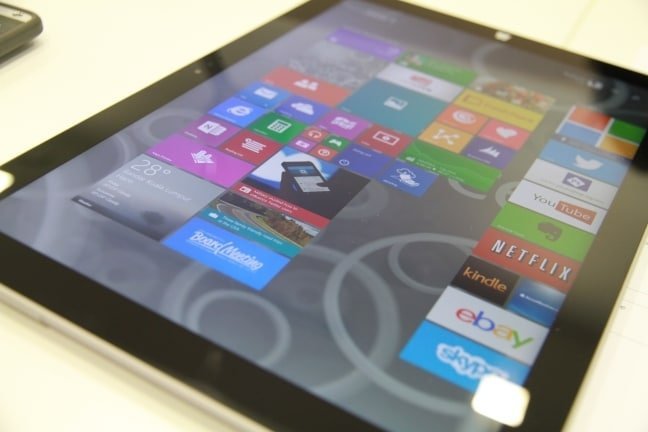
The sufficiently large panel had just the right amount of room to properly enjoy my YouTube clips and carry out my writing/editing work. Based from what I had seen of the device, I can say the 12in screen is outstandingly vivid with the blues and greens of the Start Screen having a nice level of pop. Complementing the visuals are the speaker system the new Surface uses, which produced an audio level that is decently loud and clear, and the advance user interactivity this device now sports. The latter is further enhanced once you get the peripheral add-ons like the Touch Type Keyboard Cover and Digitiser Stylus as they both provide the Surface Pro 3 with additional enriched input options that are extremely intuitive.
True Interactivity
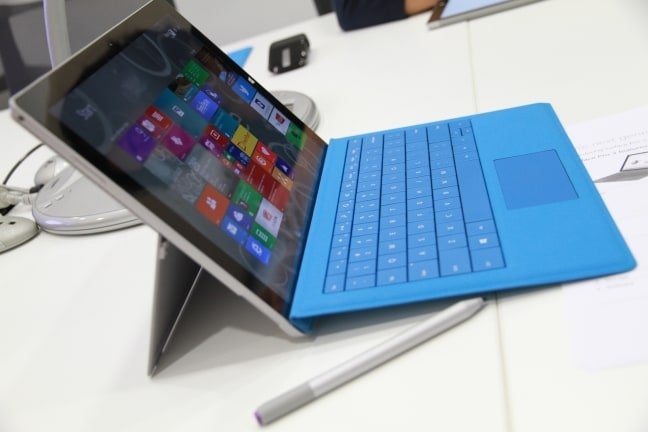
When docked onto the keyboard, which doesn’t really add on to its bulk or weight, the Surface Pro 3 switches from its original tablet form factor to become a pretty powerful notebook. The keyboard travel and tactile feedback is decent and works well enough with the multi-touch performance of the display. I also like how the digitser operates in tandem with the keyboard and screen as it offers the cool option of using hand-writing to interact with the device. Thanks to the improvements Microsoft has added, it is truly a breeze to work with the new Surface.
While I’ve yet to fully put the Surface Pro 3 through the wringer, I can safely say it definitely impresses well enough. Once it arrives into the office proper for a full review run, the team will definitely push it through the envelope to see if the hype is real.





