



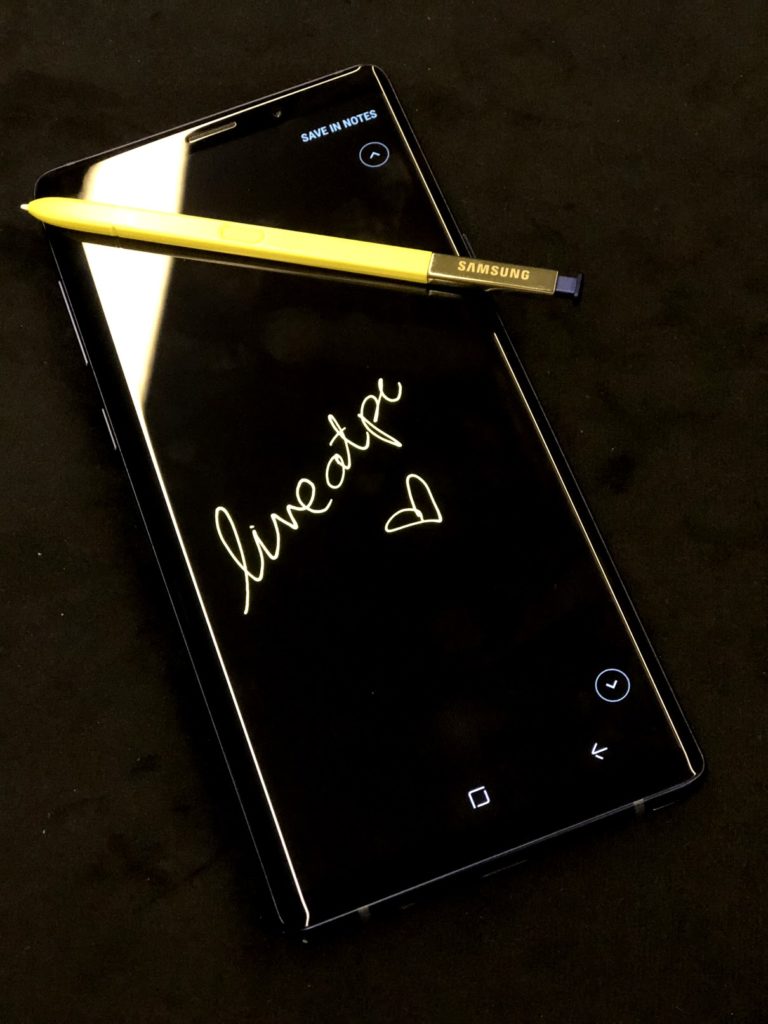
At the risk of sounding ancient, does anyone know what PDA is?
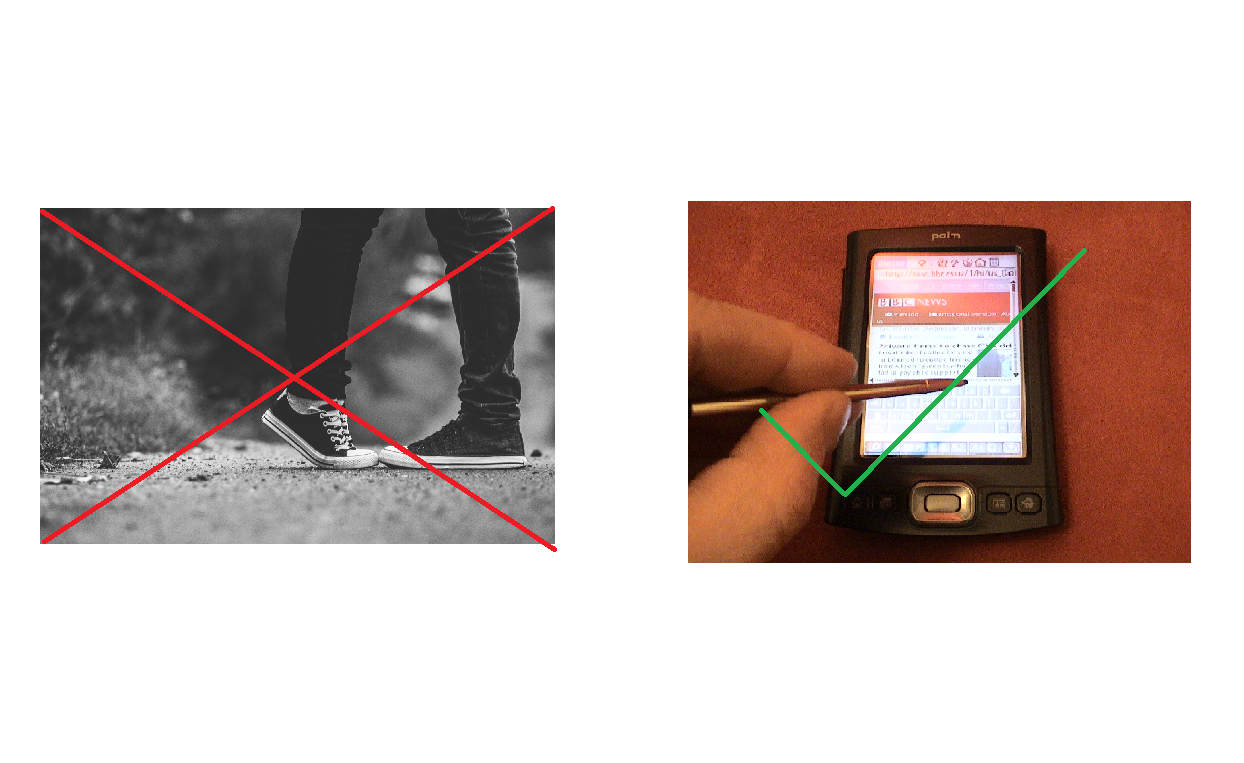
No, it’s not public display of affection. It stands for Personal Digital Assistant – a type of mobile device largely popular in the 90’s as THE productivity device of choice. It was the “in” thing at the time to carry a PDA due to its ability of doing virtually anything you’d need to be productive in the workplace.
From accessing your appointment calendar and address book to creating a memo using the stylus, the PDA was your handheld PC. However, manufacturers discontinued making PDAs as consumers were moving to using smartphones.
Now, if all of that sounds all too familiar, that’s because Samsung introduced a game-changer back in 2011 – one that probably killed the PDA market slowly but surely.
The Samsung Galaxy Note series is what I would call a modern iteration of a PDA, but with improved capabilities and features. Samsung was also the brand that single-handedly made phablets a success, despite naysayers critiquing the Samsung Galaxy Note and telling consumers to skip on it.
Touted as the ultimate mobile productivity device, the latest Samsung Galaxy Note9 makes every day life easier and more efficient. Just like what a PDA set out to do, the Galaxy Note9 allows you to use the S Pen – its Bluetooth-enabled stylus. Additionally, its large 6.4-inch Super AMOLED Infinity Display is a great canvas. Create memos, arrange your appointments and even draw on documents or images. These are just some of the many things the Samsung phablet can do.
Point DeX-ter
Taking the whole handheld PC concept to a whole new level, the Galaxy Note9 gives users a PC-like experience through the Samsung DeX ecosystem. It allows the Galaxy Note9 can become more than just a mobile device.
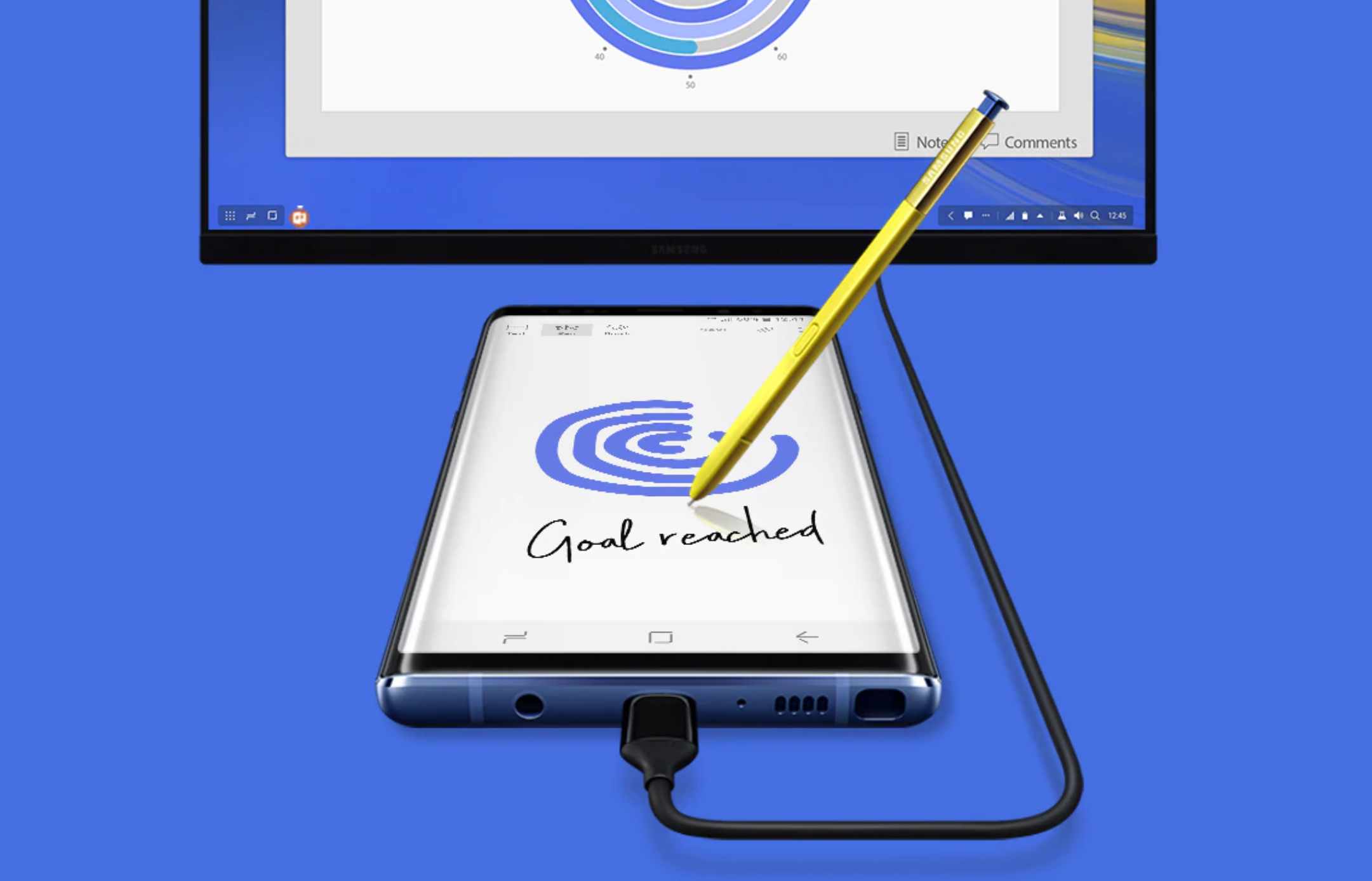
The DeX ecosystem, which can be achieved using either the DeX Cable, DeX Station or DeX Pad. Couple that with an external display, a keyboard and a mouse. Just connect your Galaxy Note9 to use apps, review documents and be entertained on a PC-like interface.
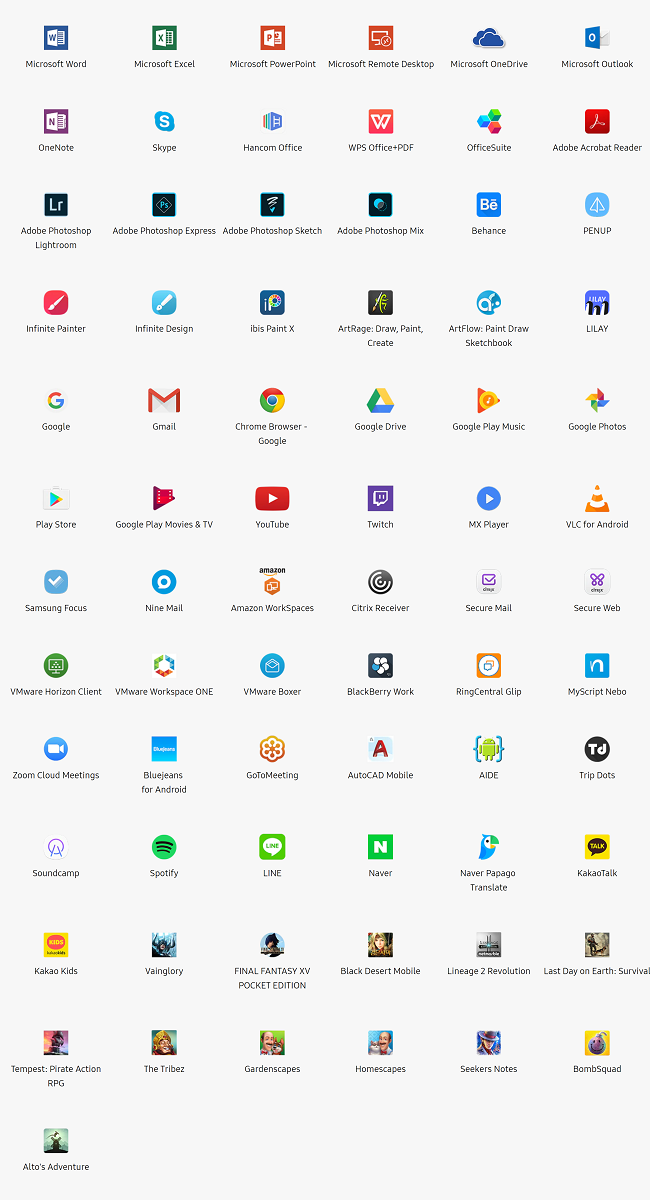
With Samsung DeX, you don’t need to choose between using your phone and desktop. A master as multitasking, you can use your favourite apps on the Galaxy Note9. All while still using Samsung DeX on your monitor. I personally find that this is a great way to destress. Doodle on the Galaxy Note9 while using my Microsoft Office suite on the Samsung DeX.
Additionally, the Samsung DeX ecosystem allows you to get the most out of your apps. You can do more things with the apps on your phone, just on a bigger screen. There are plenty of apps to choose from, whether it is for productivity, entertainment or creativity.
I may just consider ditching my laptop for the Galaxy Note9 – less is more, right?




