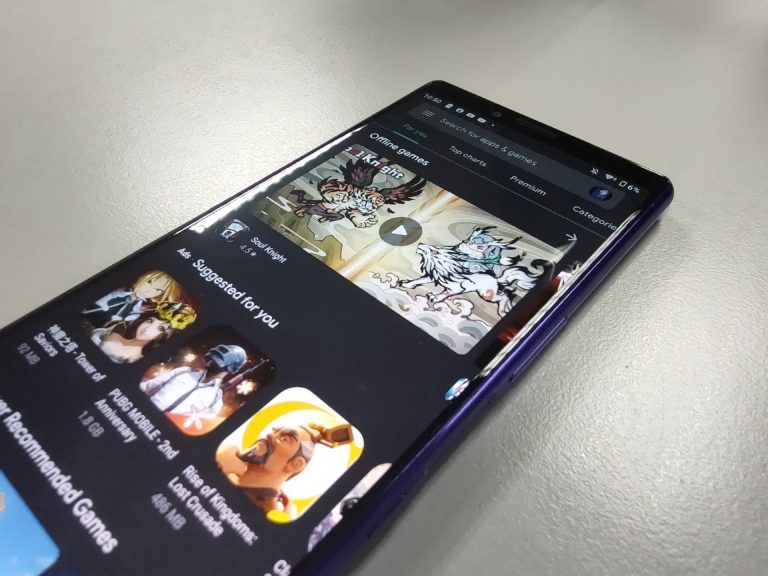
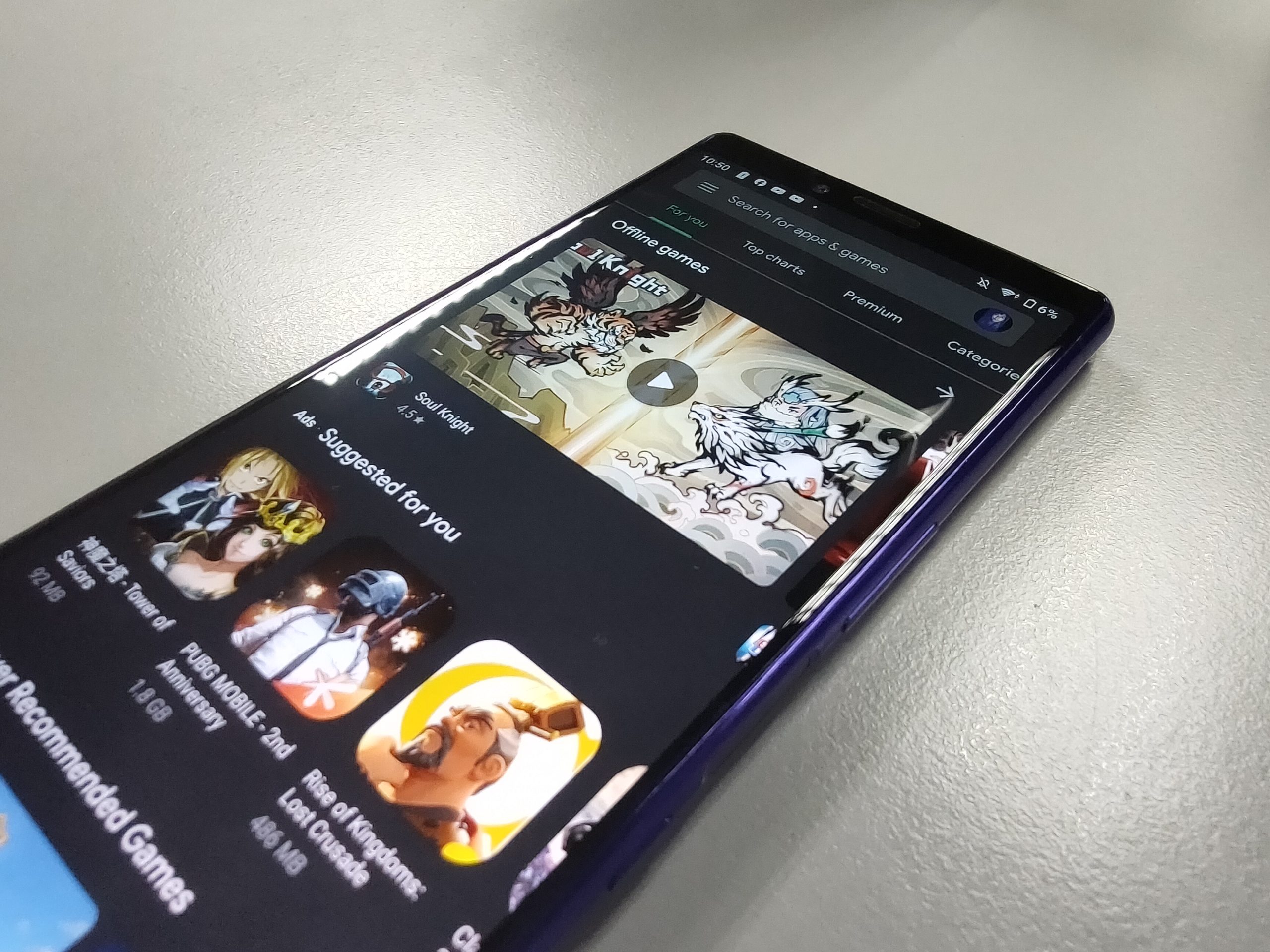
 Google has rolled out their dark mode for the Play Store this week. The feature will be available via a toggle in the Play Store settings, and most devices running Android 9 and 10 will have the new theme. That’s pretty much it really, but it is a welcome addition to my dark mode apps I have on my phone. Any and everything I use on my phone, I must use it in dark mode. It’s just a thing. With the Play Store receiving the functionality, it’s another one off the list.
The new setting will force the Play Store to use the dark theme, and is not dependent on the theme you’ve set on Android. But you can also set it accordingly to always be light, dark, or system default, so it’s up to you. Here’s what you’ve gotta do to set it up:
- Open the Google Play Store.
- Clock on the stacked lines on the top left “Menu” icon of the search bar.
- Tap “Settings”
- Select “Theme”
- Now choose “Light”, “Dark” or “Set by Battery Saver” if you’re on Android 9 / “System default” if you’re on Android 10 to have it follow system defaults or settings.
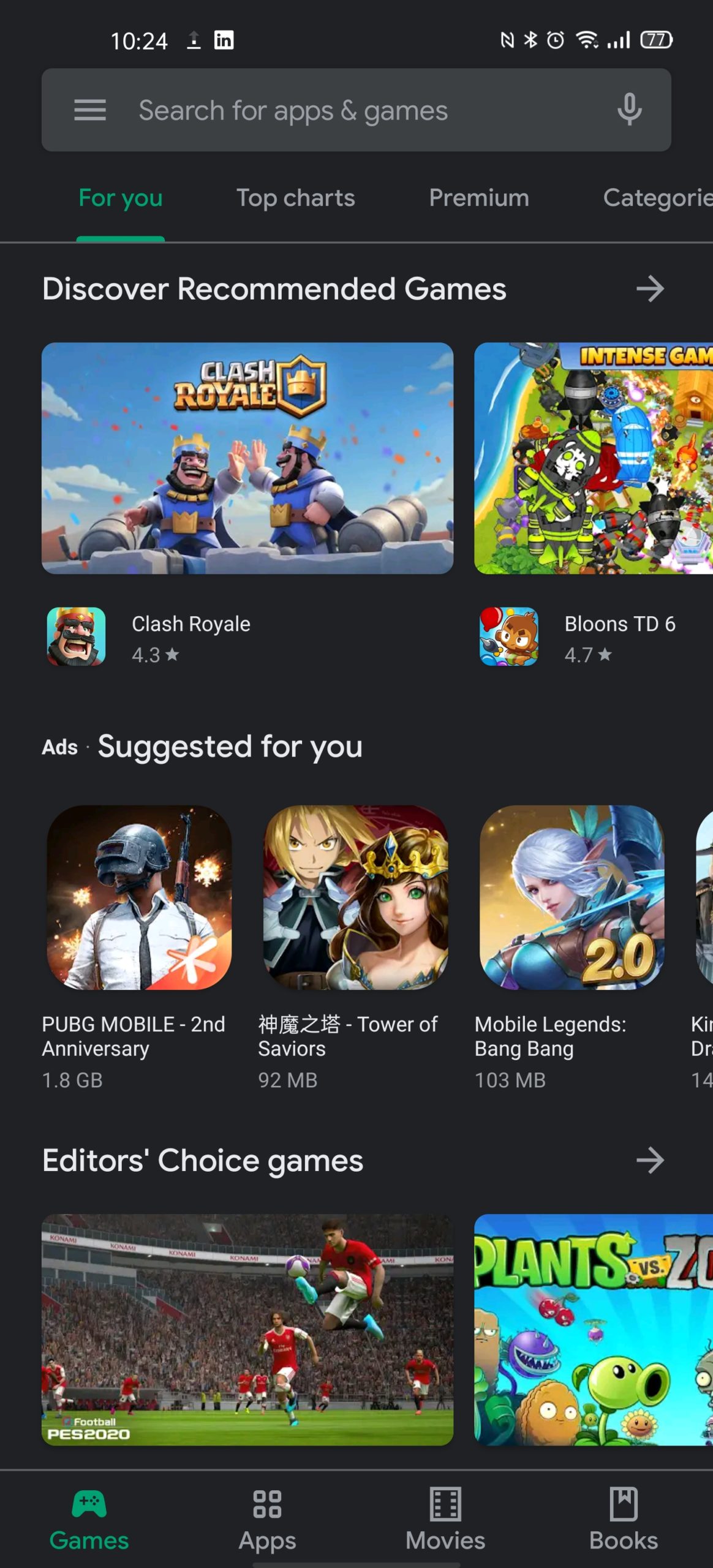
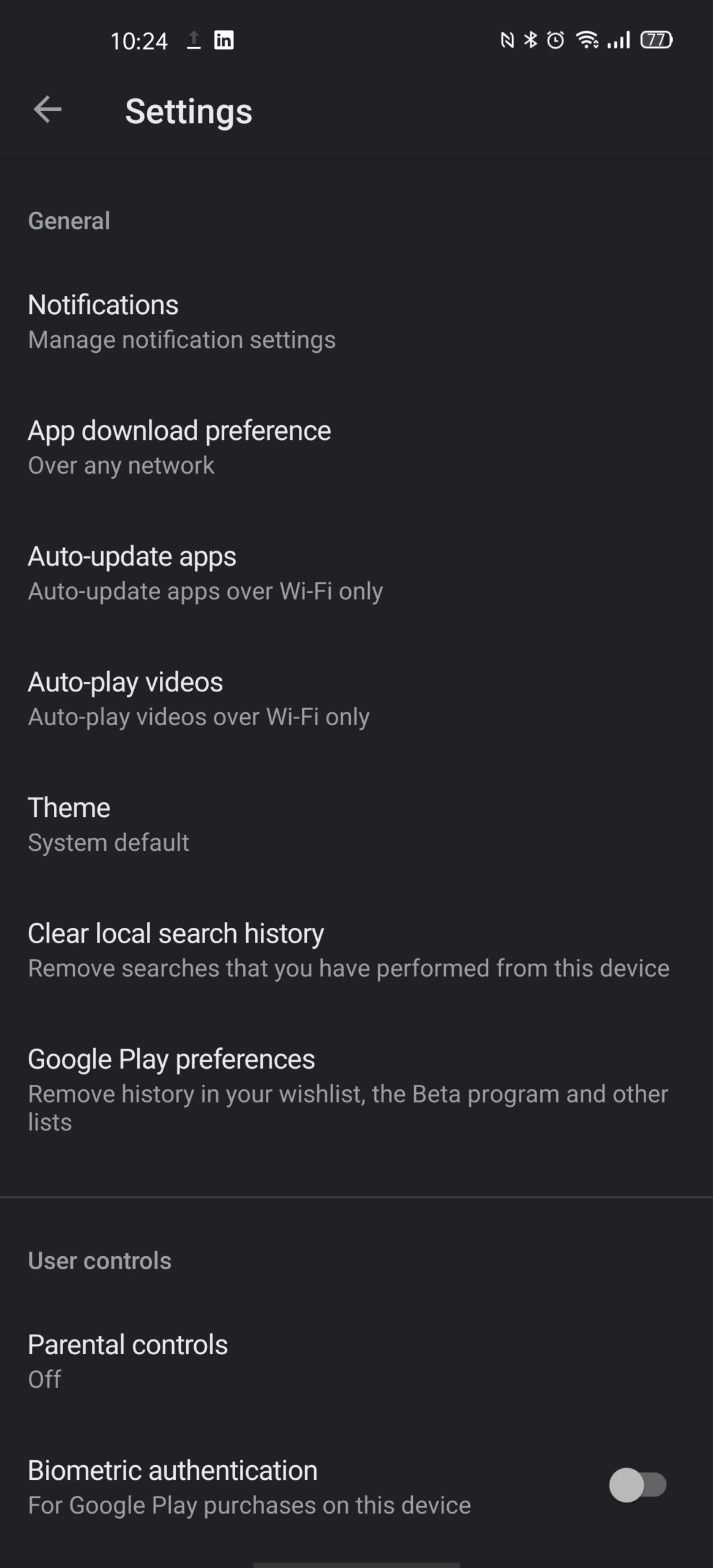
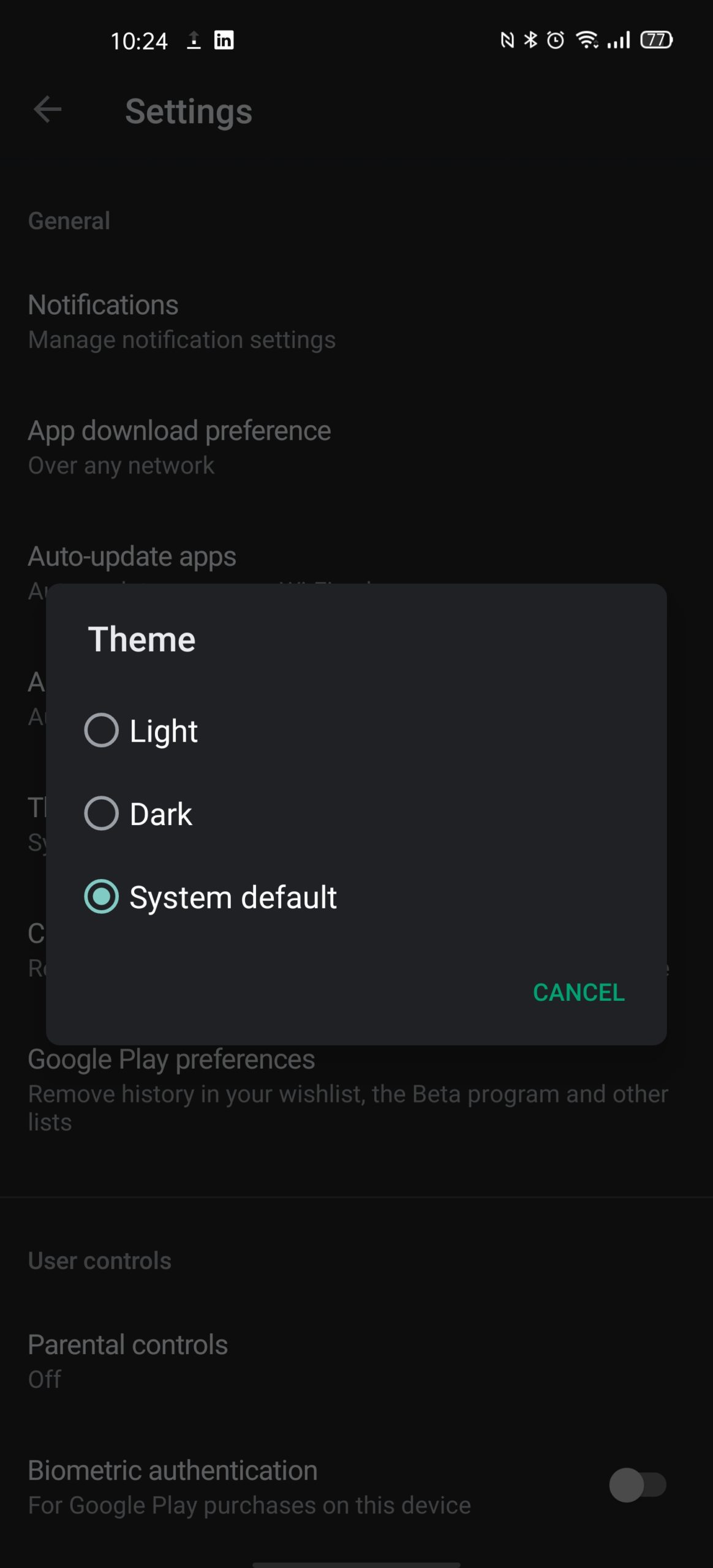
And that’s pretty much it! Now that you’ve done that, you should have dark mode enabled for the Play Store. If you don’t see the option to do so, you might have to wait a bit as Google rolls out the update.
With that off the list, there’s very few remaining on my list. WhatsApp, Facebook Messenger, Instagram, Twitter, Reddit, and Gmail already has the feature, so I’m good. Except Facebook… WHY DOES FACEBOOK NOT HAVE DARK MODE YET????