



The Google Translate app is one of those features that comes in handy only when you need it, nevertheless an unsung here among the Google portfolio.
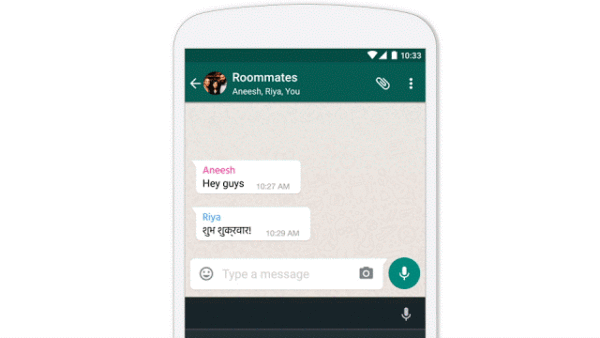
Expanding from desktop to mobile making it easier to over 500 million+ people who use this app on a daily basis, Google Translate users can now use this service on Android. By just copying the text of a chat, comment, song lyric in whichever app used a translation will pop up right there giving an instant view of the translated language —no need to switch apps: Tap to Translate works for all 103 of Google Translate’s languages on any Android phone running Jellybean (4.2) and above.
On the Offline Mode it now works on iOS, and joins Android in using small offline packages. Previous packages were too big to download on unreliable data connections or to keep on the phone’s limited storage. That’s has now been shrunk by 90 percent, to a much more manageable 25 MB each.
Easy to set up: Just tap the arrow next to the language name to download the package for that language, and then you’ll be ready to do text translations whether you’re online or not—and it works with Tap to Translate too. Total number of offline languages is now up to 52. Word Lens in Chinese has also been added, it’s the 29th language for instant visual translation, and it reads both to and from English, for both Simplified and Traditional Chinese.
Roll out of the service is in stages.





