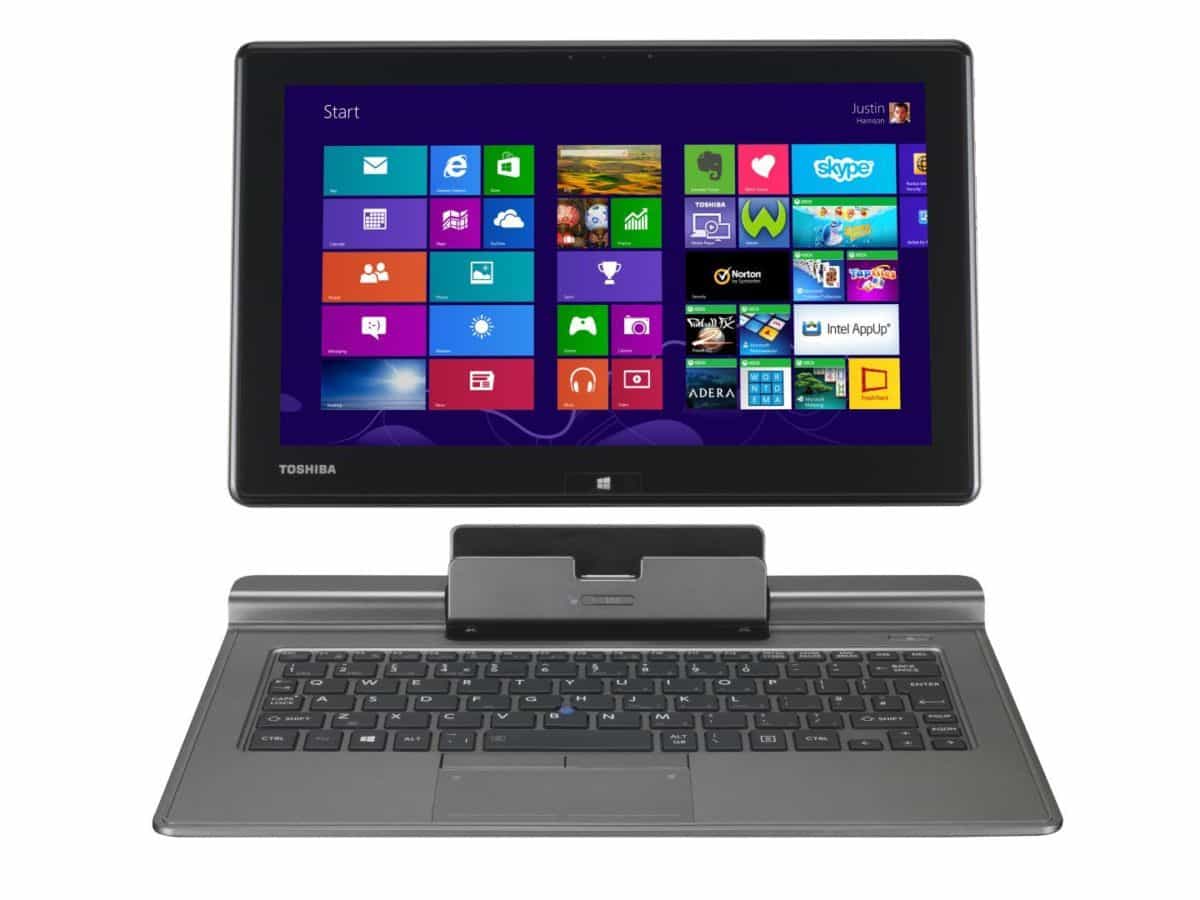
With Windows 8.1 putting an emphasis on touch interaction as well as the invasion of the tablet, manufacturers have come up with various designs that attempt to meld both worlds. Toshiba has decided to take the modular approach with the Portege Z10t, which is divided into two parts: a portly Windows 8 slate, and a keyboard dock that adds a few more goodies.
Greyed Out
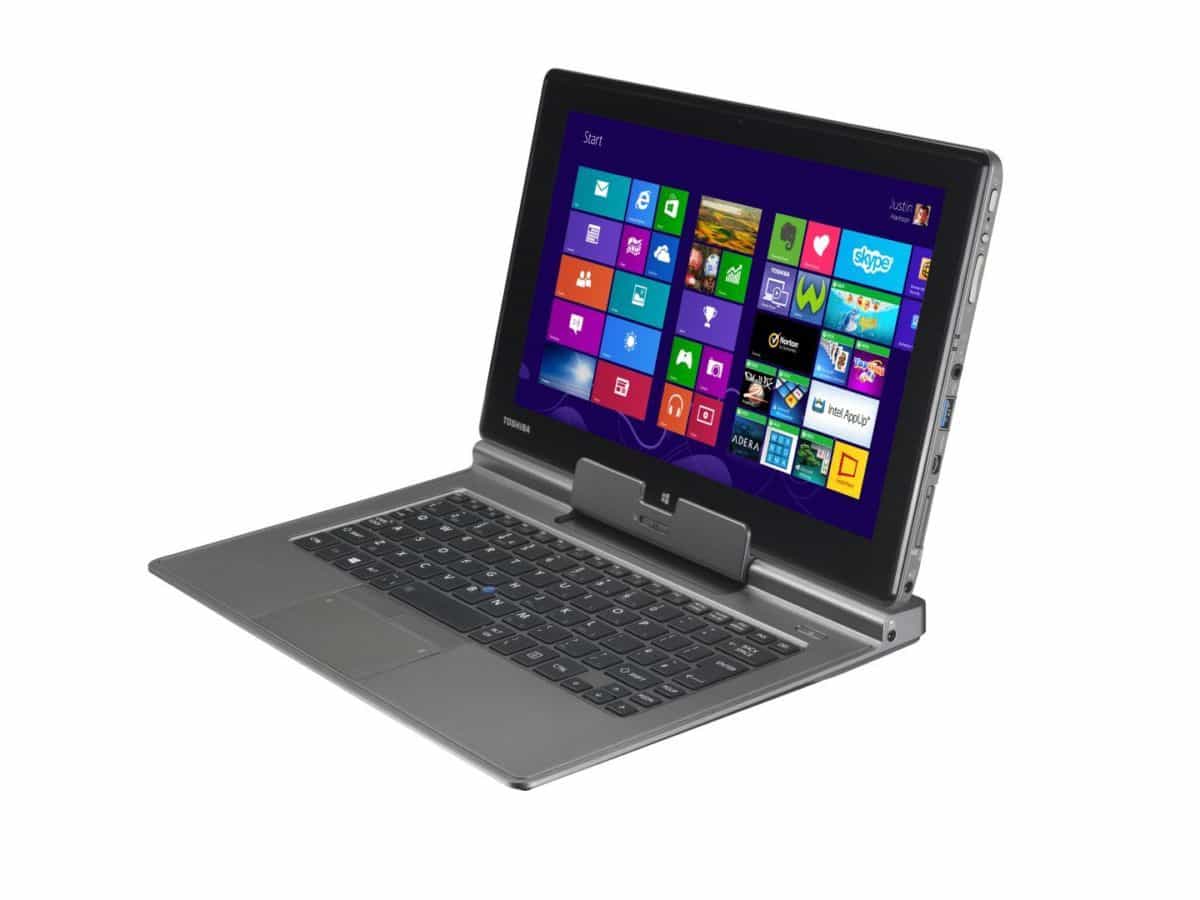
Both parts of the Portege Z10t rock a dark grey paintjob, but differ in build material and design language. The tablet has a textured back, allowing for better grip. This is a God-send when you’re handling such sensitive equipment. The keyboard dock uses a more utilitarian aesthetic, and does not quite jive with the tablet’s more elegant design. It seems that function triumphs form when it comes to the keyboard dock. Toshiba could have refined the look slightly, instead leaving us with a gallery of exposed screws.
I’ll Form the Head
The keyboard dock does so much more than just providing you with an extra means of input. You get an extra USB 2.0 port, as well as HDMI, VGA and Ethernet connectivity when you join slate and dock. There’s even a power jack on the right. It’s a shame it doesn’t do double duty as an extended battery, though.
Faithful Scribe
The Portege Z10t comes with a stylus that tucks neatly on the tablet’s left side, giving you a finer degree of control when you need it. For the aspiring artist, there is an optional digitiser stylus available. I personally like the stylus, as it offers a more comfortable experience overall with its ballpoint pen-like size. The artsy will definitely appreciate the optional accessory – just install software like SketchBook Pro or Photoshop, use the digitiser and go wild. It’s rare to have devices that have this functionality, so kudos to Toshiba for providing this feature.
Survivalist
An Intel Core i5-3339Y is ticking within the chubby tablet, with 4GB of DDR3 riding shotgun and a 128GB SSD on storage duty. The spec sheet and the Ultrabook certification mean you’re getting a product that is able to last you throughout your working shift. In Powermark’s “Balanced” preset, this “Detachable Ultrabook” (according to the official website) managed to last a little over 4 hours. I’m pretty sure you can eke an extra hour or two if you set your mind and just focus on paperwork. All in all, this machine lives up to the “Ultrabook” name bestowed upon it, it’s just slightly rough on the edges (the keyboard dock, specifically).
Price: RM3,099
Dimensions: 229 x 220 x 16.9 – 19.9mm (with dock)
Weight: 1.4kg
Processor: Intel Core i5-3339Y, 1.5GHz
GPU: Intel HD Graphics 4000
Memory: 4GB DDR3L System Memory at 800MHz
OS: Windows 8 Pro, 64-bit
Display: 11.6 FHD IPS Display (1920 x 1080 resolution)
Storage: 128GB Solid-state Drive
Battery: Lithium ion 39Wh
Value: 7/10
Features: 8/10
Performance: 8/10
Design: 7/10
Usability: 8/10
PCMark08 Home: 1452
PCMark08 Creative: 1205
PCMark08 Work: 2477
Verdict: Business and creativity rolled into one.
Total Score: 7.6/10