This thing is glossy, it’s a monster that eats your games for breakfast and asks for more.
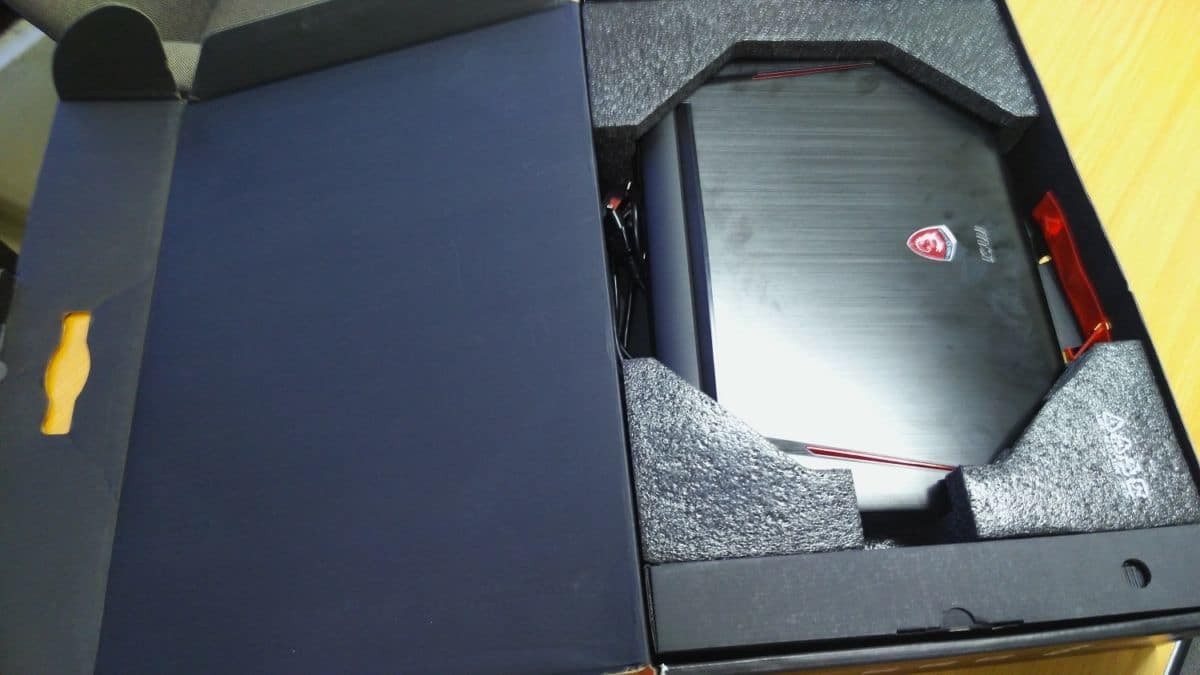
How many of you have seen the MSI GT80 Titan? No? Well, for those who haven’t, the PC.Com crew received this pleasant surprise earlier in the week from MSI. The large box of the MSI GT80 Titan was brought in and we thought “hey, let’s do a short unboxing! People like that, right?” So without further ado, here’s some shots of the box, what’s inside and the new Titan.

The box itself, simple yet elegant with the black, red, and white colours. At a glance you can see what features MSI has included with this replacement desktop.

Do forgive the blurred logo, since my hands were shaking from excitement and the lens was focusing on the foam. You can now tell see why the box is smaller than some may have expected: there are no accessories included with the MSI GT80 Titan.
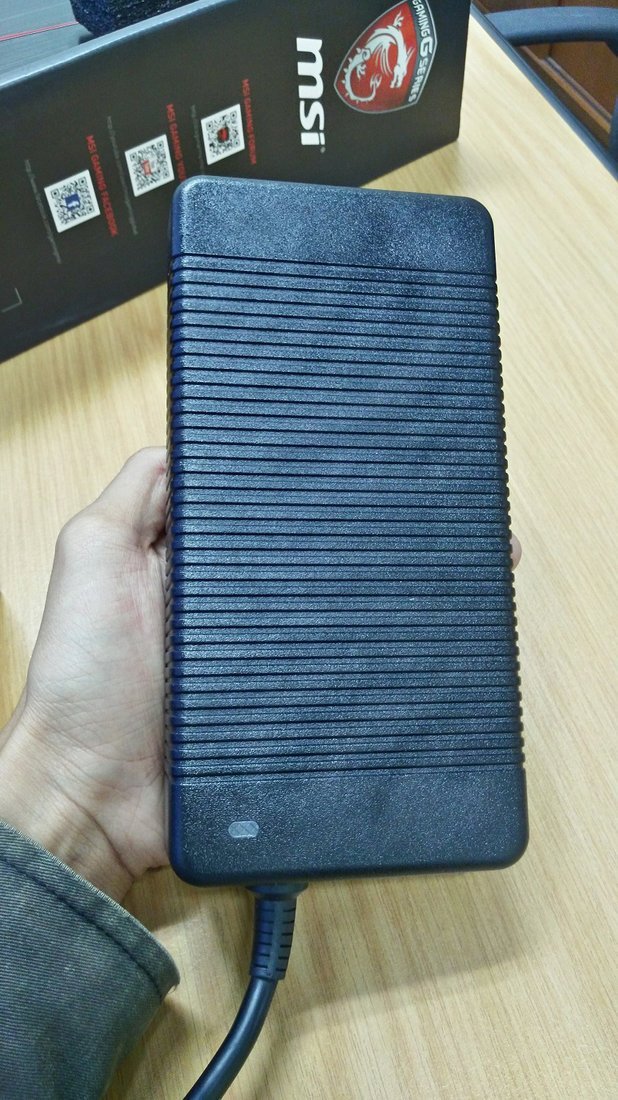
Do you see the size of that? It’s huge! And yes, it’s the power brick; you could probably club someone to death with this if you want to.
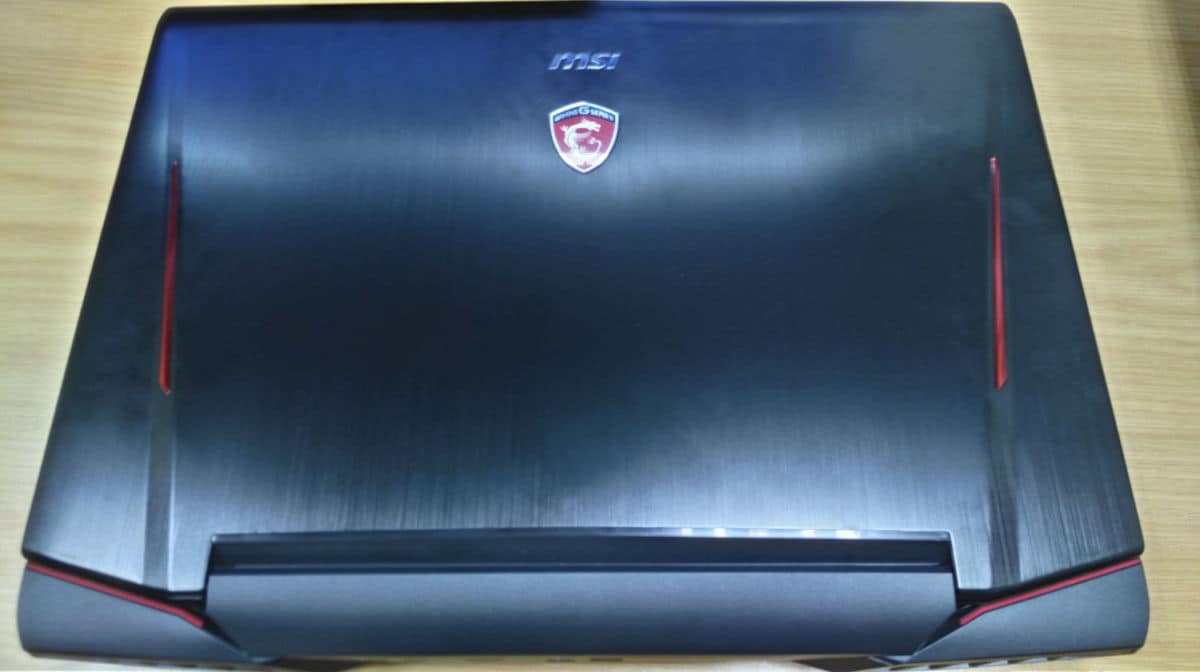
Very glossy back, you can see it reflecting our meeting room’s light.
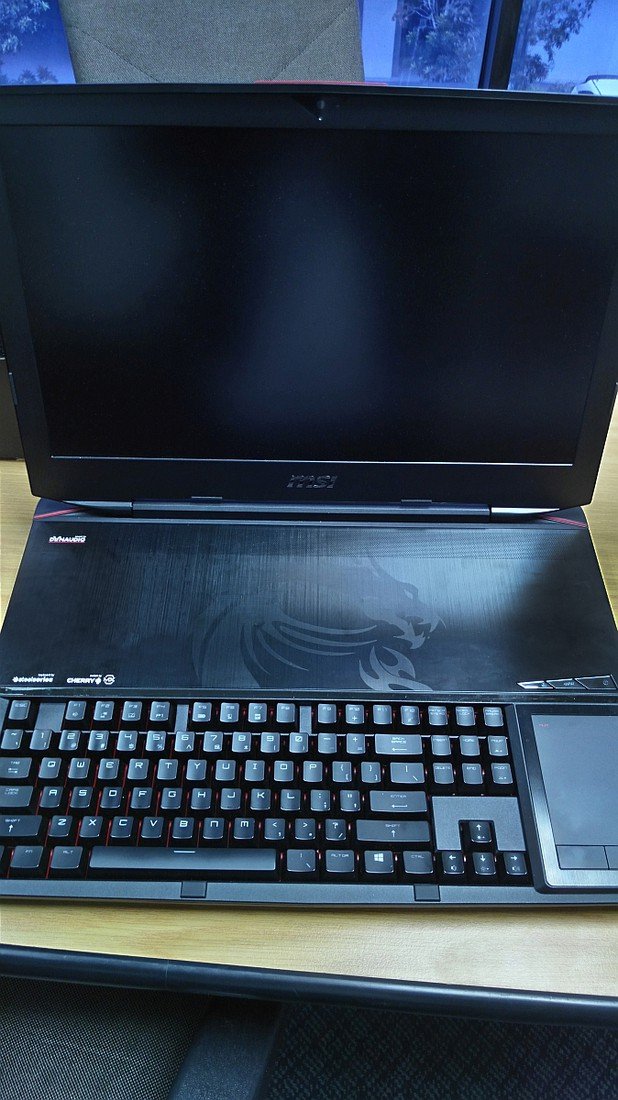
The front of the unit, which includes the space on top that’s covered by a aluminium plate. MSI tells us that it can be removed easily to replace parts like RAM or the M.2 SSD, but we’re a bit leery of removing something that seems to need more force than gentle prodding. Another immediate concern is: wrist rest where?
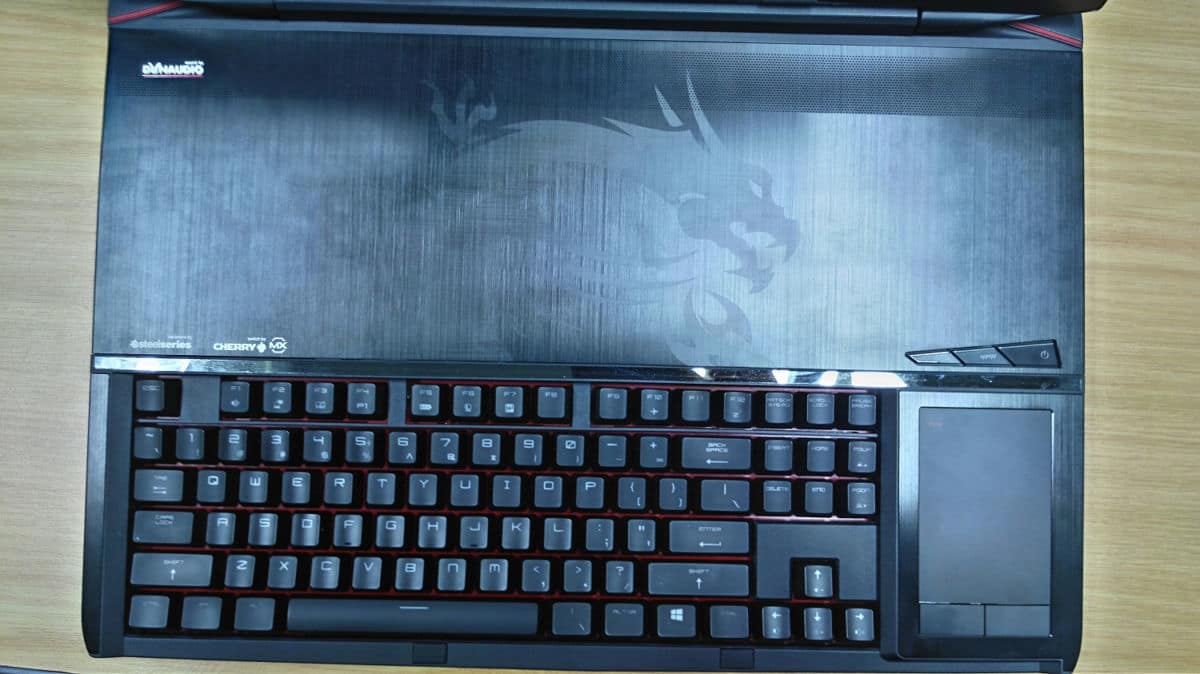
Here you can see the keyboard itself. It’s mechanical, as many of you know, and using Cherry MX Brown switches. In plain English, the keys actuate with a light press if you prefer not to make too much noise, but would also deliver that lovely click-clack sound when tapped on firmly. On the right is the trackpad/numpad combo, which you toggle by using the touch button on the top left corner of the pad.
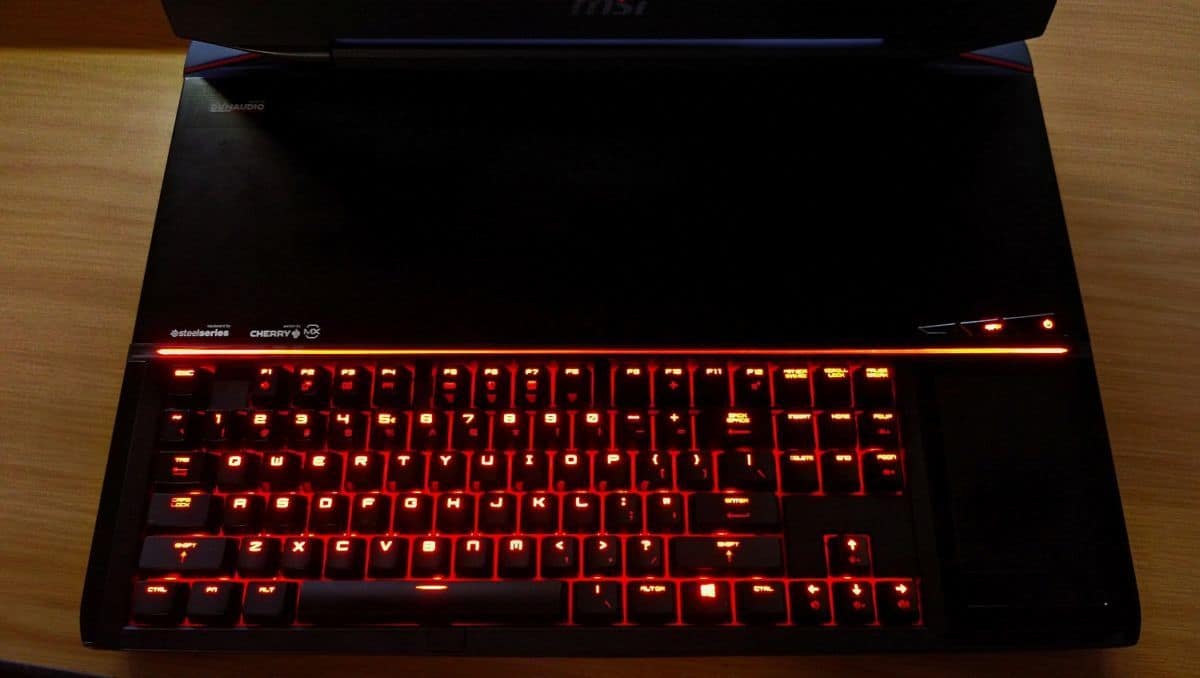 We switched off the lights to check out the backlit illumination. It glows a nice reddish-orange, very nice.
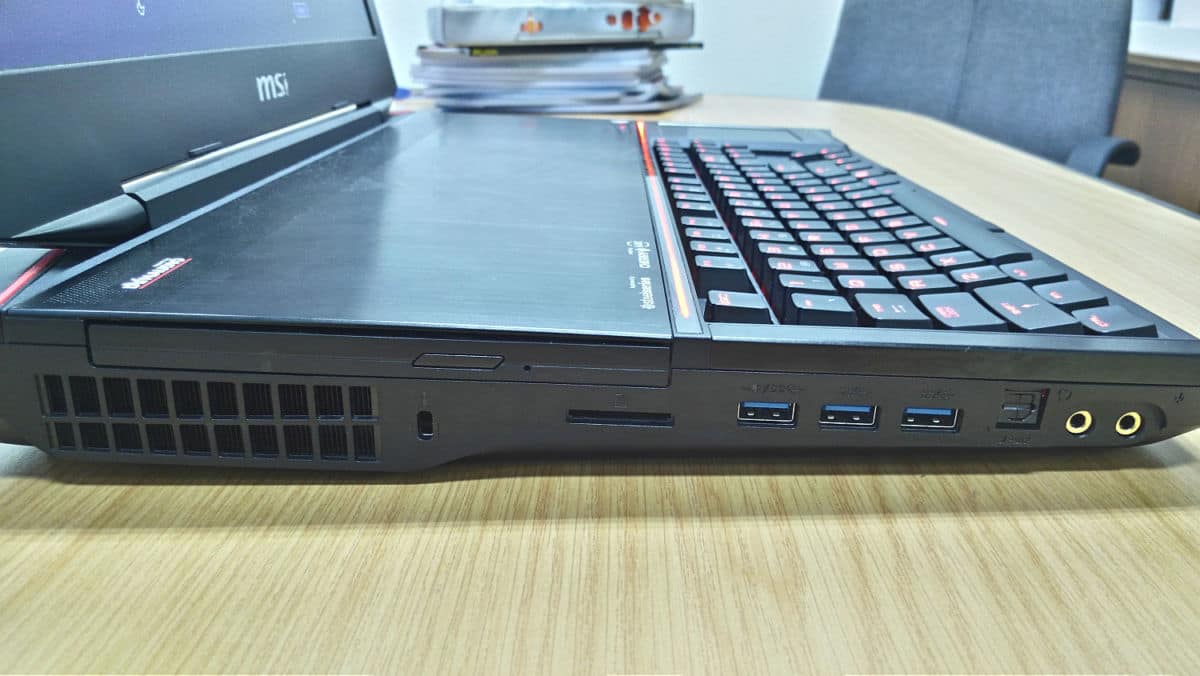
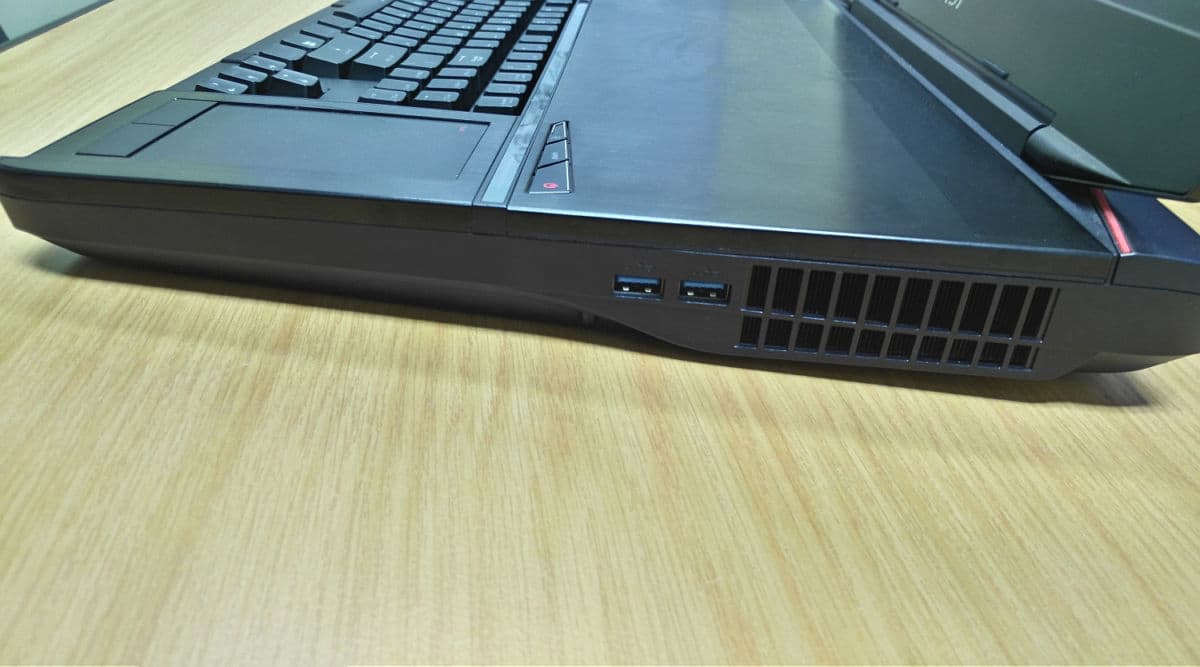
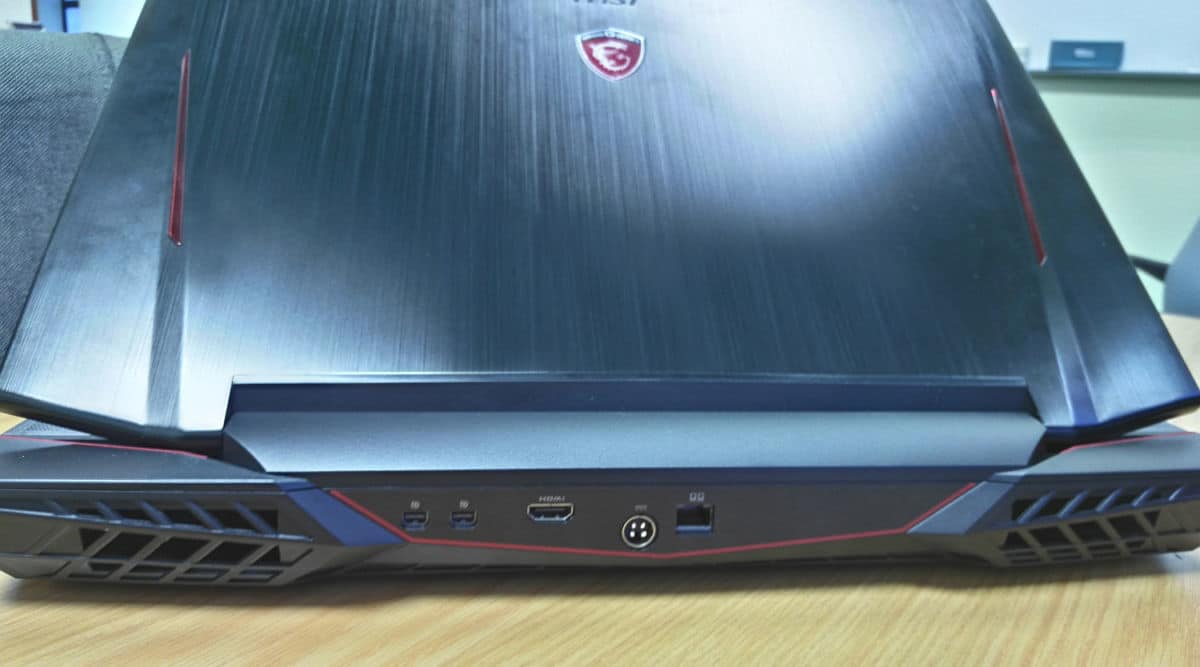
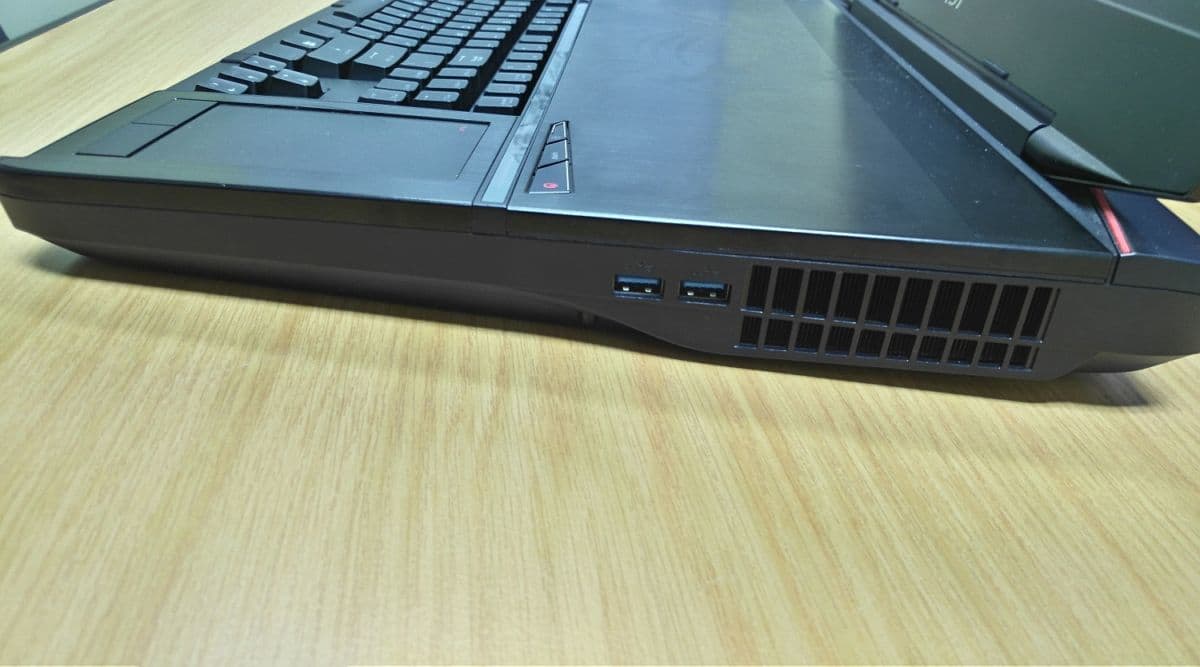
The other three sides of the beast. Five USB 3.0 slots to go around, an SD card reader and a Blu-ray drive are more than enough for your media or storage needs. Then there’s the audio and mic jack, right next to the SPDIF if you want to hook this up to a speaker system. If 18.4 inches is not big enough for you, a HDMI slot is there so you can plug this into a bigger screen.
So that’s a wrap for the unboxing. Do send us comments on what you think about this hardware from MSI. We’re still trying to get a fix on the actual retail price in Malaysia, but expect a review of this in our February/March issue. Cheers!